
Favorites are a quick, personal way to flag the assets you use most often.
Add or remove a favorite
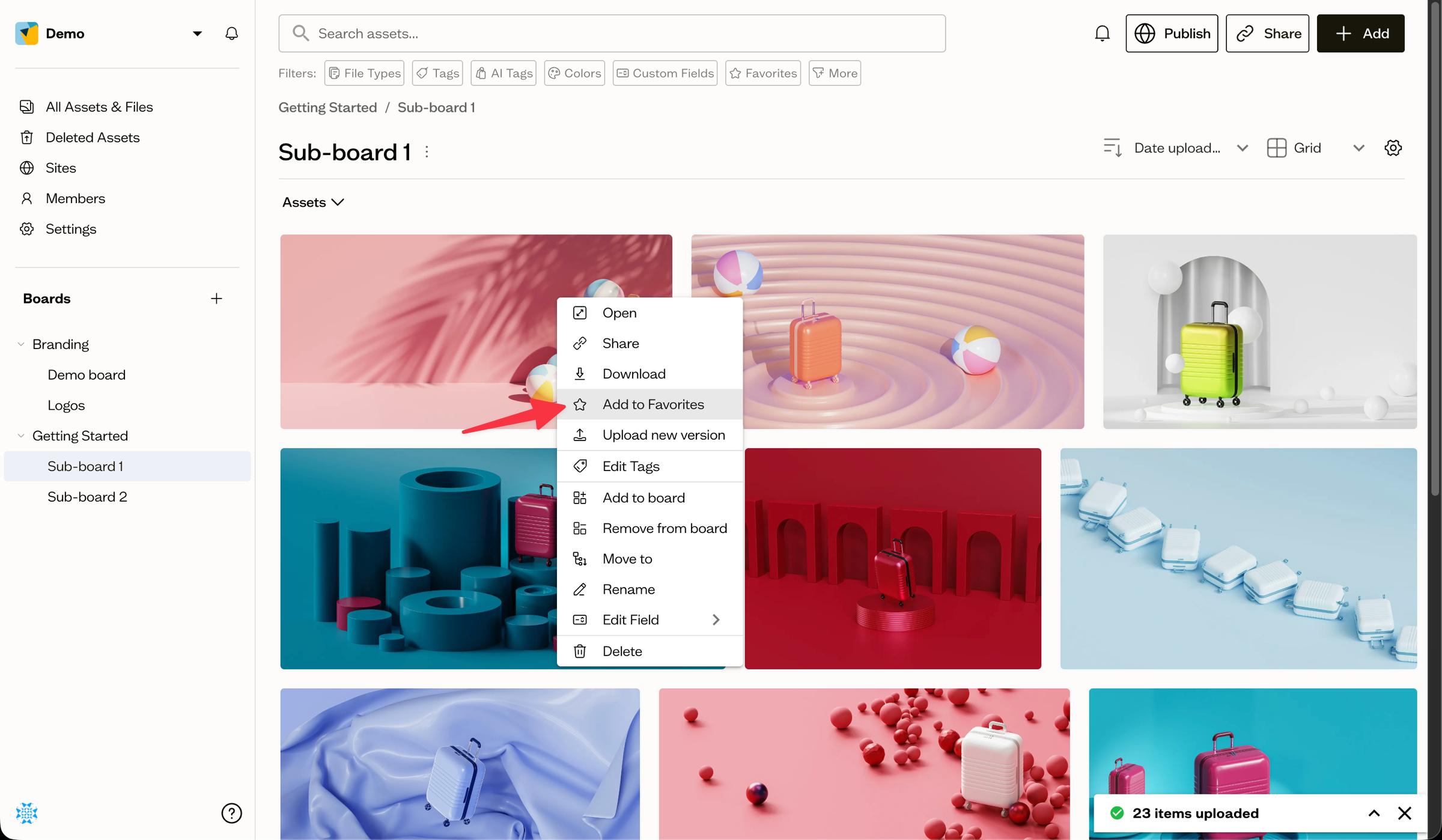
Right-click an asset (or open its ⋮ menu) and choose Add to Favorites. To remove it, choose Remove from Favorites. You can also favorite several assets at once using the star button in the bottom action bar.
Show only favorites
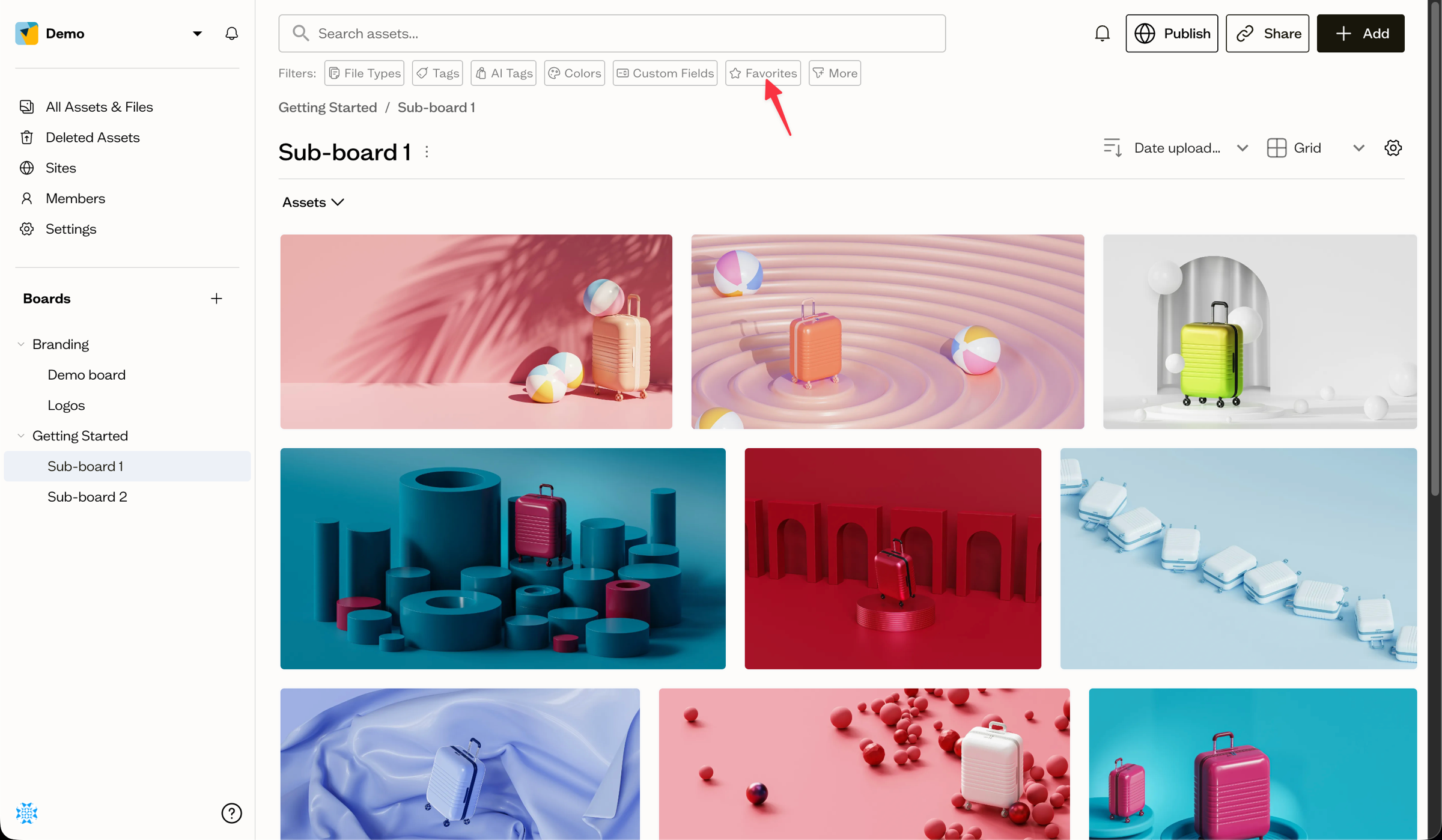
In the search bar, select the Favorites button to show only favorited assets. Select it again to clear the filter.
Bulk edit favorites
To favorite or unfavorite many assets at once, select them in the grid, then use the star button in the bottom action bar. It adds the selection to your favorites, or removes them if they are already favorited. This is one of several bulk actions.
Next steps
Combine the Favorites filter with tags and other chips to narrow your view further.