
After you upload a file, Baseline processes it to generate previews, extract metadata, and apply AI tags. This article explains the states you will see.
During upload
An upload panel at the bottom of the screen shows progress for each file, with states like Queued, Uploading, and Upload complete. You can keep working while files transfer.
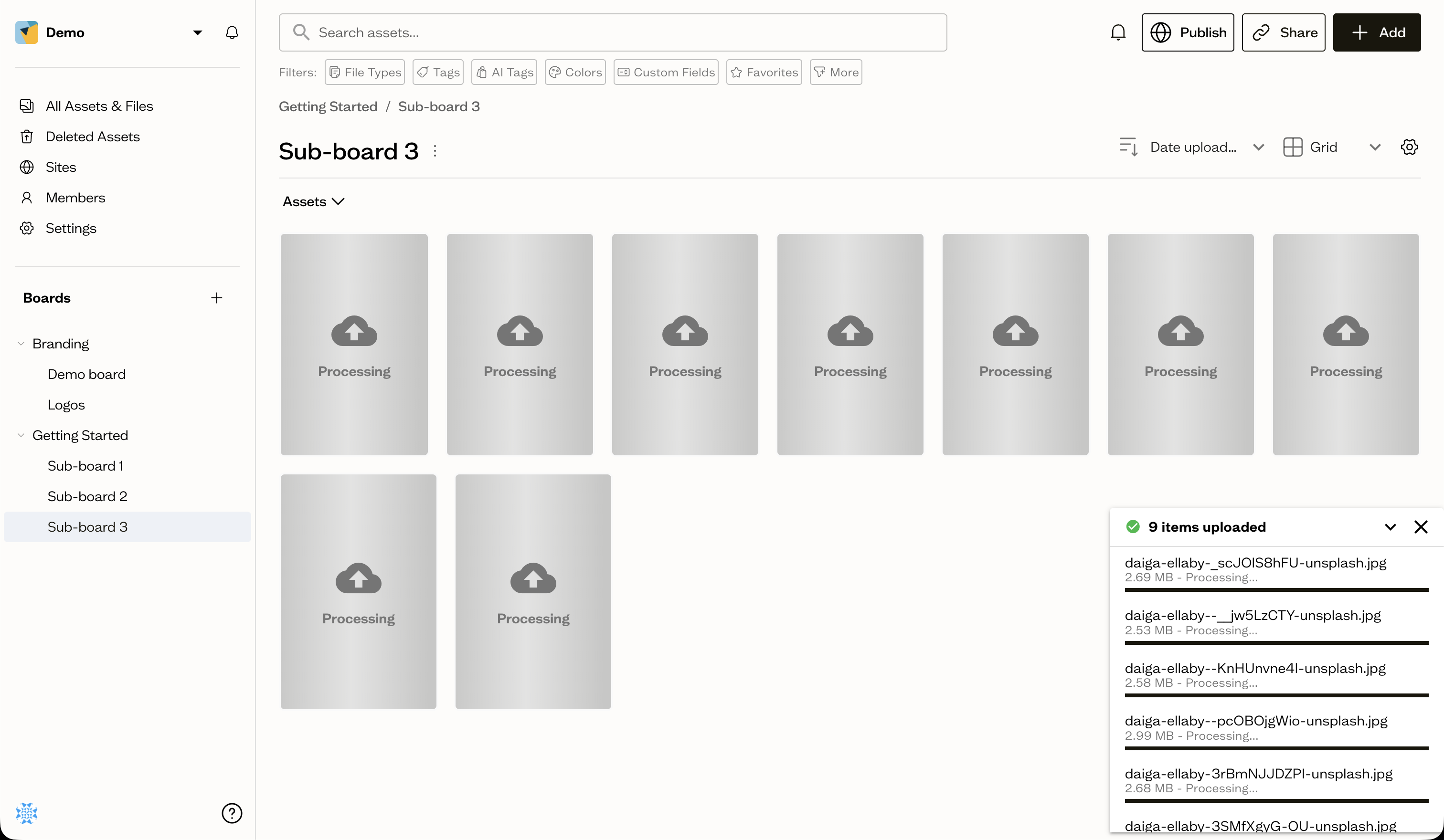
During processing
Once a file is uploaded, it shows a Processing state on its card until previews and metadata are ready. It becomes searchable when processing finishes.
When something fails
If a file shows Upload failed or Error, the most common causes are an interrupted connection. Try uploading again. If the problem continues, contact support.
Next steps
Learn how to delete assets and recover them if you change your mind.