
Search is the fastest way to find an asset. It lives in the bar above your board and asset views.
Where to search
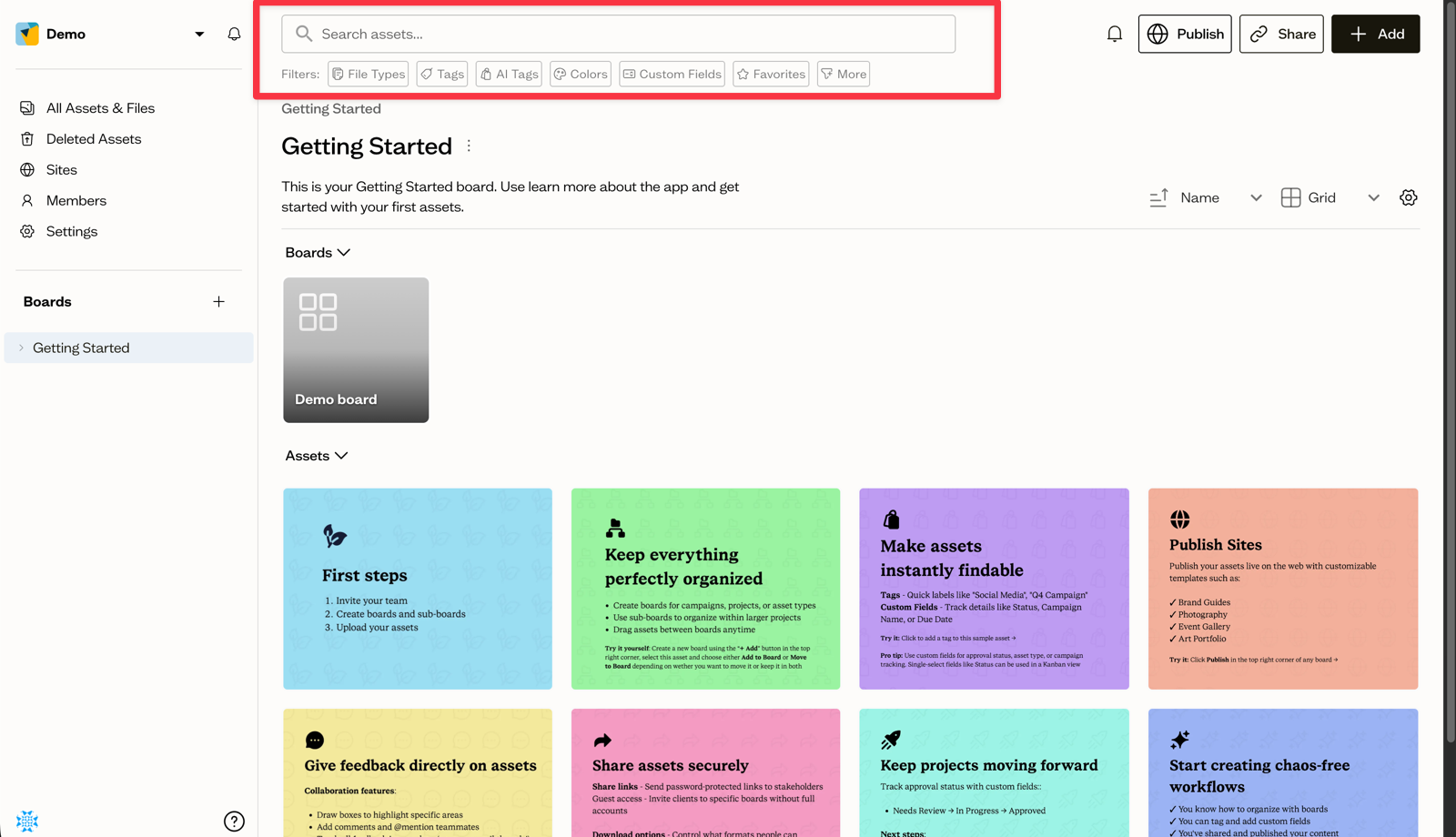
Open a board or the All Assets & Files view. The search bar sits at the top, with the placeholder Search assets.... Type your keywords and press Enter.
How scope works
Search scope follows where you are:
- On a specific board, search covers that board only.
- On All Assets & Files, search covers the whole workspace.
There is no separate toggle: switch to All Assets & Files when you want to search everything.
What gets matched
Keywords match against asset names, descriptions, file paths, manual tags, and AI-generated tags.
Narrow with filters
Below the search bar is a Filters row with chips for file types, tags, AI tags, colors, custom fields, and favorites. Combine them with your keywords to zero in on the right asset.
Next steps
Learn more about each filter chip and the advanced filters available under the More menu.