
You can delete assets when you no longer need them. Deleted items are recoverable for a limited time, so deletion is not immediately permanent.
Delete an asset
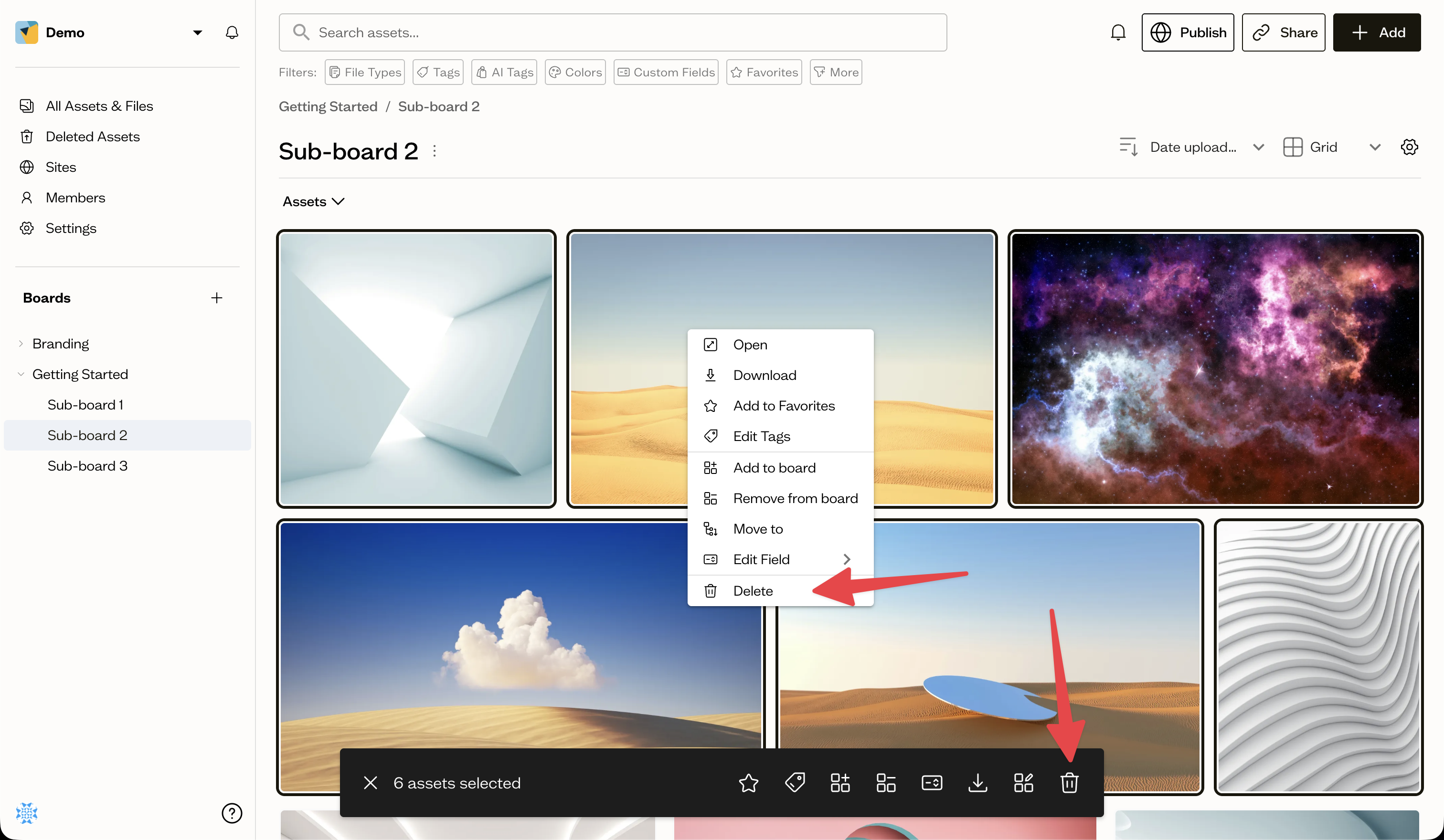
Right-click an asset and choose Delete, or select several assets and use the delete button in the bottom action bar (see bulk actions). Confirm in the dialog.
Recovery window
Deleted assets and boards move to Recently Deleted, where they remain recoverable for a period that depends on your plan. After that window they are removed permanently.
Next steps
See recently deleted to restore something you removed by mistake.