
A workspace is the top-level container for everything in Baseline: your boards, assets, members, and settings. You can belong to several workspaces and switch between them at any time.
Create your first workspace
After you sign up and log in, you land on a welcome screen prompting you to create a workspace. Select Create Your First Workspace to get started.
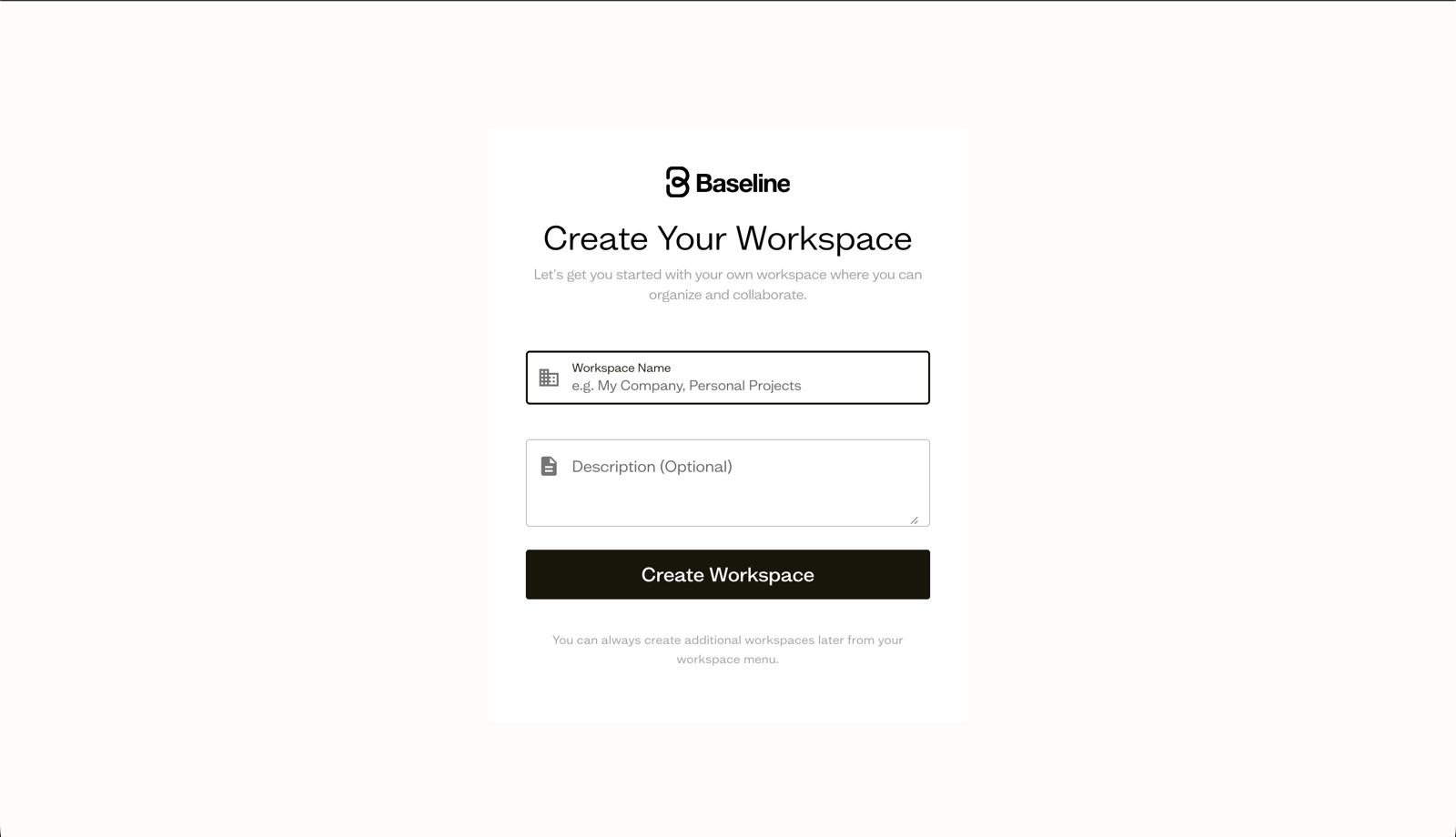
On the next screen, give your workspace a name and an optional description, then select Create Workspace. Your name should reflect your team or company, for example "Acme Inc." or "Marketing".
What gets set up automatically
When your workspace is created, Baseline:
- Makes you an Admin of the workspace.
- Creates a starter Getting Started board with a few example assets so you have somewhere to explore right away.
Create additional workspaces
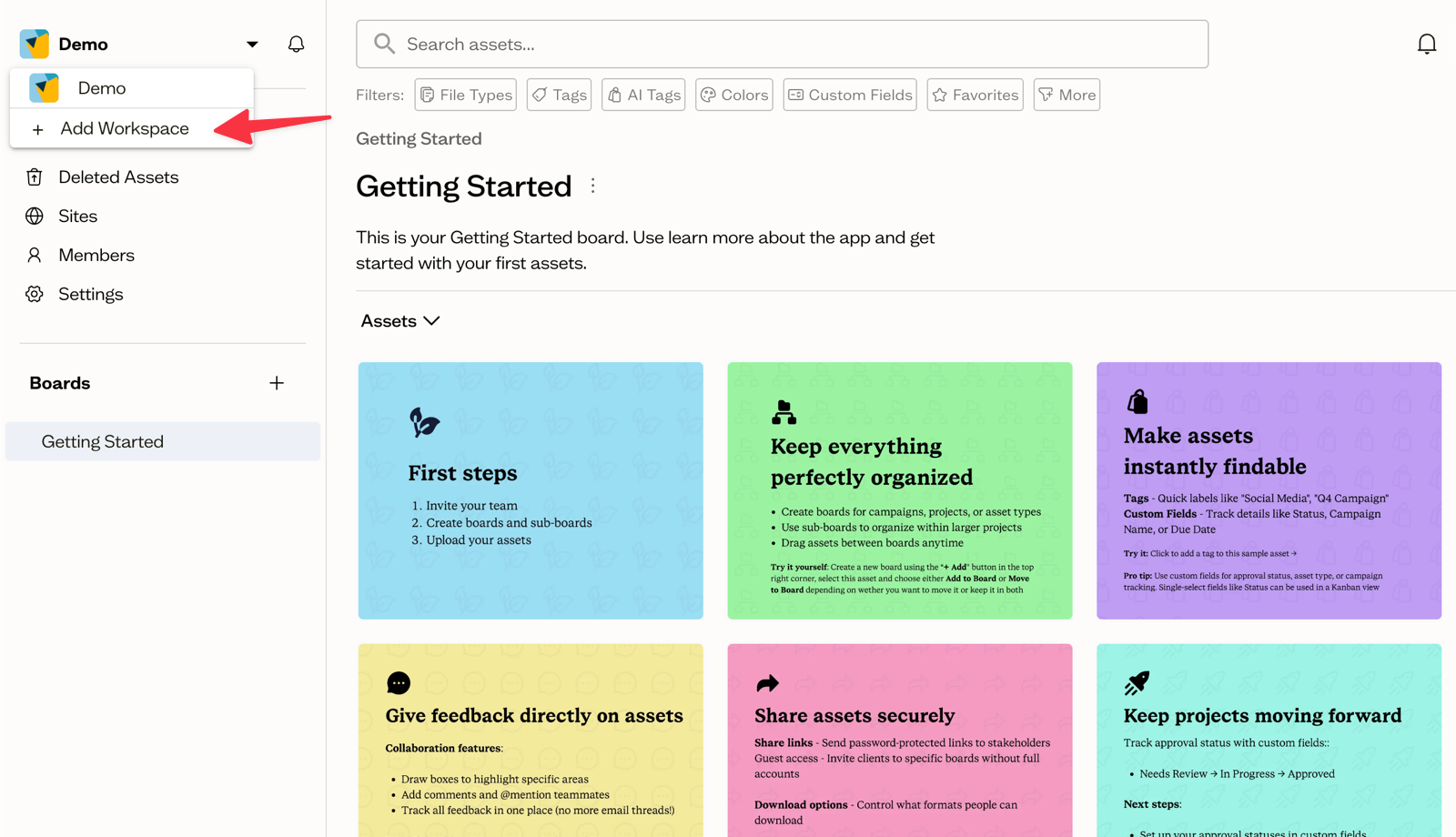
You can have more than one workspace, for example one per client or brand. Open the workspace switcher at the top of the sidebar and select Add Workspace to create another one.
Next steps
With a workspace in place, create a board and upload your first assets, then invite your team to join you.