
Following a board is how you opt in to alerts about its activity, such as new uploads and comments.
Follow a board
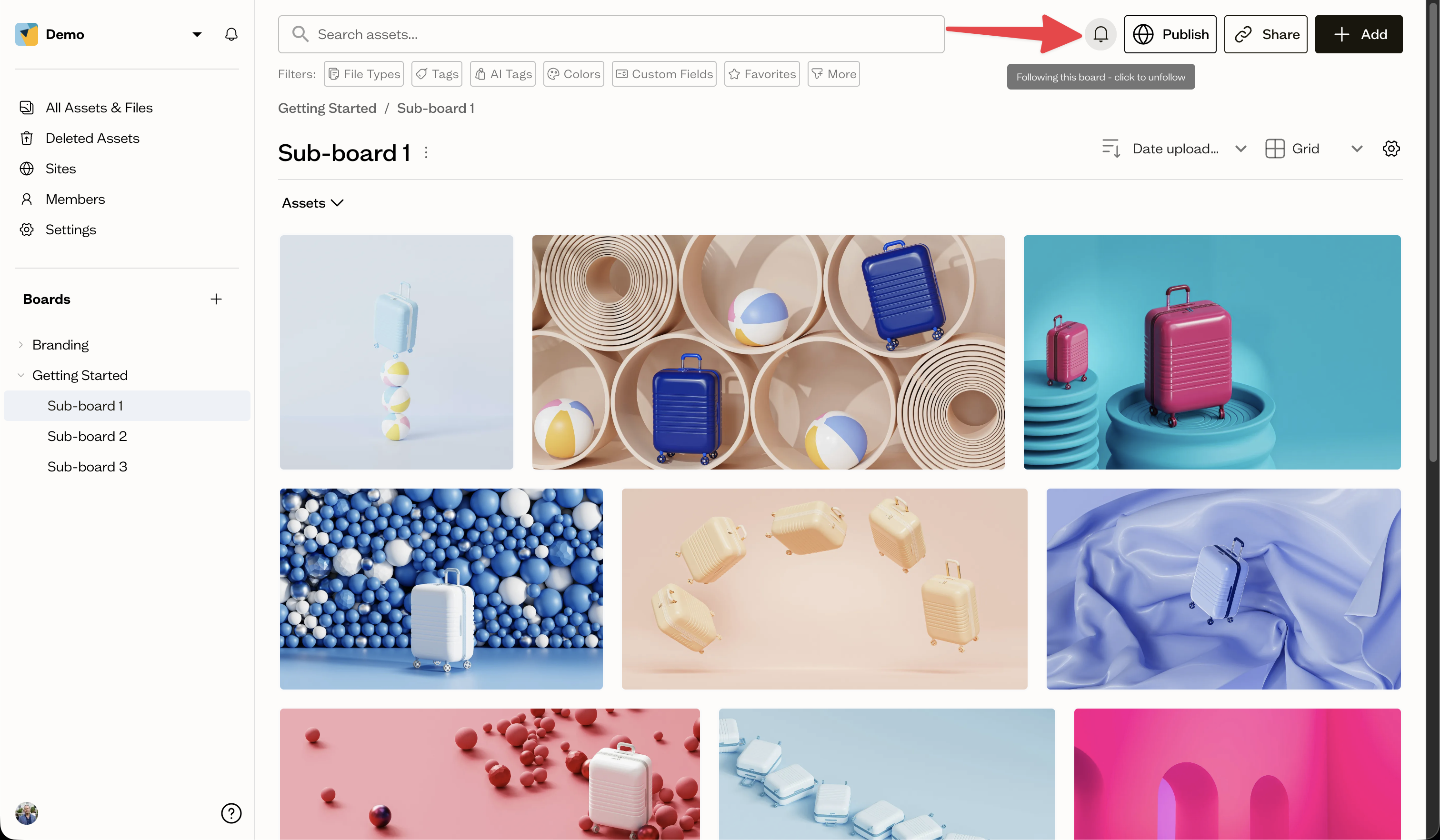
On a board, select the bell button near the search bar to follow it. Select it again to unfollow.
Auto-follow
Baseline may automatically follow a board after you interact with it, for example by commenting or uploading. Boards you have explicitly unfollowed are left alone.
Manage followed boards
In your notification settings, select View boards under Followed boards to review and unfollow boards. Auto-followed boards are marked so you can tell them apart.
Next steps
Decide which followed-board events notify you in your notification preferences.