
The Members page is where Admins manage who belongs to the workspace and what they can do.
Open the Members page
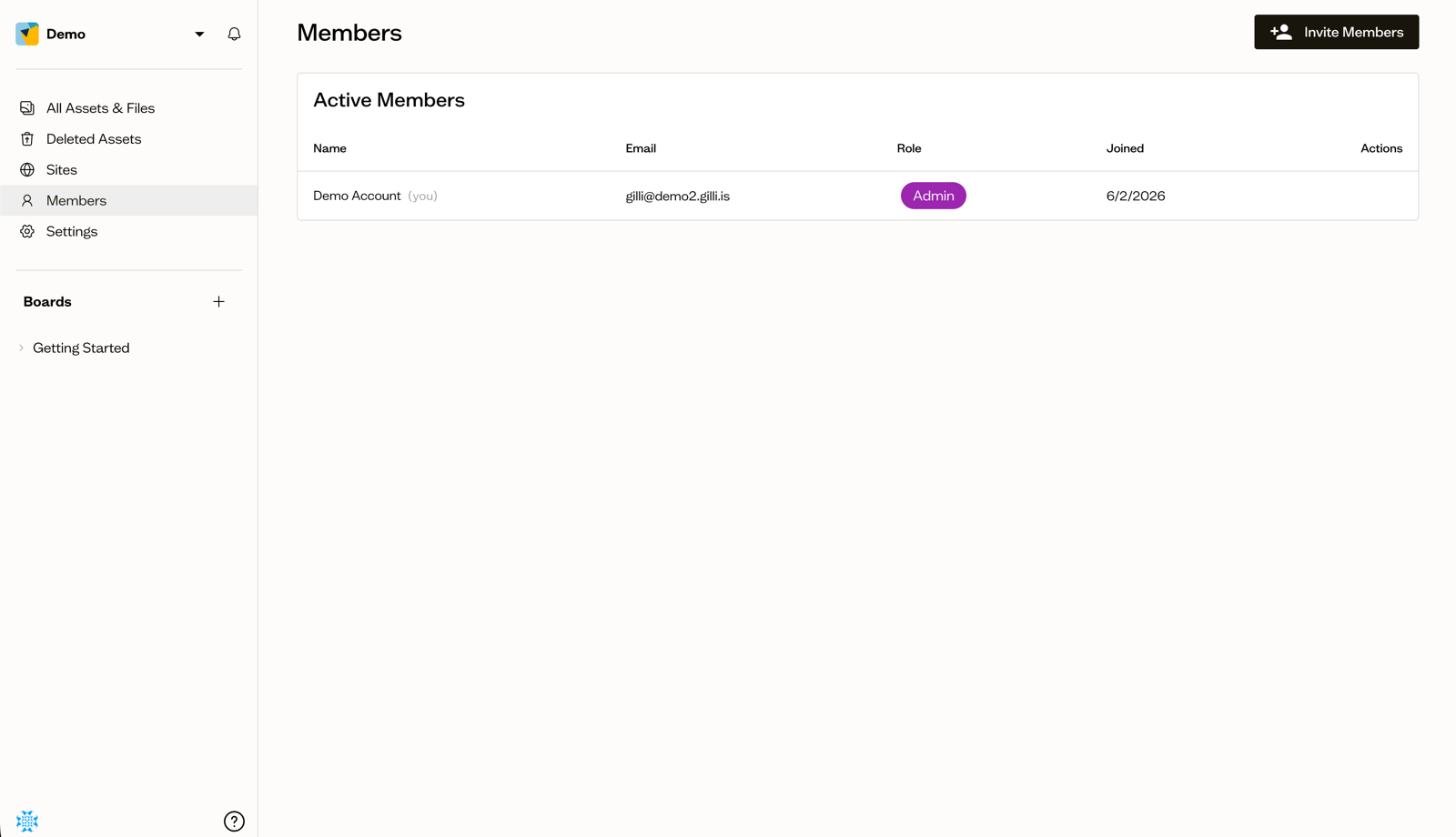
Select Members in the sidebar to see everyone in the workspace, along with their email, role, and join date.
The roles
- Admin — manages the workspace, members, and billing
- Editor — creates and edits content, and can comment
- Commenter — views content and leaves comments
Change a member's role
Admins can change a member's role using the role dropdown next to their name. You cannot change your own role.
Next steps
Learn how to invite new members or remove people who no longer need access.