
Mentioning a teammate notifies them that their input is needed, right where the discussion is happening.
Mention someone
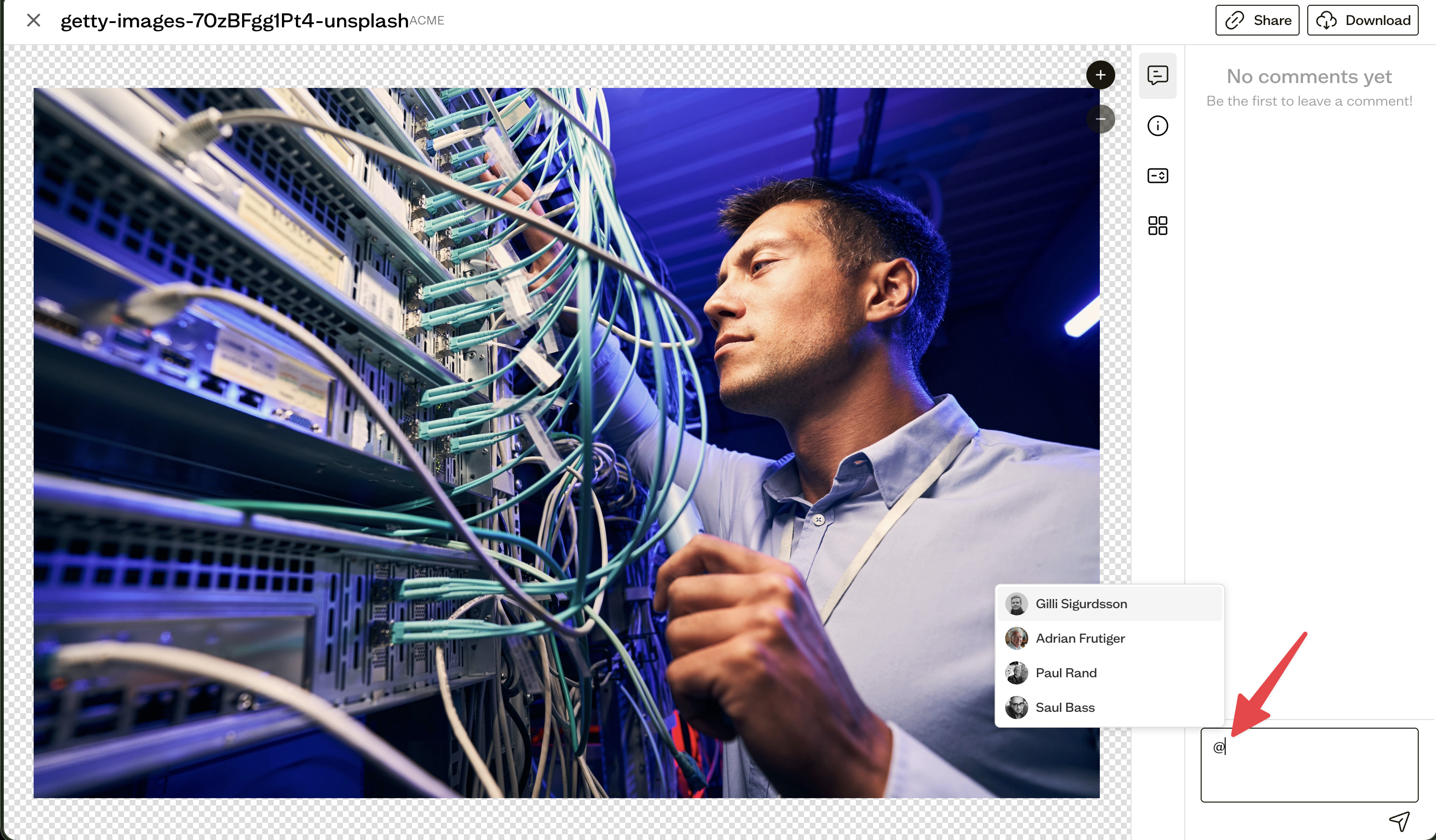
In the comment box, type @ and start typing a name. Pick the person from the dropdown of workspace members.
What happens
The mentioned person sees their name highlighted in the thread and receives a notification, based on their notification preferences.
Good to know
Mentions use your workspace member list, so they are available to signed-in members and guests, not to anonymous visitors on a shared link.
Next steps
Manage how you are notified about mentions in your notification preferences.