
The daily digest rolls up your unread notifications into one email per day, so your inbox stays calm.
Turn on the digest
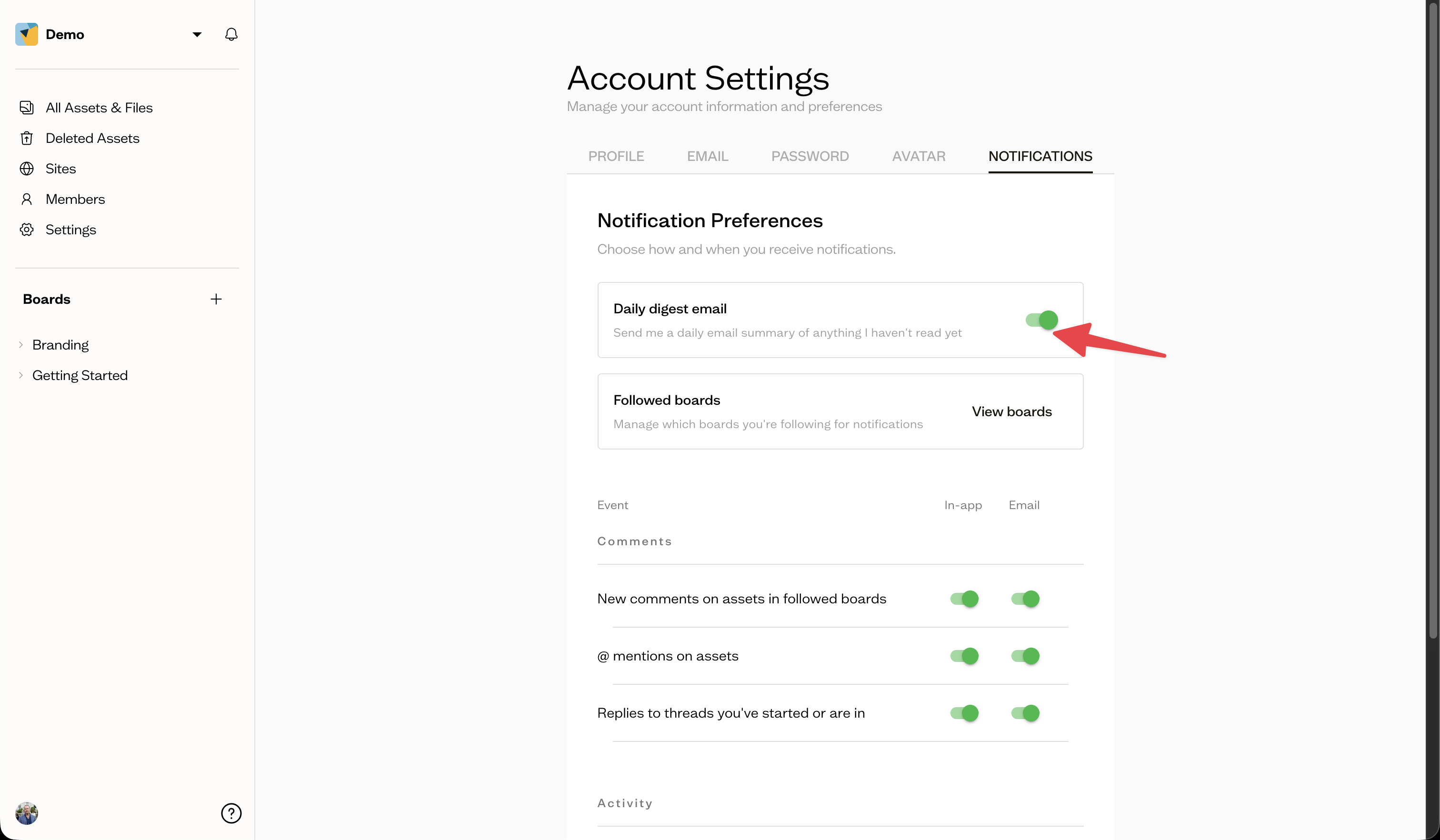
Go to Account Settings, open the Notifications tab, and enable Daily digest email.
What it includes
The digest summarizes anything you have not yet read since the last one, so you can catch up at a glance.
Next steps
Pair the digest with your notification preferences to fine-tune which events it covers.