
Notification preferences let you control which events reach you and how.
Open your preferences
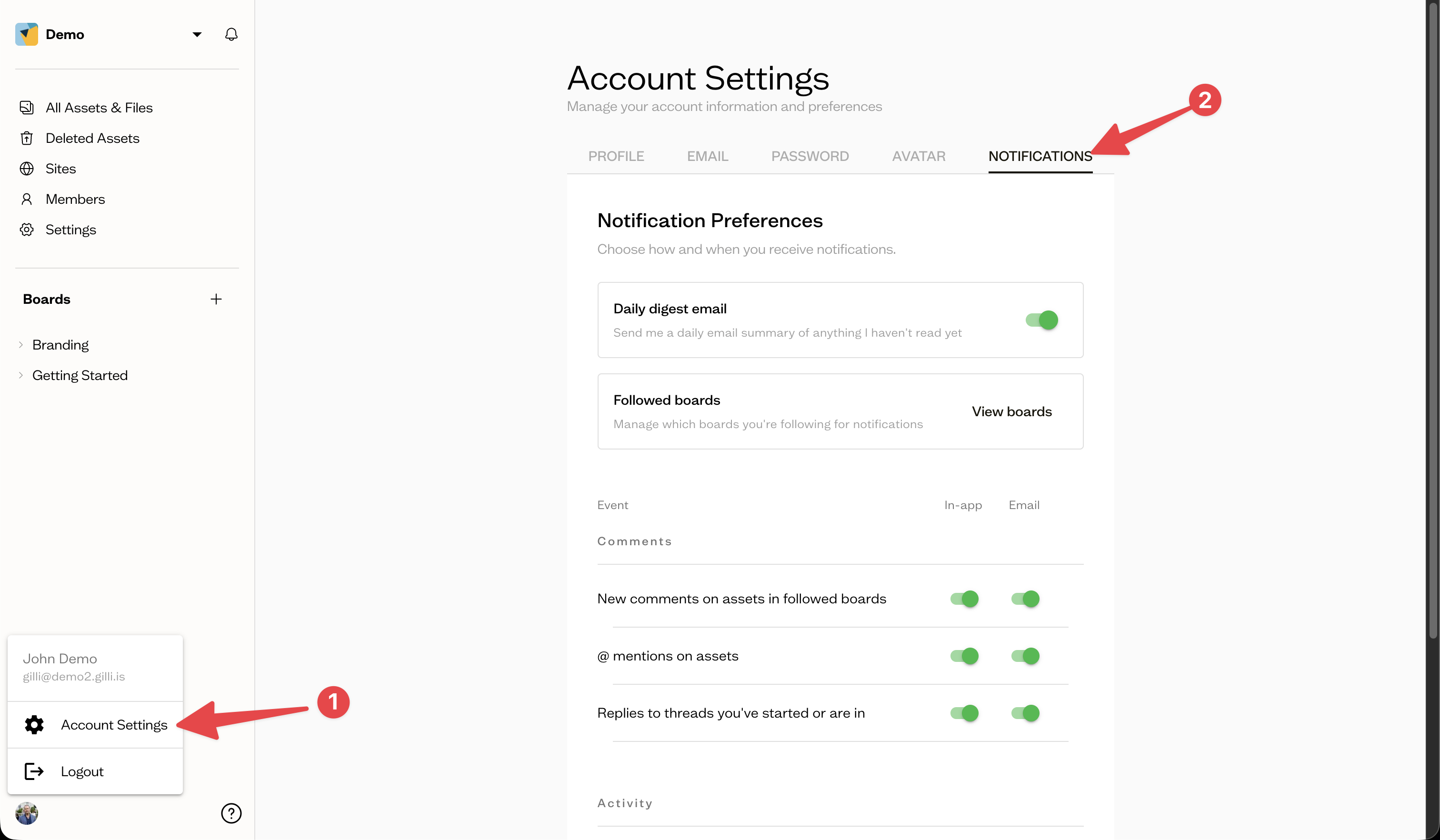
Go to Account Settings and open the Notifications tab.
Choose your events
Each event has separate In-app and Email toggles, grouped into:
Comments
- New comments on assets in followed boards
- @ mentions on assets
- Replies to threads you've started or are in
Activity
- New sub-boards created in followed boards
- New items uploaded to followed boards
- Custom field changes to followed boards & their assets
Next steps
Turn on the daily digest to get a single email summary instead of individual messages.