
Every active form has a unique public link that anyone can open — no account required.
Get the link
Open the form builder and select Share link at the top. The link is copied to your clipboard ready to paste into an email, message, or document.
The link format is yoursite.com/f/<token>, where the token is a unique identifier for your form.
What the submitter sees
Recipients open the link and see a full-screen, one-question-at-a-time experience. They progress through your questions using the Next button or keyboard shortcuts, upload files, and submit at the end.
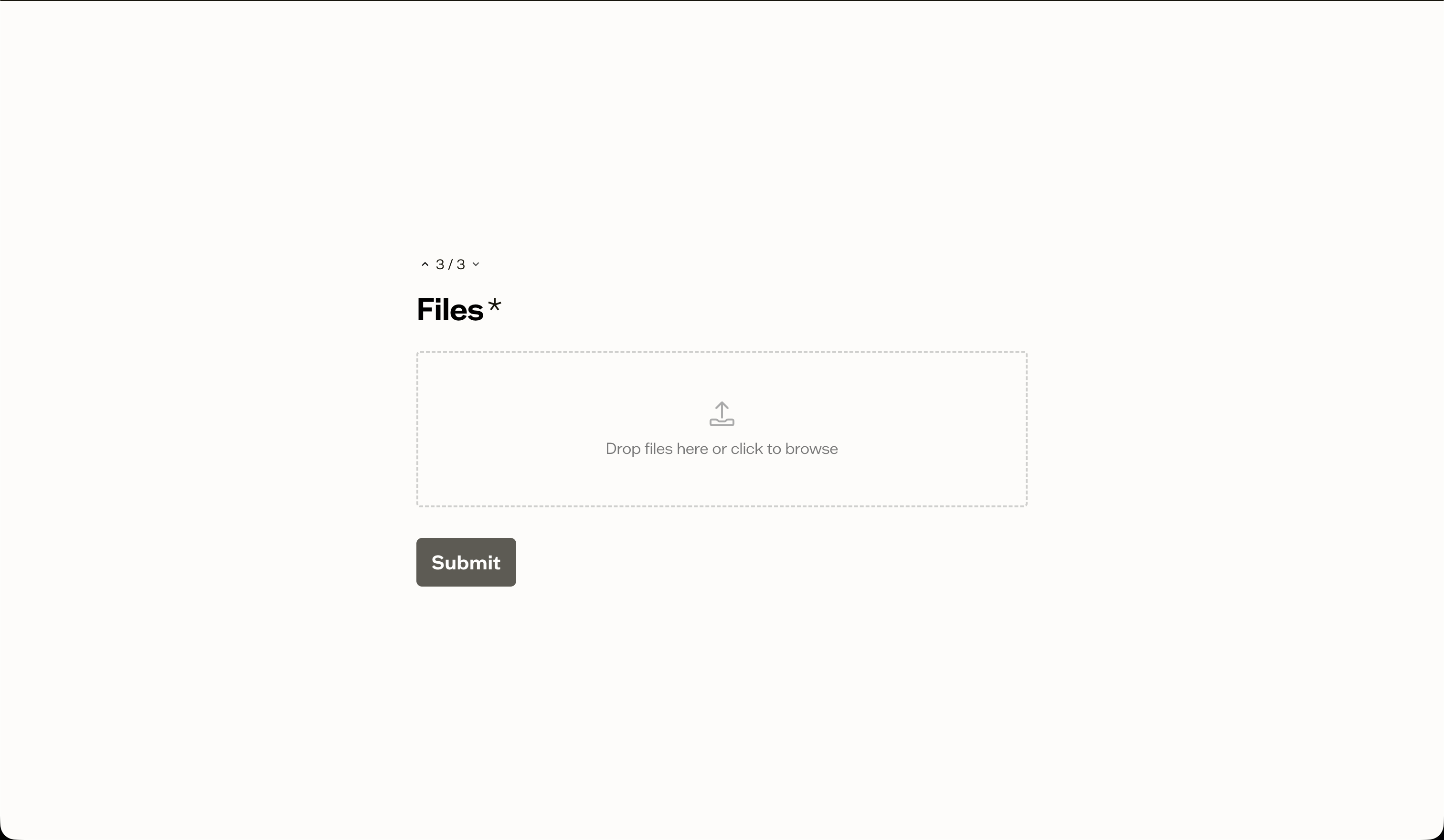
If you configured custom branding, the form displays your logo, colors, and font.
No login required
Submitters do not need a Baseline account. The form captures their name and email if you include Text or Email questions marked as the submitter identity fields.
Deactivating a form
If you need to stop accepting submissions, toggle the form to inactive in the Settings tab. The public link will show a "form not found" message until you reactivate it.
Next steps
View and manage responses in the form submissions tab.