
A saved view remembers how a board is laid out, so your team always sees it the way you intend.
What a saved view stores
Saving a view keeps the following settings on the board, for all members:
- View mode (Grid or Kanban)
- Sort field and direction
- Kanban Group by field
- Grid thumbnail size
Search terms and filter chips are not part of a saved view.
Save a view
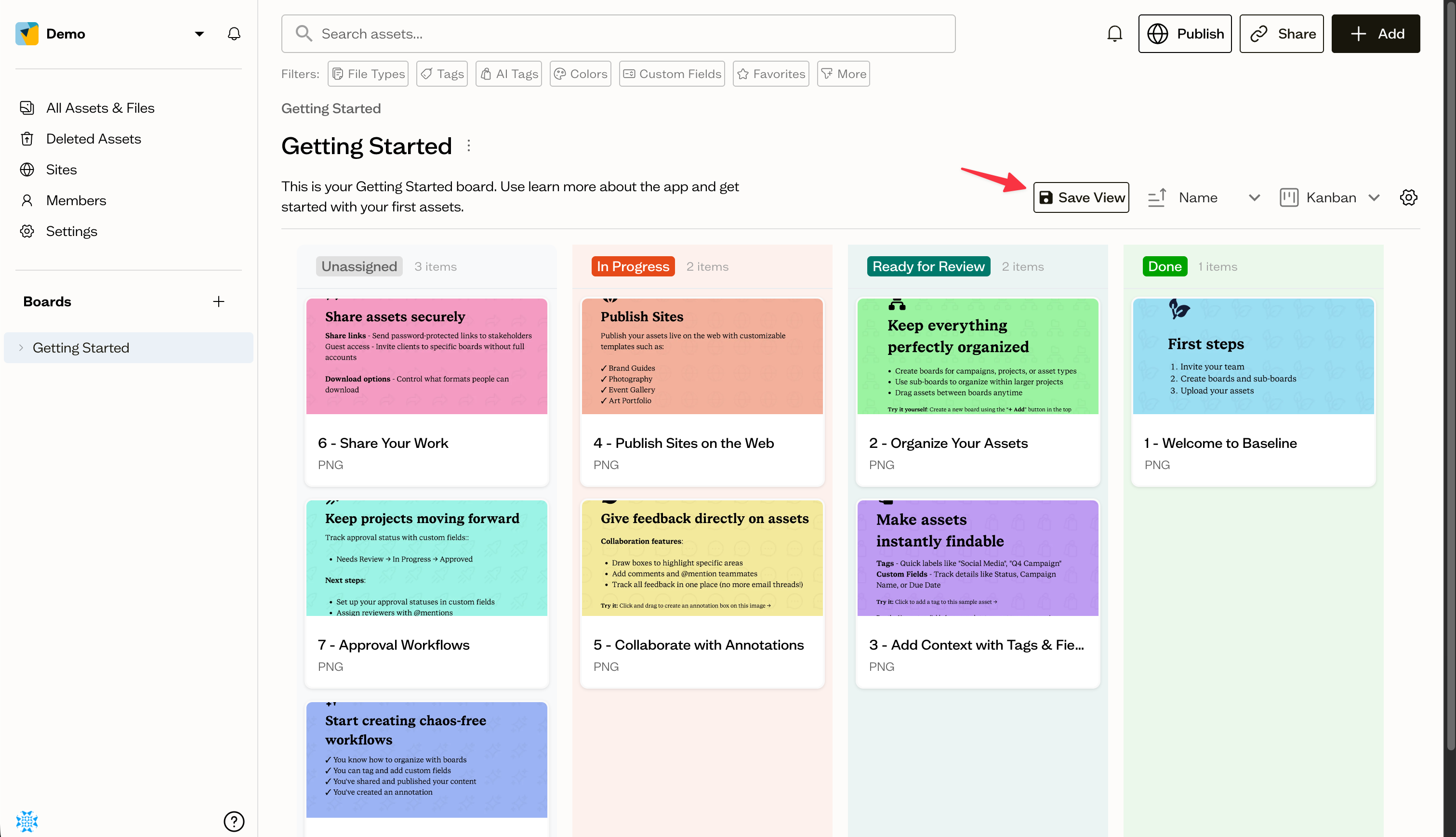
After you change any of those settings, a Save View button appears in the board toolbar. Select it to save. You will see a View settings saved successfully confirmation.
Next steps
For a status-based layout, set up the Kanban workflow and save it as your board's default view.