
The boards tree in the left sidebar reflects your structure. You can rearrange it at any time by dragging.
Reorder boards
Drag a board up or down in the tree to change its position among its siblings. A line indicator shows where it will land.
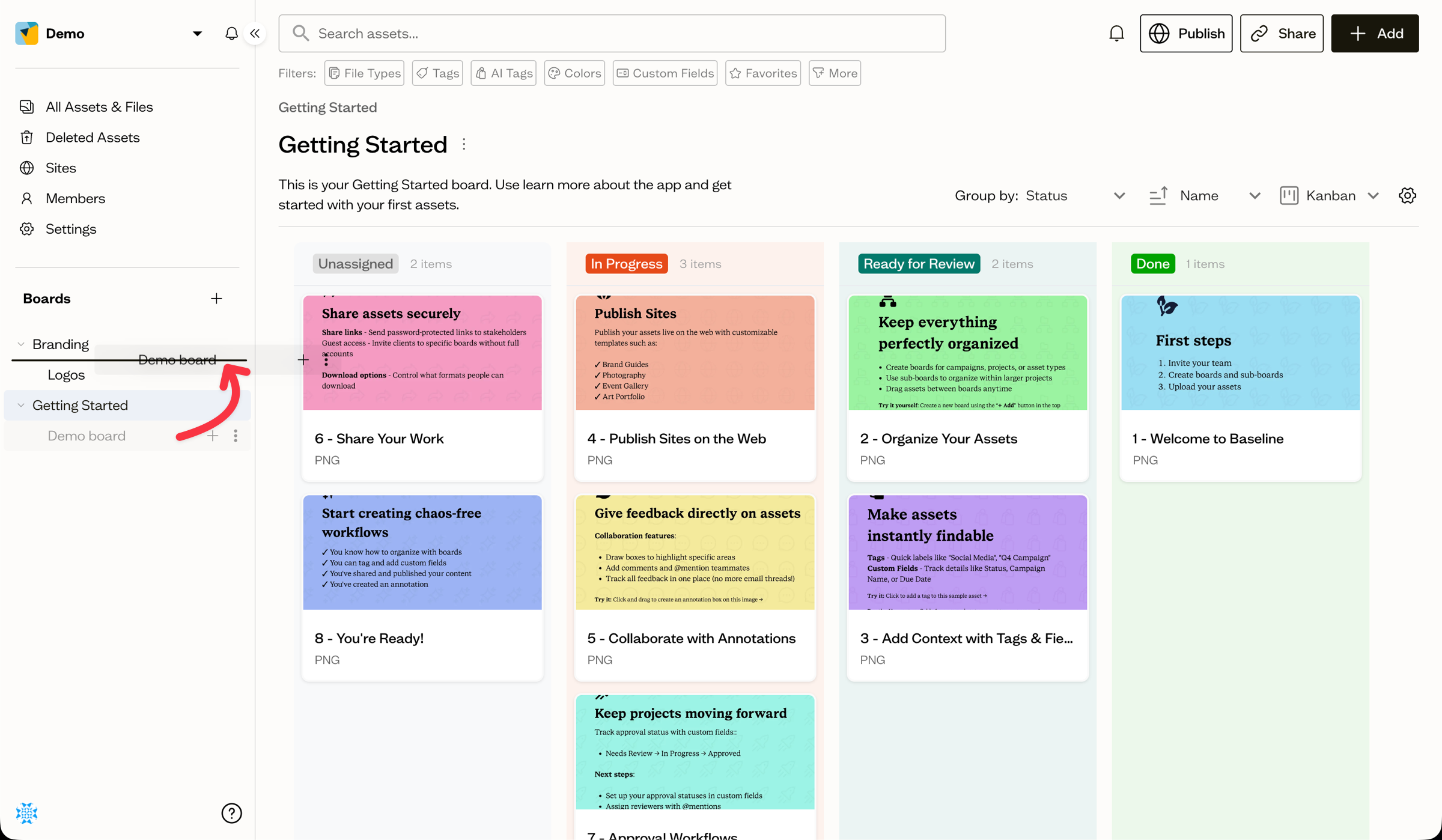
Nest a board
Drag a board directly onto another board to nest it as a sub-board. The target board highlights to show it will become the parent.
Things to know
- Changes apply for everyone in the workspace immediately.
- Inline boards created for fonts and colors cannot contain sub-boards.
Next steps
Learn what happens to a board and its assets when you delete it.