
Admins manage workspace membership from the Members page.
Invite members
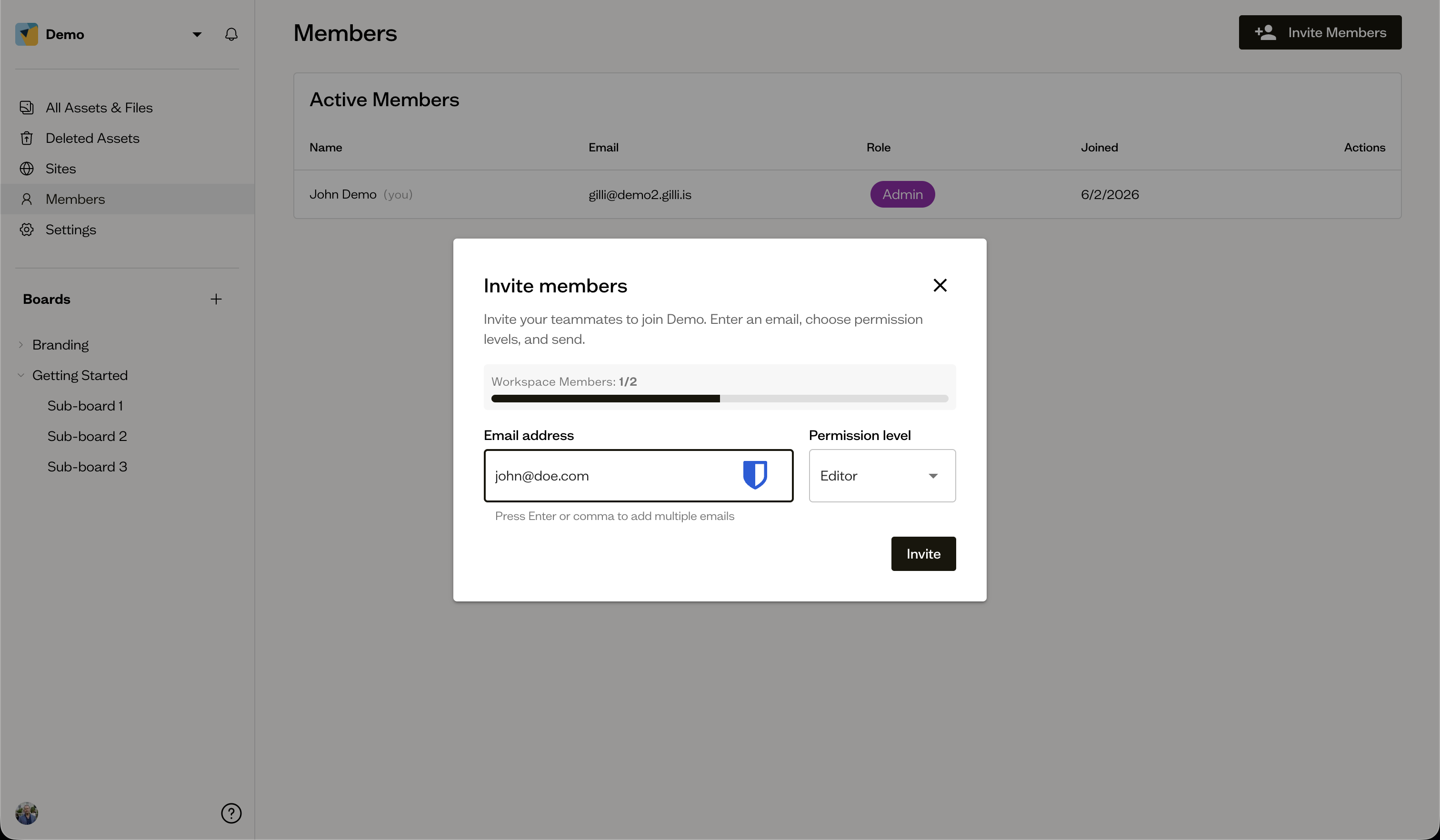
On the Members page, select Invite Members. Enter one or more email addresses, choose a Permission level, and send. Invitees get an email link to accept.
Change someone's role
Use the role dropdown next to a member to switch them between Admin, Editor, and Commenter.
Remove a member
Open a member's ⋮ menu and choose Remove, then confirm. You cannot remove yourself.
Next steps
Track invitations that have not been accepted yet on pending invites.