
You can publish a board as a site, for example a brand guidelines page that shares your colors, fonts, and logos.
Start a site
Open the board you want to publish and select Publish (the globe icon) in the top bar.
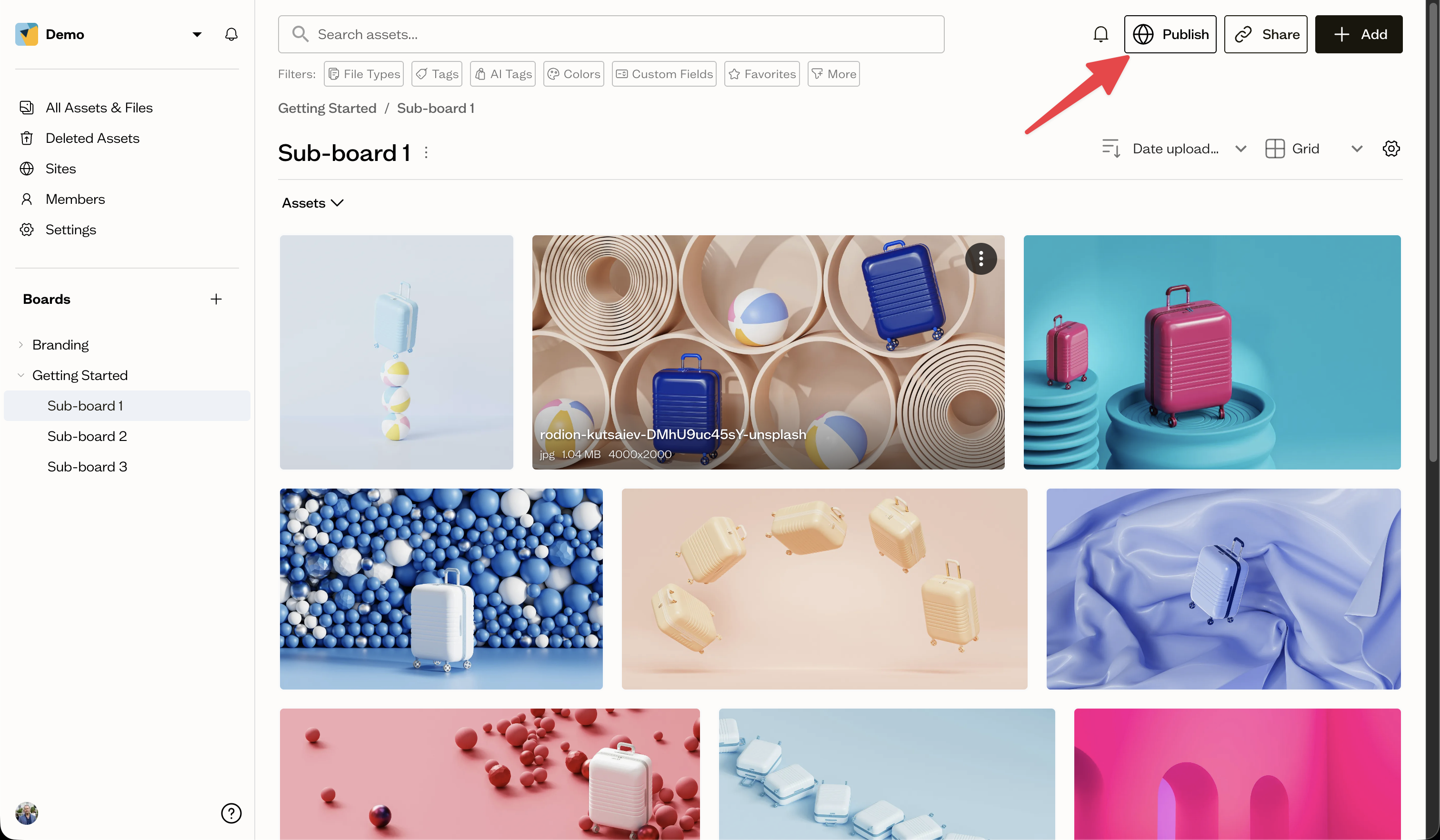
Choose a starting point
The first time, you are asked to choose a template to start with, or to start with a blank page. Pick one to continue.
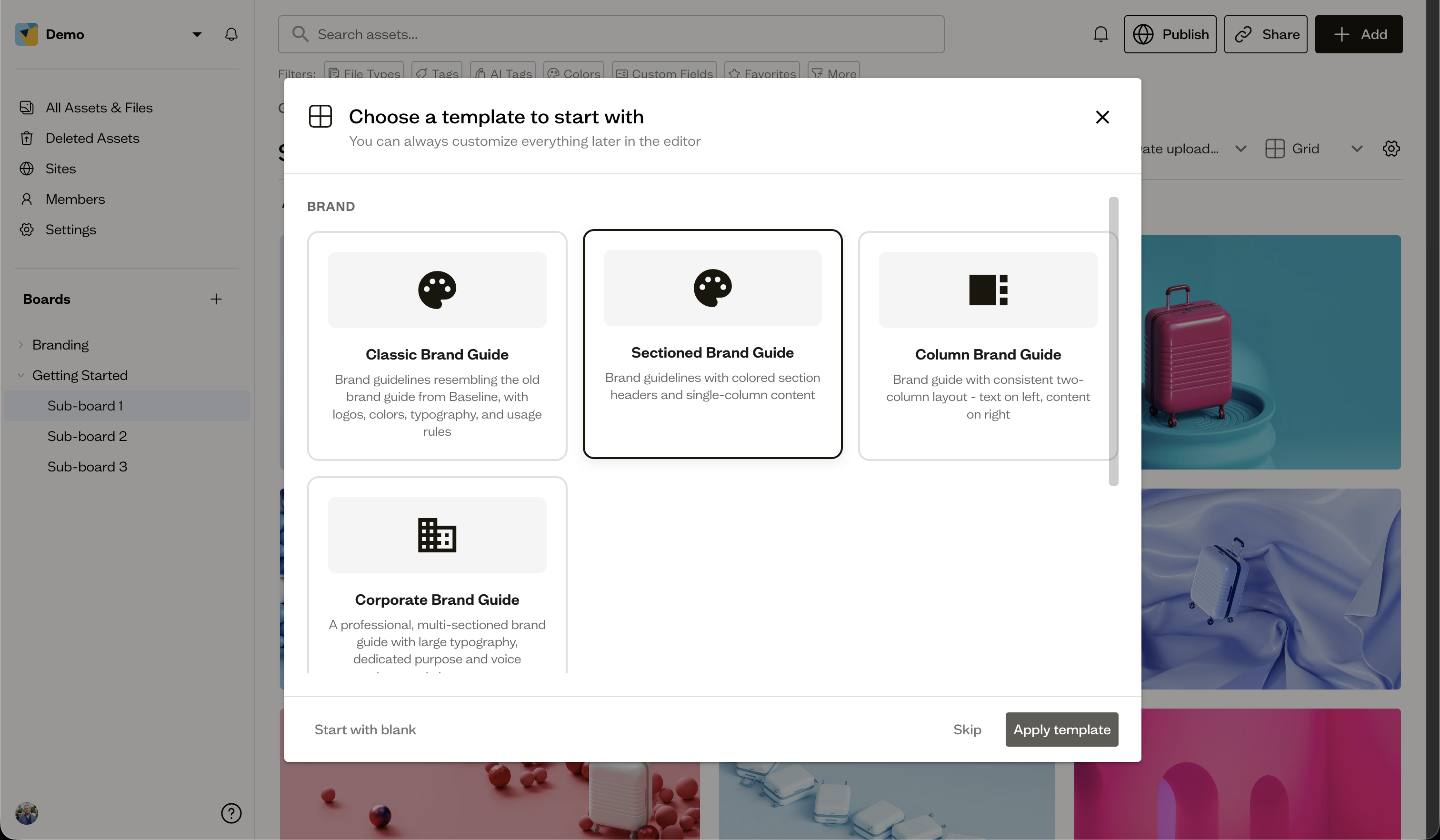
Open the editor
After the site is created, you land in the Site Editor, where you build out the page. Each board can have one site.
Next steps
Learn your way around the site editor to add pages, sections, and blocks.