
Templates give you a complete page layout to start from, so you do not have to build a site section by section.
Choose a template when creating a site
When you first publish a board, you are offered a set of templates, including several brand guide layouts and a blank page.
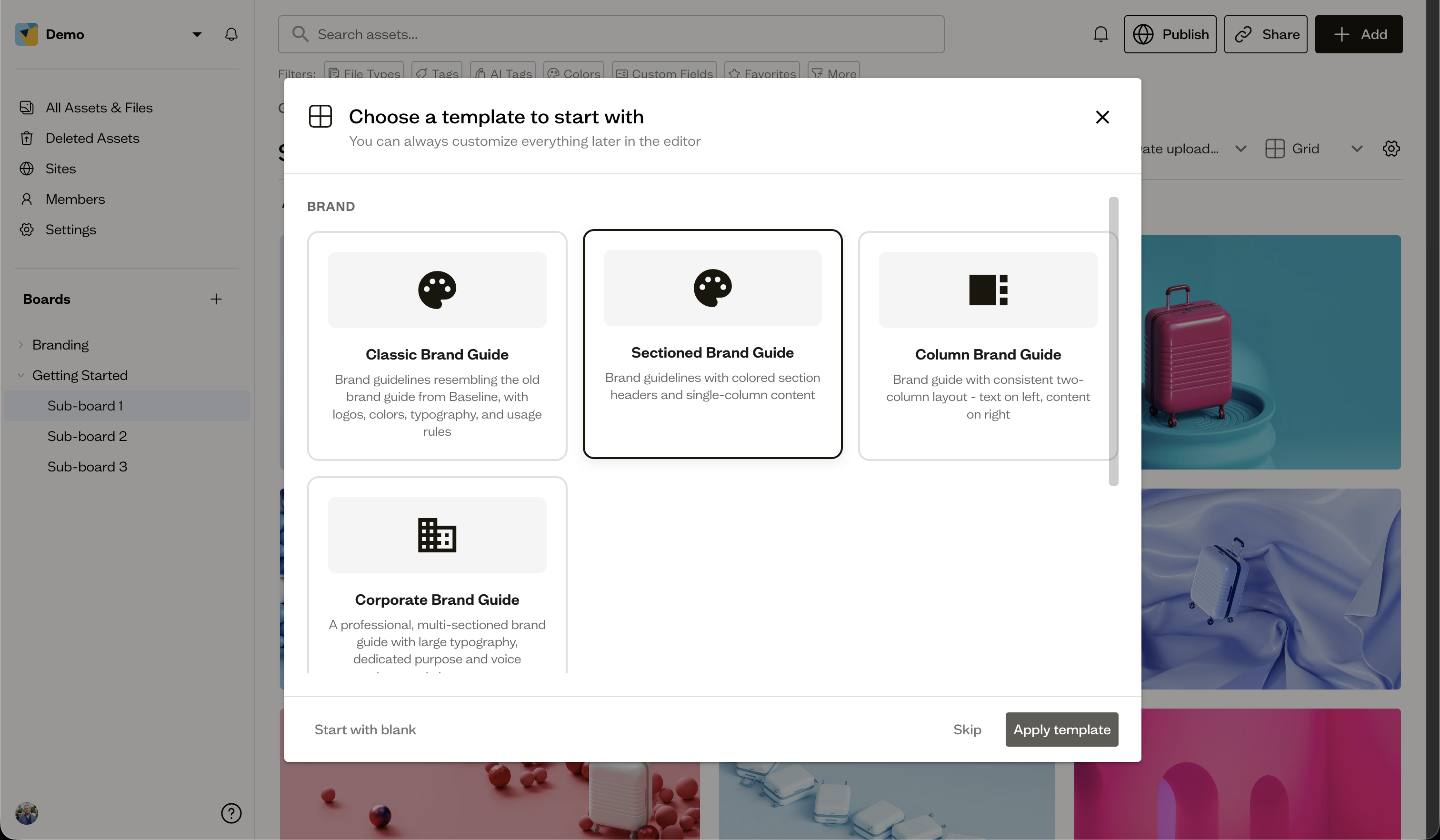
Apply a template in the editor
You can also apply a template later from the Templates tab in the site editor's right sidebar. Applying a template replaces the current page's sections, so use it before you have done a lot of custom work.
Next steps
Once your layout looks right, publish your site.