
Publishing makes your site available at a public link. You can unpublish it at any time.
Publish your site
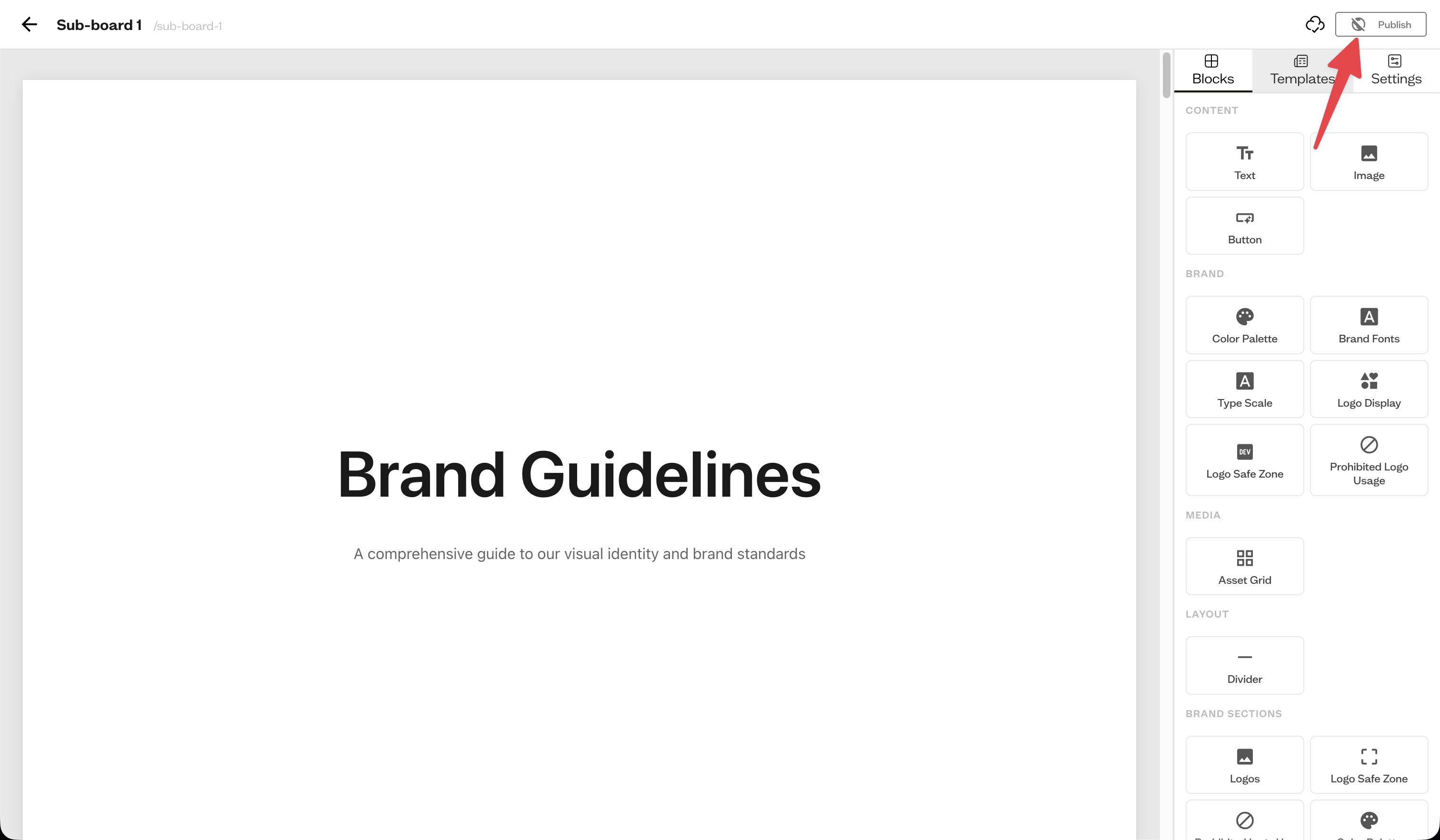
In the site editor header, use the Publish toggle. Once published, the button shows Published and a link to open the live site becomes available.
Share the link
Open the live site in a new tab to grab its public URL, then share it with anyone.
Unpublish
Toggle Published off to take the site offline. The public link stops working until you publish again.
Manage all sites
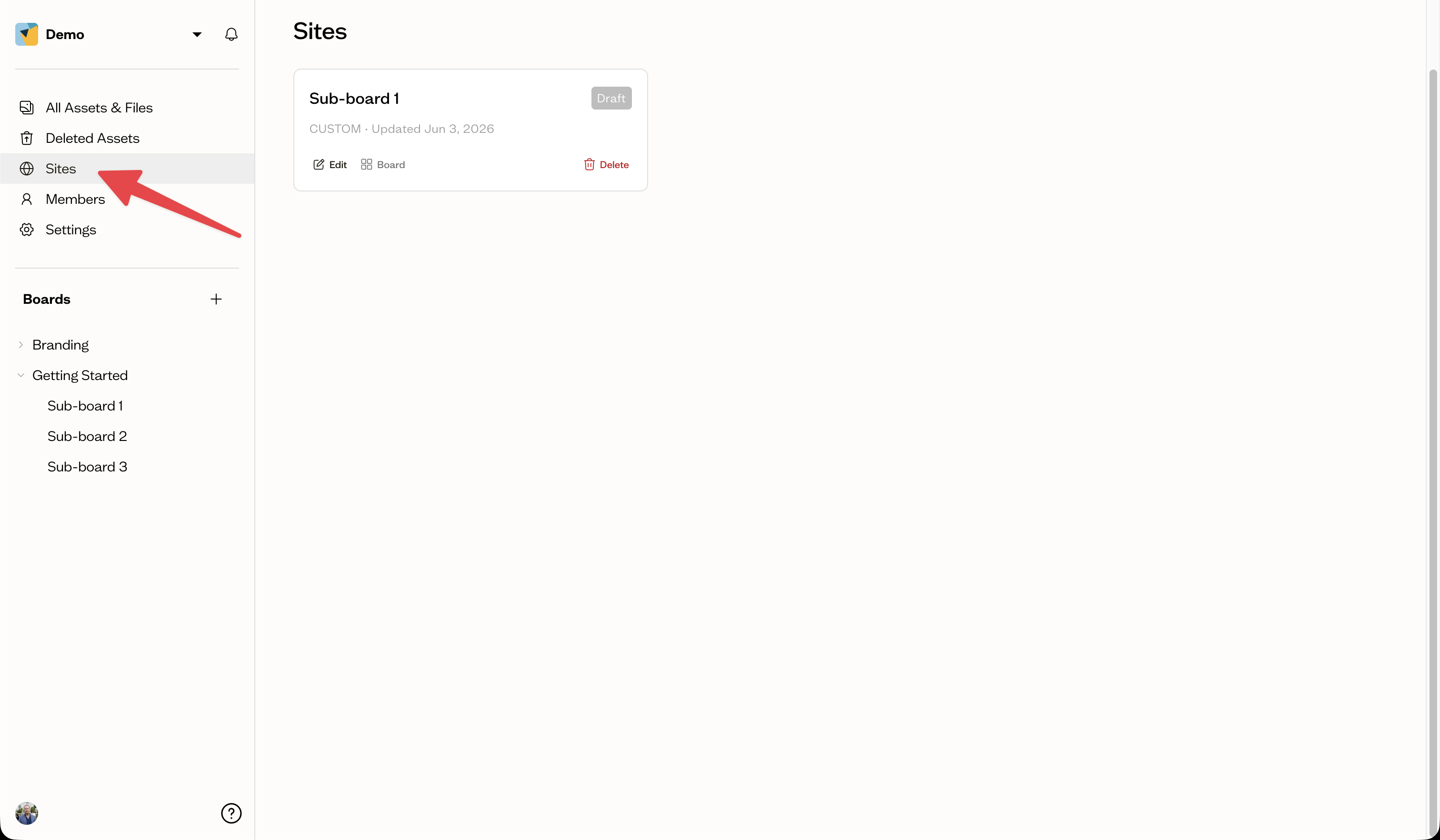
The Sites page in the sidebar lists every site in your workspace with Published and Draft badges, and lets you edit, view, or delete each one.
Next steps
On eligible plans, you can remove Baseline branding from your site.