
Brand blocks are purpose-built blocks that display your brand assets directly from the board your site is based on.
Available brand blocks
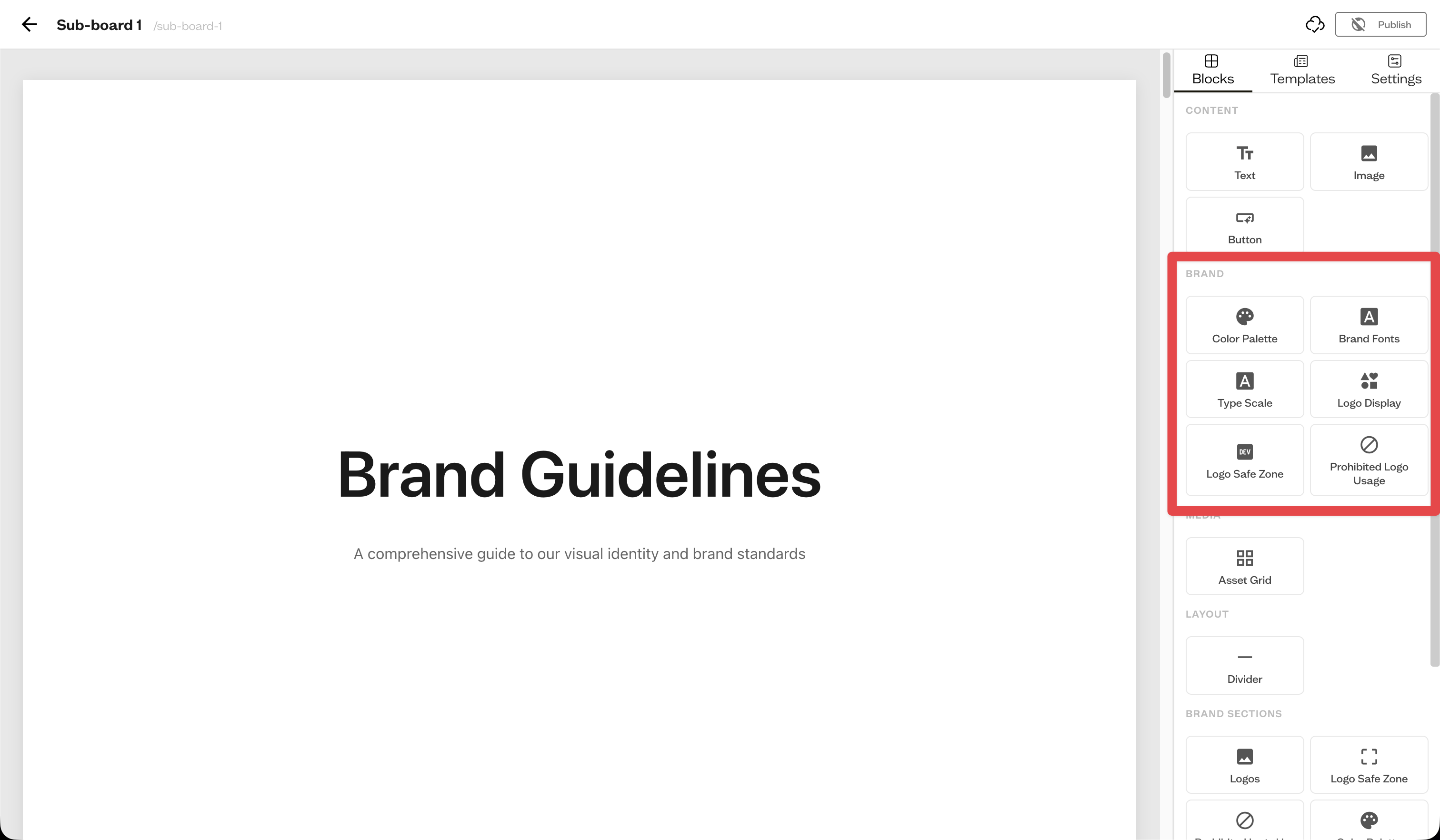
From the Blocks tab, under the brand category, you can add:
- Color Palette — your color swatches, with toggles for HEX, RGB, CMYK, and Pantone
- Brand Fonts — your typefaces
- Type Scale — a typographic scale preview
- Logo Display — your logos in a grid
- Logo Safe Zone — a clear-space diagram
- Prohibited Logo Usage — examples of how not to use the logo
How they stay in sync
Brand blocks draw from the assets on your board, so the colors, fonts, and logos shown reflect what is in the board.
Next steps
Speed things up by starting from a brand guide template.