
This is one we've been working towards since the beginning of Baseline v2. Today we're launching: Forms — a way to collect files, brand assets, and information from anyone, without requiring them to have a Baseline account.
New Features
Content Collection Forms
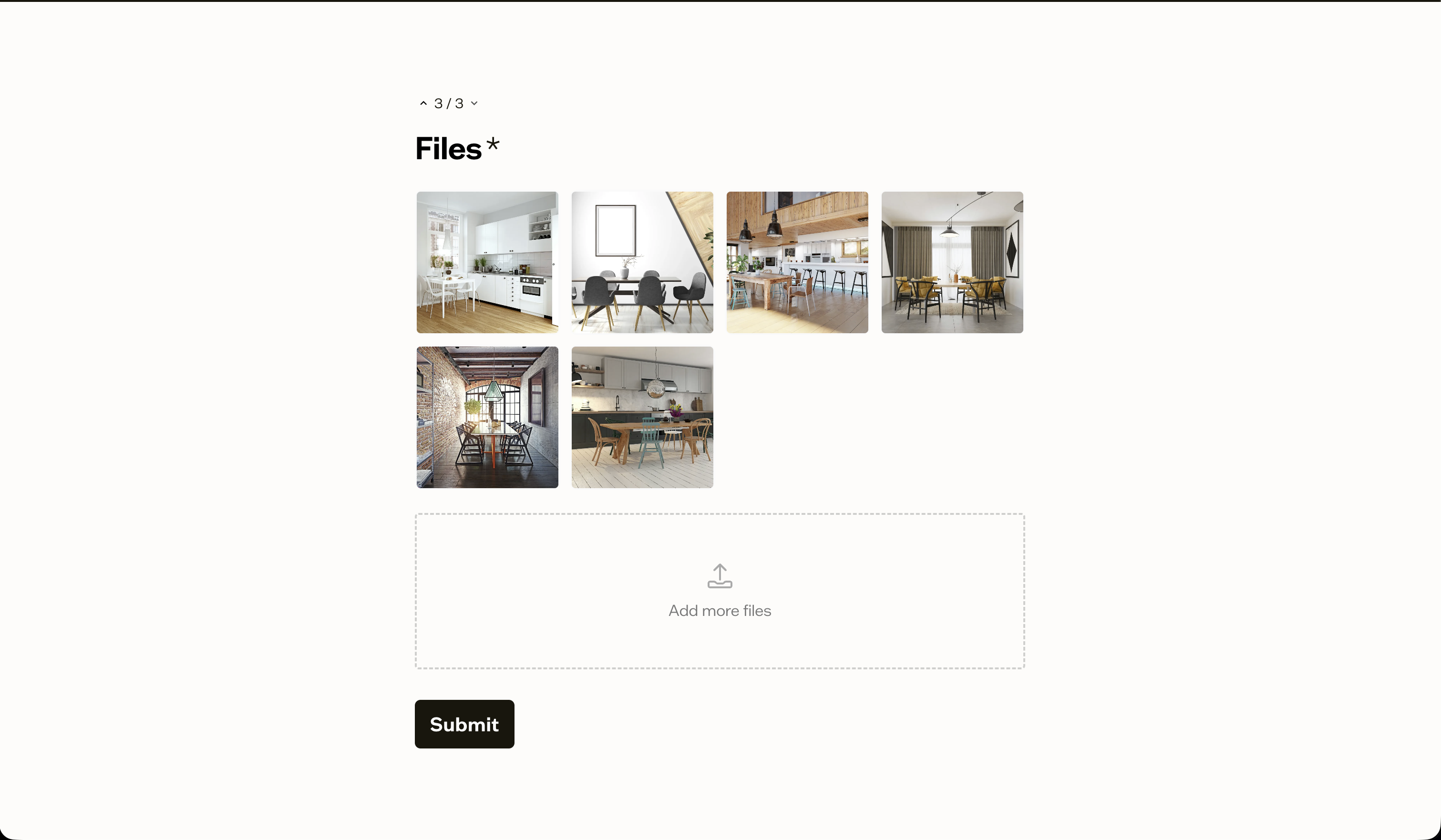
Forms let you create intake forms and share them with a single link. Recipients fill out the form, upload their files, and everything lands in the right boards automatically. No sign-up, no back-and-forth emails.
This is useful in a lot of scenarios: collecting brand assets from a new client during onboarding, gathering campaign content from freelancers, requesting event photos from attendees, or pulling in files from other departments who don't need full workspace access.
Building a form
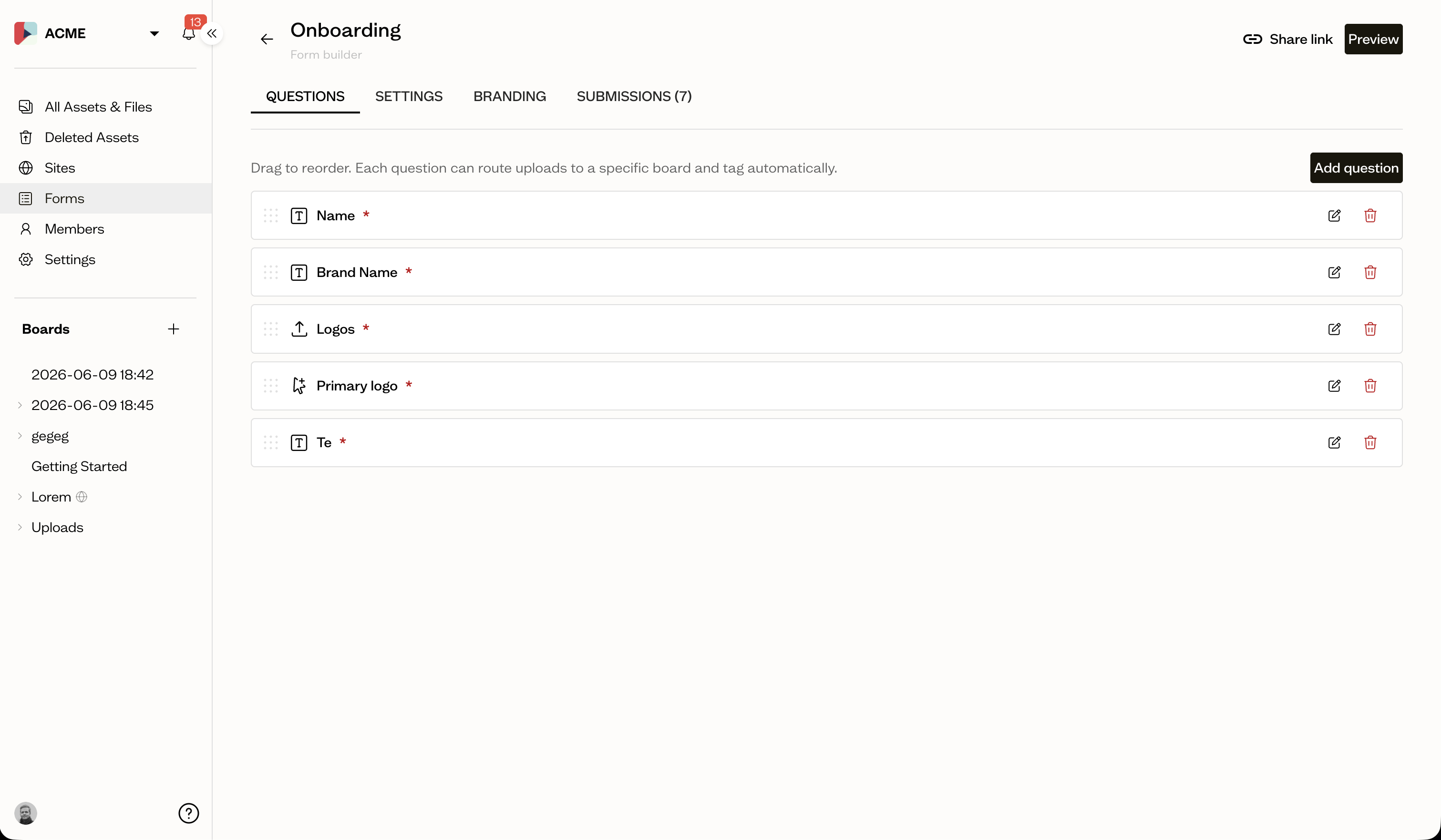
Any workspace admin or editor can create a form from the new Forms section in the sidebar. Each form is made up of questions, and you can mix and match five question types:
- File Upload — collect images, documents, videos, fonts, or any other file type
- File Select — let the submitter choose from files they've already uploaded earlier in the form
- Text — free-text answers for names, descriptions, or notes
- Email — a validated email address field
- Color — brand colors with hex values and optional labels
Each question can be marked as required or optional, and file upload questions can be restricted to specific asset types.
Roles
File upload and color questions can have one or more roles attached to them. A role is a semantic label — like primary-logo, heading-font, or primary-color — that tells Baseline what an asset is for. When someone submits the form, those roles are applied to the uploaded assets automatically. No manual tagging needed.
This is what makes brand guide population possible. If you set up a client onboarding form with a logo upload question tagged primary-logo, a color question mapped to primary-color and secondary-color, and a font upload tagged heading-font, the submitted assets come in already wired to the right slots. Any site block configured to show the primary logo will pick it up immediately.
Because blocks resolve by role, you don't need to put assets in any particular board structure for a site template to find them — organize your boards however makes sense, and the template will wire everything up correctly as long as the roles are in place.
You can manage your workspace's roles — including creating custom ones — from Workspace settings → Roles. More on that in the Asset Roles announcement.
Where submissions go
Every file upload question has a destination board. When someone submits the form, their files land exactly where you want them.
You can also enable per-submission boards — Baseline will automatically create a new board for each submission, keeping uploads from different people neatly separated. This is especially handy for client onboarding, where each client's assets should live in their own space.
Tracking submissions
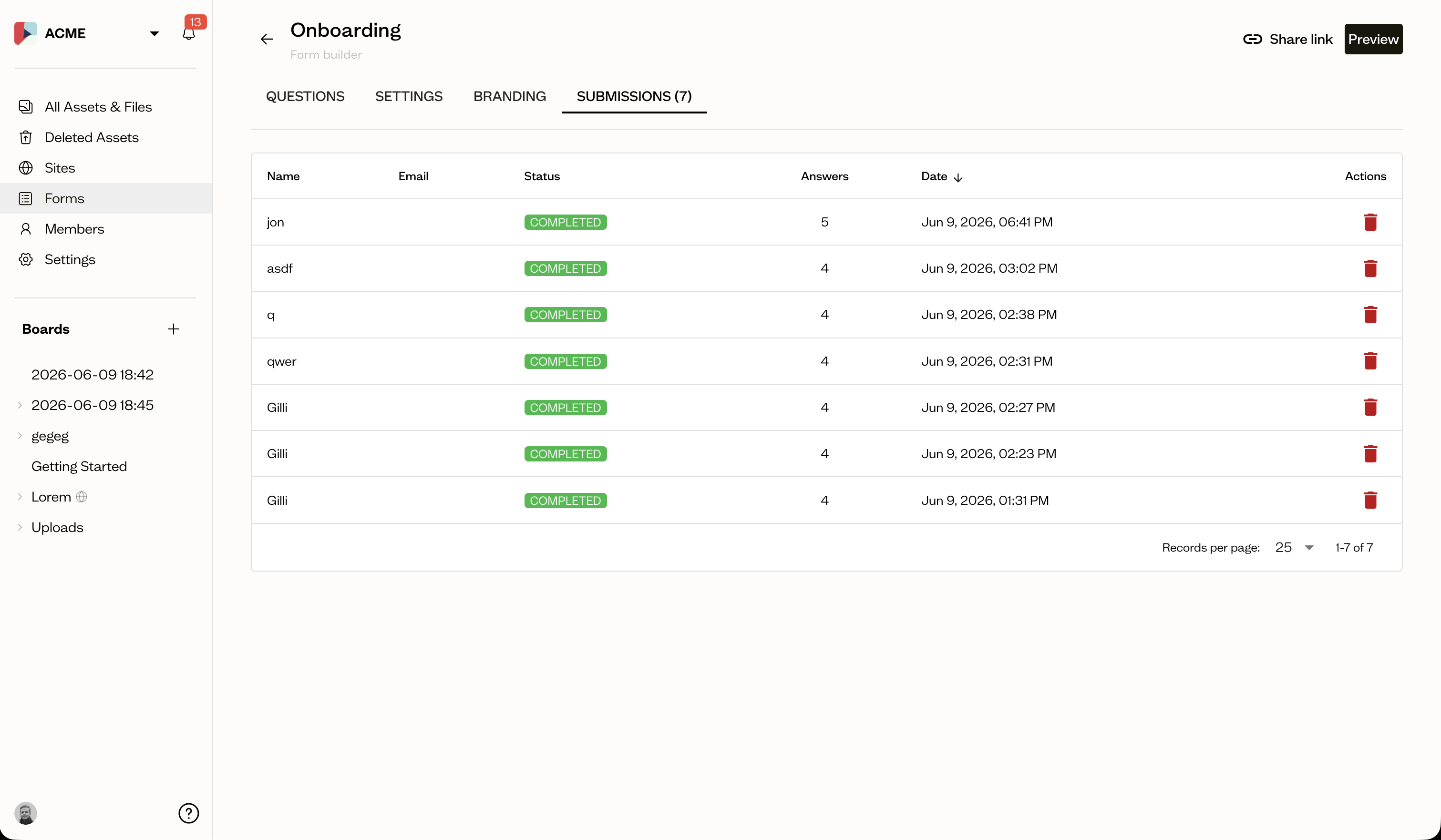
The new Submissions page gives you a clear view of every response. You can see who submitted, when, and review their answers — including uploaded files, color values, and text responses.
Notifications
When someone submits a form, workspace admins and editors are notified in-app and via email. You can control this from the new Form submissions section in your notification preferences.
Sharing
Once your form is ready, share the public link with anyone. No login is required to fill it out. Forms are designed to be reusable — the same link works for multiple people, and each response is tracked separately.
Help documentation for Forms
We've added a full set of help articles covering forms:
- What are forms?
- Creating a form
- Question types
- Form branding
- Form settings
- Sharing a form
- What are asset roles?
- Using roles in forms
- Using roles in sites
Forms open up a lot of possibilities for collecting assets from people outside your team. We're excited to see how you use them — let us know what you think.