
Once your workspace has custom fields, you set their values on assets.
Set values on one asset
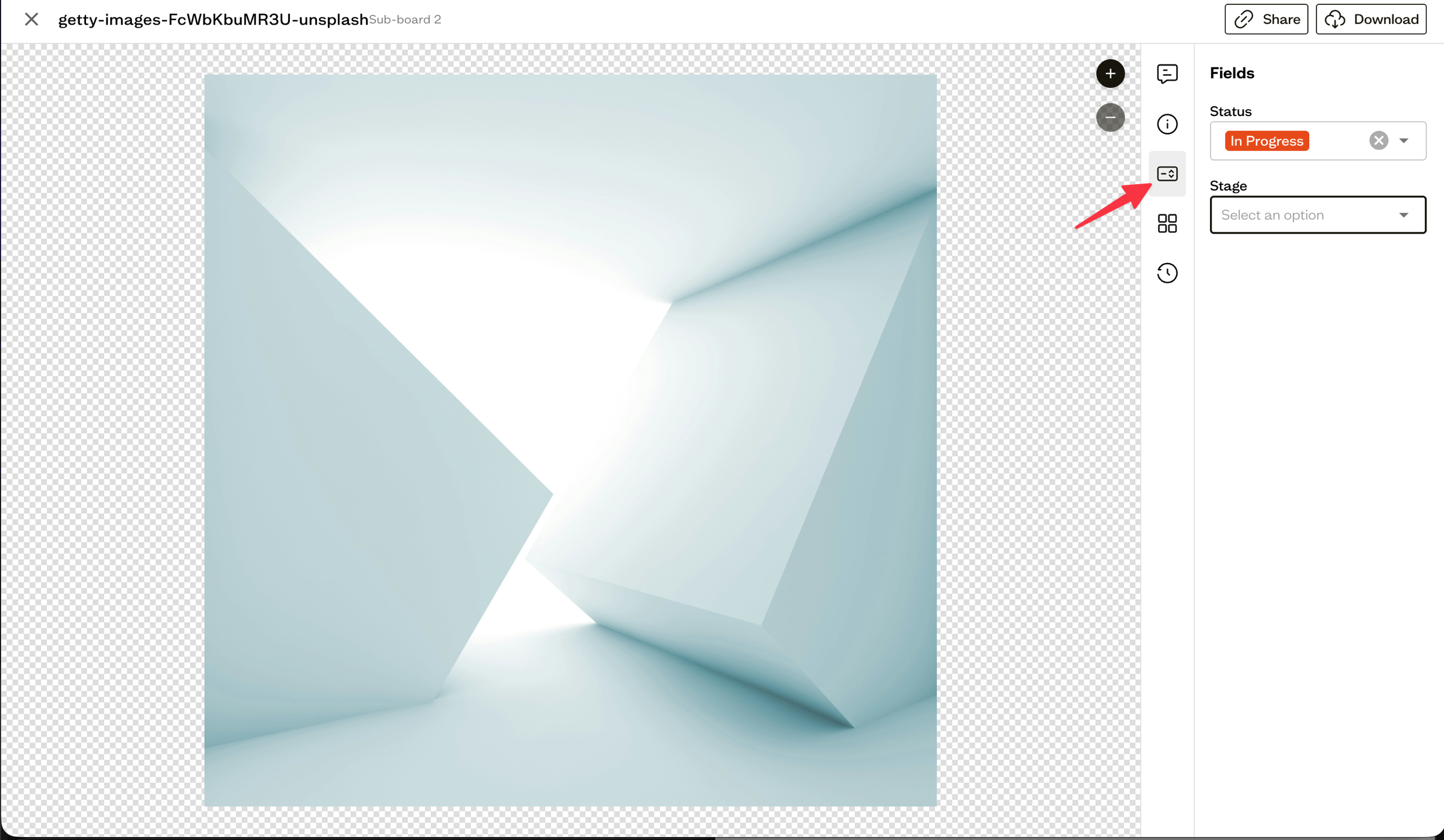
Open an asset and go to the Fields tab. Each field shows the right control for its type:
- Single Select — choose one option from the dropdown
- Multi Select — choose several options as chips
- Text — type a value
- Date — pick a date
Set values in bulk
Select several assets, choose Edit Fields from the bottom action bar, pick the field you want, and apply a value to the whole selection at once. See Bulk actions for more on selecting and acting on multiple assets.
Next steps
Use a single-select field to drive a Kanban approval workflow.