
Your account settings are where you manage your personal profile across all your workspaces.
Open account settings
Select your avatar and choose Account Settings. The page has tabs for Profile, Email, Password, Avatar, and Notifications.
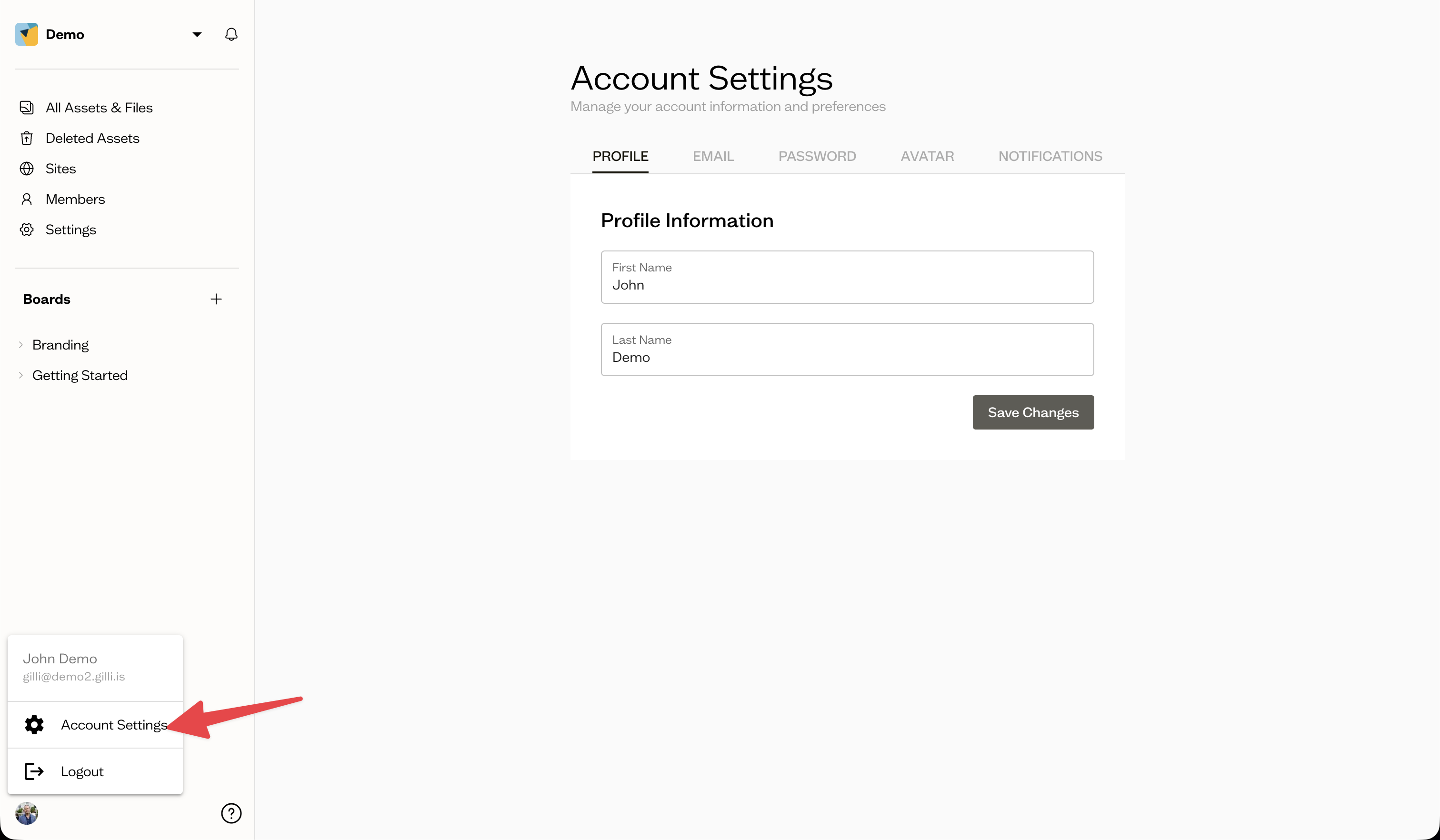
Update your profile and avatar
On the Profile tab, edit your first and last name. On the Avatar tab, upload a photo or remove your current one.
Change your email
On the Email tab, enter a new email address and send a verification email. Your email changes once you confirm it from the verification link.
Change your password
On the Password tab, enter your current password and your new one to update it.
Next steps
If you have forgotten your password, see sign up and password reset.