
You can belong to several workspaces, for example one per client or brand, and switch between them easily.
Switch workspaces
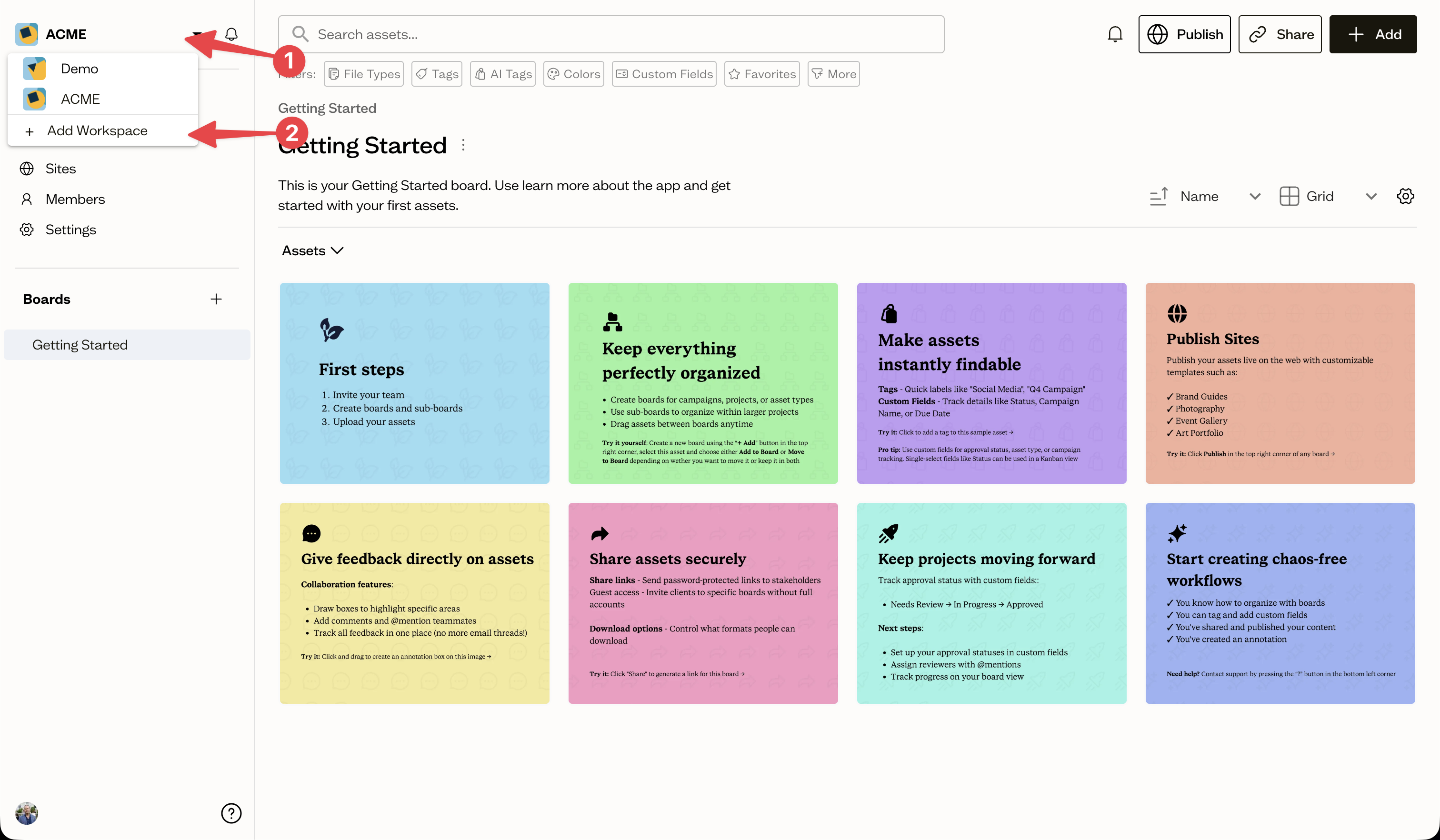
Open the workspace switcher at the top of the sidebar (1), which shows your current workspace's avatar and name. Select another workspace to switch to it.
Create a new workspace
In the same switcher, select Add Workspace (2). Give the new workspace a name and an optional description, then create it.
Next steps
After creating a workspace, set it up with boards and invite your team.