
Most filters narrow results by requiring every condition to match. Sometimes you instead want assets that match any of several values. The One of matching mode does exactly that.
Use "One of" matching
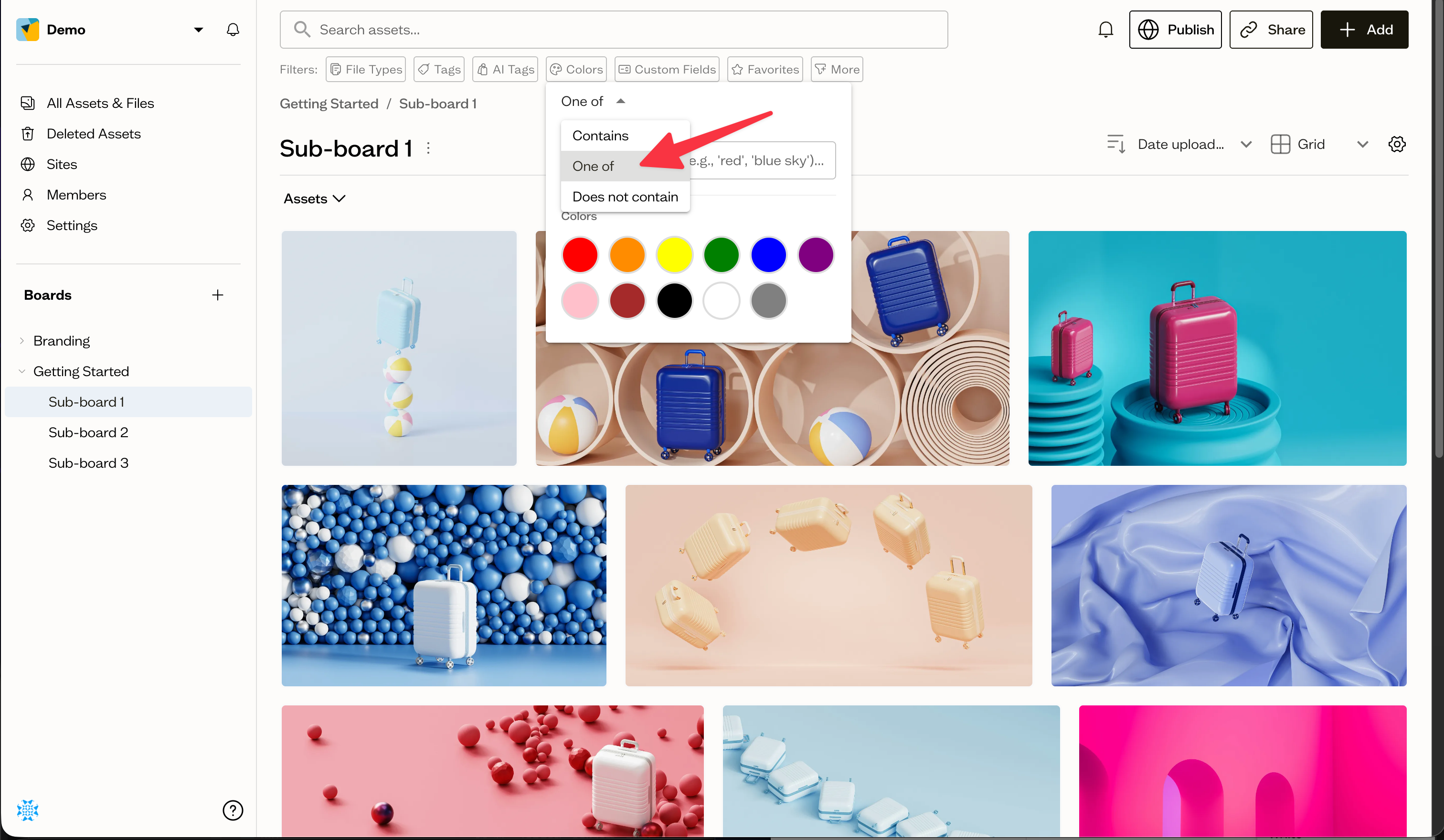
Open the Tags or AI Tags chip and set its matching mode to One of. Then add the tags you care about. Results include assets that have any one of the selected tags, rather than requiring all of them.
When to use it
"One of" is useful when several tags mean the same thing to you, for example matching assets tagged either "logo" or "wordmark".
Next steps
Combine "One of" tag matching with file type and date filters to refine your results.