
You can add almost any file to Baseline. Uploads are attached to the board you are currently viewing and become searchable as soon as processing finishes.
Upload files
Drag files from your computer onto a board, or use the upload button. You can select multiple files at once.
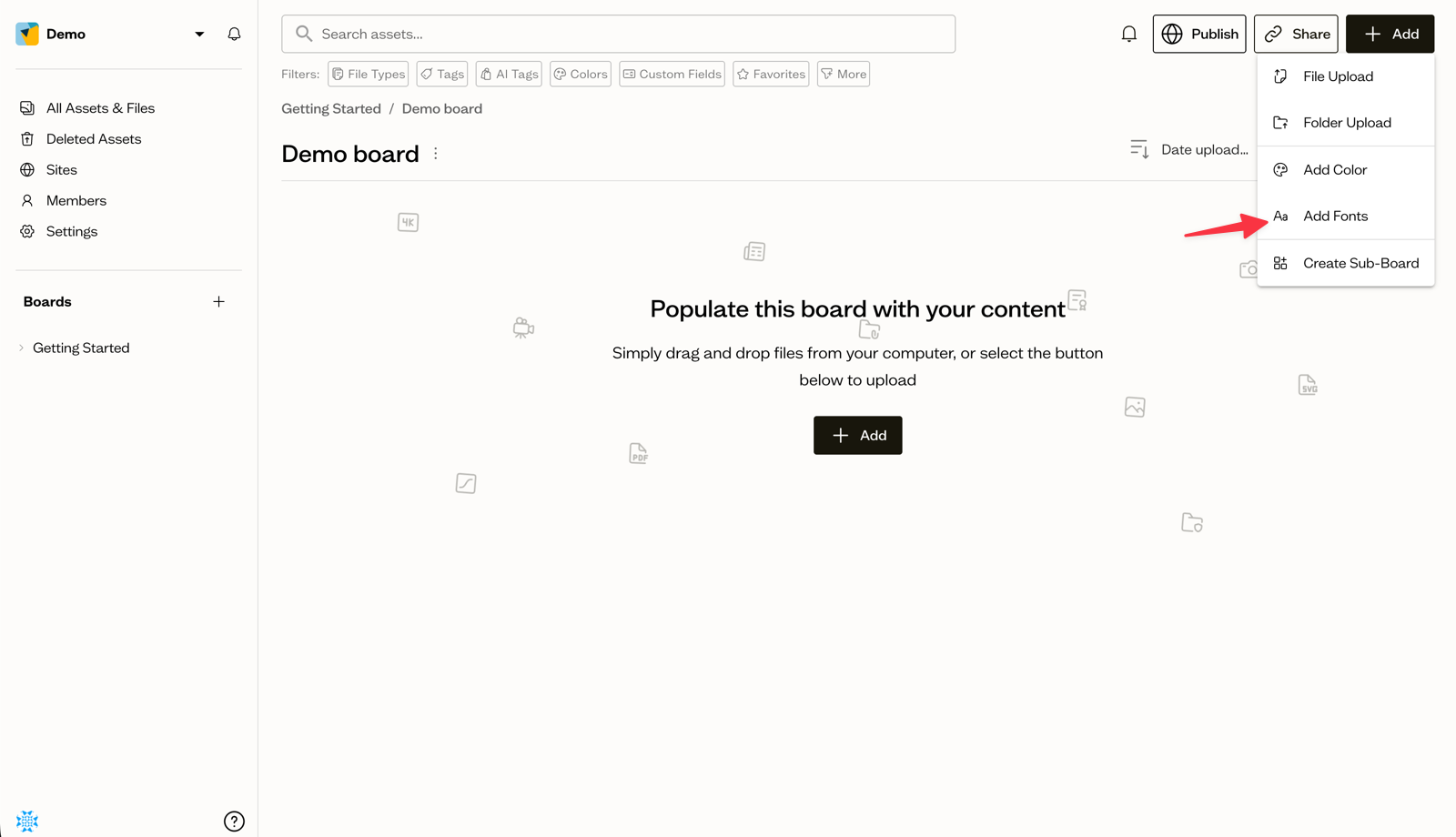
Upload a whole folder
Drag an entire folder in and Baseline preserves its structure, creating sub-boards that mirror your folders where appropriate.
Large files
Large files upload in the background, so you can keep working while they transfer. You will see progress for each file as it uploads.
Processing states
After upload, assets move through a few processing states while Baseline generates previews, extracts metadata, and applies AI tags.
Troubleshooting failed uploads
If an upload fails, check the file size and format, then try again. Most failures are caused by an interrupted connection.
Next steps
Once your files are in, add tags and custom fields to make them easier to find later.