
Baseline keeps your typefaces alongside the rest of your brand assets. You can add fonts from Google Fonts, import them from Typekit, or upload your own files.
Open the Add Fonts dialog
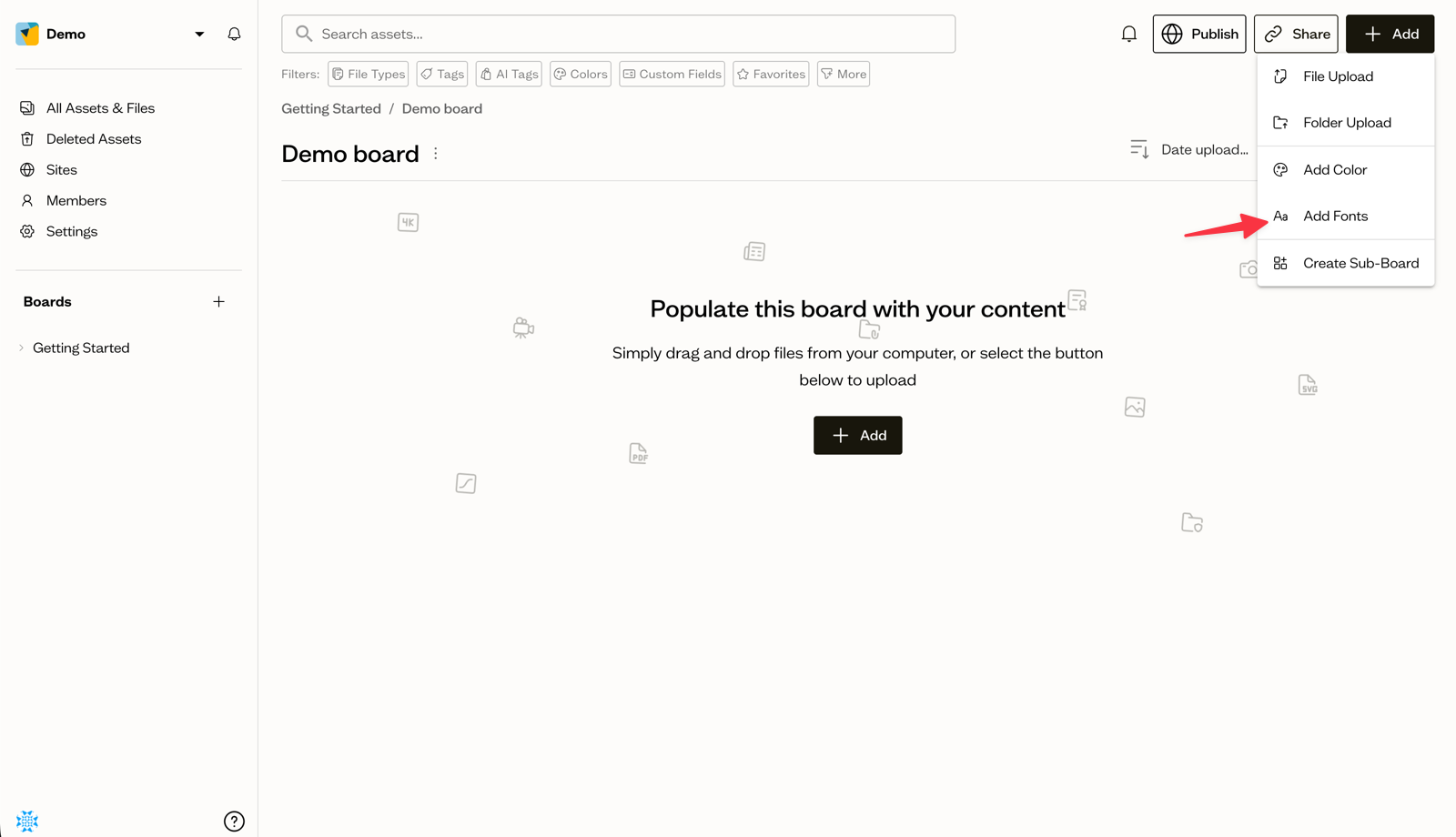
Select a board, then open the Add button and choose Add Fonts. The dialog has three tabs: Google Fonts, Typekit, and Upload.
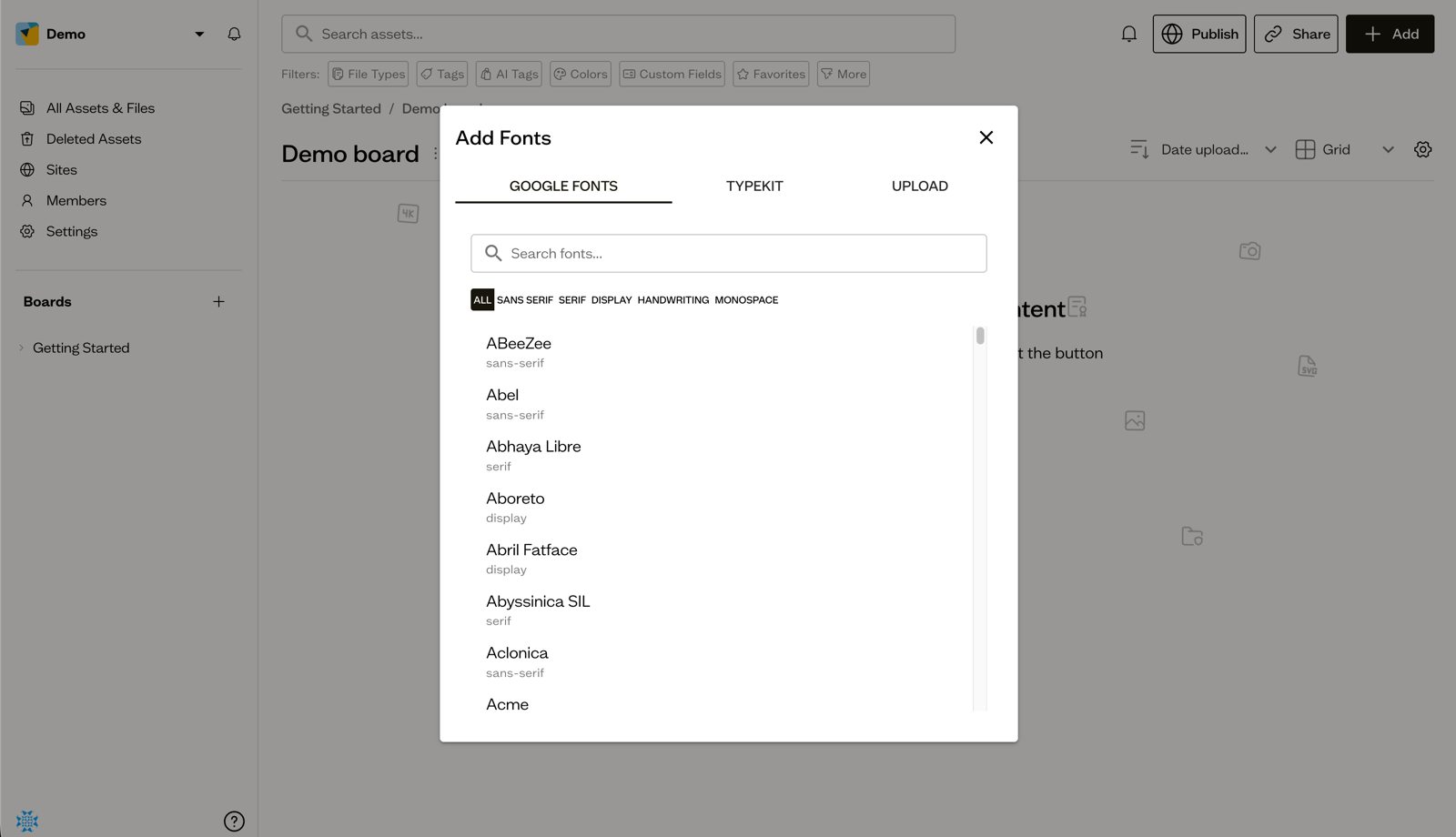
Add Google Fonts
On the Google Fonts tab, search for a font and filter by category. Select a font, choose the variants you want in the Select Variants dialog, then select Add Selected.
Import from Typekit
On the Typekit tab, paste the CSS URL from your Typekit (Adobe Fonts) project, select Load, expand the font families, choose your variants, and select Add Selected Fonts.
Upload your own font files
On the Upload tab, select your font files (.woff, .woff2, .ttf, .otf) and set the family, weight, and style for each. Select Upload Fonts to finish.
Fonts are stored as assets in sub-boards named after each font family.
Next steps
Pair your fonts with color swatches so your whole brand palette lives in one board.