
You can change your plan at any time from your workspace's subscription settings.
Upgrade or change plan
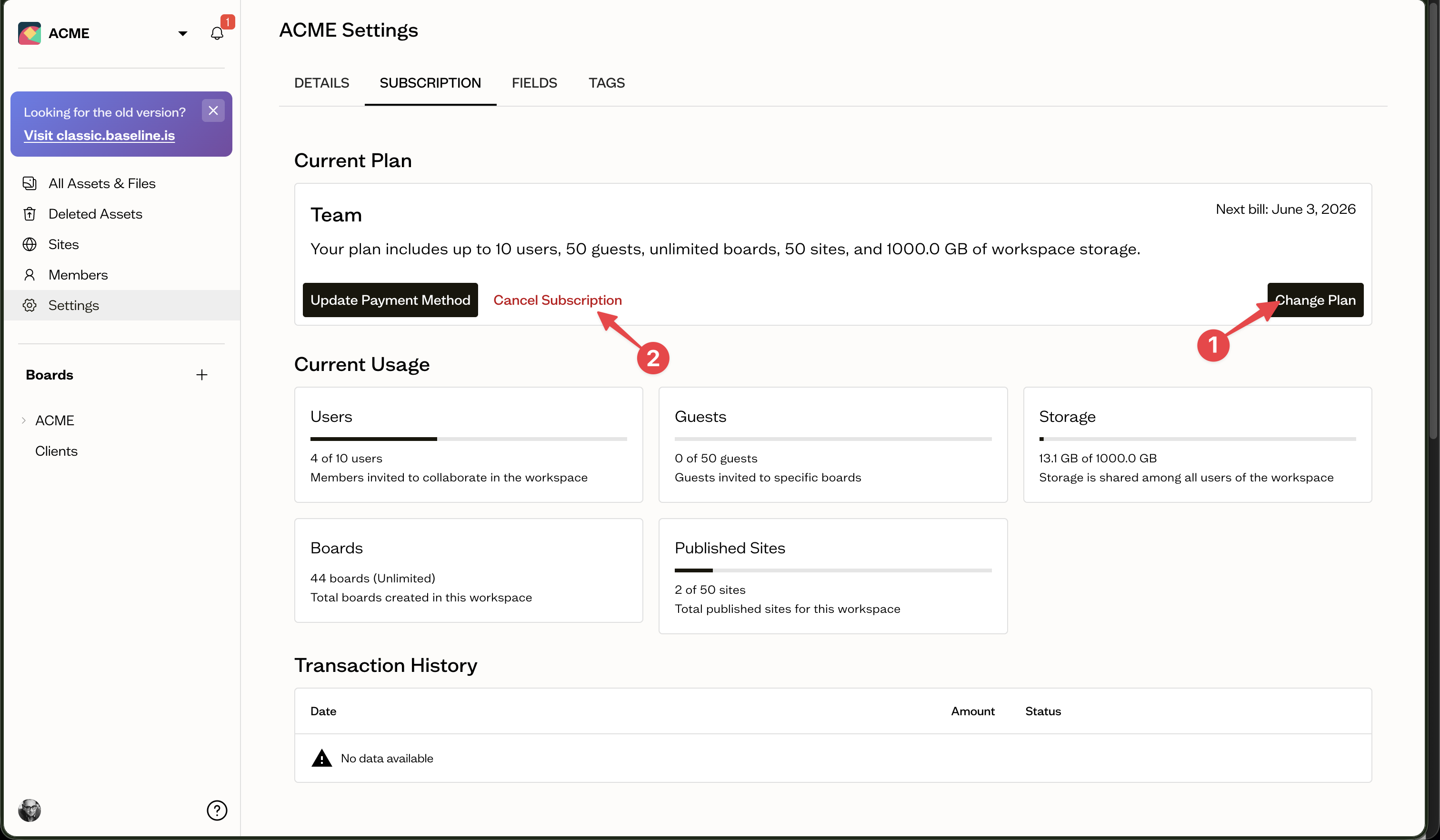
Open Settings for your workspace, go to the Subscription tab, and select Upgrade Plan or Change Plan (1). Choose a plan, pick monthly or yearly billing, and confirm.
Downgrading
When you move to a lower plan, Baseline checks that your current usage, such as members, storage, and sites, fits within the new plan's limits.
Cancel your subscription
On the Subscription tab, select Cancel Subscription (2). Your plan stays active until the end of the current billing period, after which it ends.
Next steps
Manage how you pay in payment method and history.