
A photography portfolio is a curated selection of your photographs, arranged to convince a specific person that you are the right photographer for a specific kind of work. Making one is four decisions, in order: who it is for, what format it takes, which images make the cut, and how it gets organized and published. The part most photographers get wrong is not the photography, it is the curation and the upkeep, because a portfolio of 400 images nobody maintains loses work to a portfolio of 20 images that is always current.
This guide walks through each decision with the tradeoffs, and finishes with the publishing approach that photographers with client work tend to land on: a live gallery that pulls from an organized photo library, so the portfolio updates itself. If you are new to the library side, the wider discipline is digital asset management, and it is what separates a working portfolio from a folder of exports.
Start With Who the Portfolio Is For
Every other decision depends on the audience, so decide it before you touch a single image.
Clients and couples want proof you can deliver the kind of photos they are paying for. A bride wants to see weddings, not your street photography. A brand's marketing lead wants campaign photography that looks like their market. They skim fast and judge in the first ten images.
Art directors and agencies commission work for a living. They look for a consistent point of view and craft, and they will forgive a smaller body of work if it is coherent. They also read captions and want to know the story behind a series.
Employers and editors weigh range and reliability: can this person deliver the same quality on deadline, repeatedly.
One portfolio cannot serve all three. Pick the audience whose work you actually want, and cut everything that does not serve them. The generalist portfolio of "a bit of everything" is the single most common reason a good photographer's portfolio fails to convert.
Choose the Format: Website, PDF, or Print
A website is the default. It is linkable, it is what people expect when they ask for your portfolio, and it lets you keep it current without resending anything. Every other format now exists to support the website, not replace it.
A PDF still earns its place for pitch emails and printed leave-behinds, because it is self-contained and looks the same on every screen. Keep it to a handful of pages and generate it from the same selected images as the site, so the two never drift apart.
A printed book matters for fine art, editorial meetings, and portfolio reviews. It is expensive to keep current, which is exactly why you should make print the exception, not the system of record.
The trap in all three is duplication: the images live in one place, the website copy in another, the PDF in a third, and within a year all three show different "best" work. The fix is to keep one organized photo library as the source of truth and publish from it, a pattern DAM systems were built for and folders were not.
Curate Hard: Fewer Images, Stronger Portfolio
The rule every working photographer repeats is: edit down, then edit down again. A portfolio is not an archive and not a proof gallery, it is an argument.
Aim for 15 to 30 images. Enough to show range, few enough that every single one is strong. The weak image you included "for balance" is the one your audience will remember, because it is the one that stands out as weak.
Curate by outcome, not by date. Group by the kind of work you want more of. If you want more restaurant clients, the portfolio is food and interiors, and last summer's landscape trip does not get a section.
Get a second opinion before you publish. The photographer's attachment to a hard-won shot (the 4 a.m. hike, the 400 attempts) is invisible to the viewer, who only sees the frame. Ask someone who commissions photography what they would cut.
The curation problem is also a retrieval problem: you cannot pick the best 20 shots if finding anything in your archive means scrolling through folders of raws and exports. This is where organization pays for itself, and it is the same discipline described in the metadata tagging guide: AI tagging at upload, favorites to mark selects, EXIF filters like camera body and date taken to pull every shot from a specific shoot in seconds.
Organize Into Projects, Not a Scrolling Wall
A single endless grid asks the viewer to do the work of finding your story. Projects do that work for them.
Structure around 2 to 4 series or project themes. "Coastal weddings", "Product for kitchenware brands", "Editorial portraits". Each project gets 5 to 10 images in a deliberate sequence: strong opener, development, strong close.
Sequence deliberately. Within a project, order images like a magazine spread: vary the pacing, alternate wide and tight, and put your two or three best frames first and last, where attention is highest.
Caption sparingly. A project title, one or two lines of context, and the client or publication where relevant. Captions earn trust with art directors; clients mostly want the images.
Write the Supporting Text
Three blocks of text carry more weight than their size suggests.
The title and tagline should name what you do and for whom: "Food and interiors photographer, Reykjavik". A clever studio name alone makes the visitor guess.
The bio is two or three sentences: what you shoot, who you shoot it for, one concrete credential. Skip the philosophy paragraph.
Contact must be obvious. Email, and for client work a booking or inquiry link. Every portfolio that buries its contact page is a portfolio that loses enquiries it earned.
Choose a Photography Portfolio Template That Flatters the Work
A photography portfolio template is the frame around the argument you spent the last two sections building, and the wrong frame ruins it. Most templates look great in the vendor's demo because the demo uses ten perfectly matched photos. Yours will not. Judge a template on these points, in this order.
How it handles mixed aspect ratios. Your archive mixes vertical portraits, wide landscapes, and square crops. A template that forces every image into one rigid ratio either crops your compositions or pads them with dead space. Look for a gallery layout that lets each frame keep its native proportions, or at least a crop you control per image.
Full-bleed versus contained grid. Full-bleed images feel cinematic and suit a small number of strong frames. Contained grids hold more images without the page feeling noisy. If your portfolio is the 15-to-30-image version, lean full-bleed; if it is project-based with more images, lean grid.
Loading behavior. A photography portfolio website lives or dies on load time, and photography is the heaviest content there is. A good template lazy-loads images, compresses what it serves, and shows a placeholder instead of shoving the layout around. Test the demo on a phone on mobile data before committing.
Project pages, not one endless wall. The template should give each project its own URL. That is what clients bookmark, what you can put in a pitch email, and what lets a single project rank for its own searches.
Mobile crop behavior. Most visitors will see the portfolio on a phone, where the template decides the crop, not you. Check where the template positions images on a narrow screen, and whether captions survive it.
Custom domain. A portfolio on yourname.provider.com works, but yourname.com is what goes on the business card. Make sure the template service lets you use your own domain before you invest a weekend in it.
Build the Portfolio Website
With images chosen and organized, the build is the easy part, and the main decision is how much maintenance you are signing up for.
Website builders and portfolio services get you online fast, but they hold your images in their own little library, separate from your working files, so every reshoot means re-exporting and re-uploading by hand.
Publishing from your photo library is the alternative that photographers with steady client work tend to converge on. You keep one organized library of your photography, and you publish the portfolio or a project gallery as a live site that pulls from specific boards. Templates and content blocks give the structure, a visual editor handles the layout, and when you swap an image in the library, the published gallery picks up the new frame without rebuilding the site. Update once, publish everywhere.
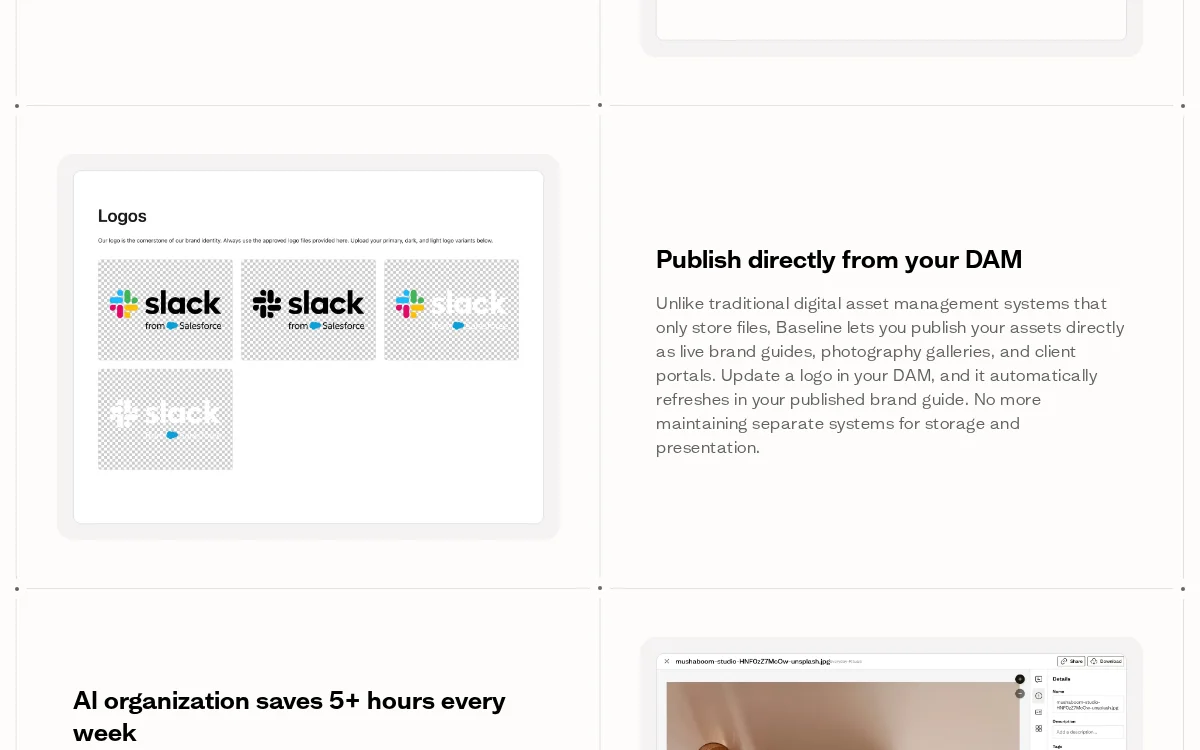
This is the same pattern behind client portals for agencies, applied to your own work: a branded, linkable destination whose contents you control from the library side. Baseline does this natively, and you can see how the publish a portfolio from your library flow works before you commit.

Keep It Current
A stale portfolio quietly costs work. The fix is to make updating cheap.
Re-curate on a schedule. Every quarter, remove the weakest images and add work from recent shoots. A portfolio that improves visibly is a portfolio that gets re-sent.
Never let the site drift from the library. If the site is rebuilt by hand every time, it will not be rebuilt. Publishing from the library, with the site linked to the boards that hold your selects, makes the fresh shot you tagged this morning appear on the live page, not just in your plans.
Mark your selects early. During a cull, mark the keepers as favorites the moment you choose them, so the next re-curation starts from a shortlist instead of from zero.
Delivering Client Galleries Is Not the Same as a Portfolio
Client delivery galleries, weddings, events, campaign selects for approval, are a different artifact with different rules: private, password-protected, sometimes expiring, with commenting on individual frames. Conflating the two is how a client's unedited event ends up next to your best work.
Keep the portfolio public and curated, and deliver client work through share links with passwords and expiry dates, where the client can comment on specific images without an account. The split also protects the library: the client-facing gallery shows only what you shared, never the rest of the archive.
Frequently Asked Questions
How many photos should a photography portfolio have?
Between 15 and 30 for the main portfolio. Fewer is stronger than more: every image has to earn its place, and the weakest image in the set is the one viewers remember.
What makes a good photography portfolio?
A specific audience, a hard curation of only your strongest work, organization into a few coherent projects, and obvious contact information. Craft shows in the selection and sequencing, not in the quantity.
Should a photography portfolio be a website or a PDF?
A website is the default because it is linkable and stays current. Keep a short PDF for pitch emails, and generate it from the same selected images as the site so the two never disagree. Print for portfolio reviews and fine art.
How do I choose which photos to include?
Group by the work you want more of, not by when you shot it, then edit down until every remaining image is one you would fight for. A second opinion from someone who commissions photography catches the shots you keep for sentimental reasons.
How often should I update my photography portfolio?
Re-curate quarterly: cut the weakest images, add the best recent work. If updating is cheap, because the site publishes from your organized library, it actually happens, and a visibly current portfolio gets shared more than a frozen one.
A photography portfolio is only as good as its weakest image and as current as its last update. If you want to try the library-to-gallery approach, start a Baseline workspace for free: upload a shoot, organize it into a board, and publish your first gallery from it.