A brand kit is a curated set of the assets that represent your brand: your logo files, color palette, typography, and templates, organized so that anyone who needs to produce something on-brand can find and use the right materials without asking.
Most teams have one. Very few have one that people actually use.
It usually starts well. A designer assembles everything into a zip file and drops it in a shared drive folder. Someone adds it to the onboarding doc. A few months later, three different versions are floating around, one has the old logo, and the freelancer you just hired is working from a file they found in an email from eight months ago.
This guide covers what belongs in a brand kit, how it differs from a brand book, and what separates a brand kit that actually works from one that quietly goes out of date.
What Is a Brand Kit?
A brand kit (sometimes called a brand identity kit or brand asset kit) is a collected set of your brand's core visual assets: the actual files a designer, marketer, or vendor needs to create on-brand materials. At minimum, it covers your logo, color palette, and typography. More complete kits also include templates, photography, icons, and usage guidelines.
The key word is files. A brand kit is the assets: the things you hand someone so they can start working. A brand book is the rules: the document that explains how those assets should be used. Both are necessary, but they serve different purposes.
Brand Kit vs. Brand Book vs. Brand Guidelines vs. Brand Portal
These terms get used interchangeably, but there are meaningful differences worth knowing:
| Term | What it is |
|---|---|
| Brand Kit | The actual files: logo PNGs, color hex codes, font files, templates. Things you hand people. |
| Brand Book | A document explaining the rules: when to use which logo, what the colors mean, how the voice should sound. |
| Brand Guidelines | Mostly synonymous with brand book; slightly more emphasis on the rules and do's/don'ts. |
| Brand Style Guide | Same idea, sometimes more design-focused (typography rules, grid systems). |
| Brand Portal | A self-service hub where teams and partners access brand assets without emailing anyone. |
In practice: a brand kit is what you use, a brand book is what you follow, and a brand portal is where you find both. You need all three to keep a brand consistent at scale.
What to Include in a Brand Kit
A useful brand kit covers the decisions people make every time they build something new for the brand. Here's what belongs in a complete one:
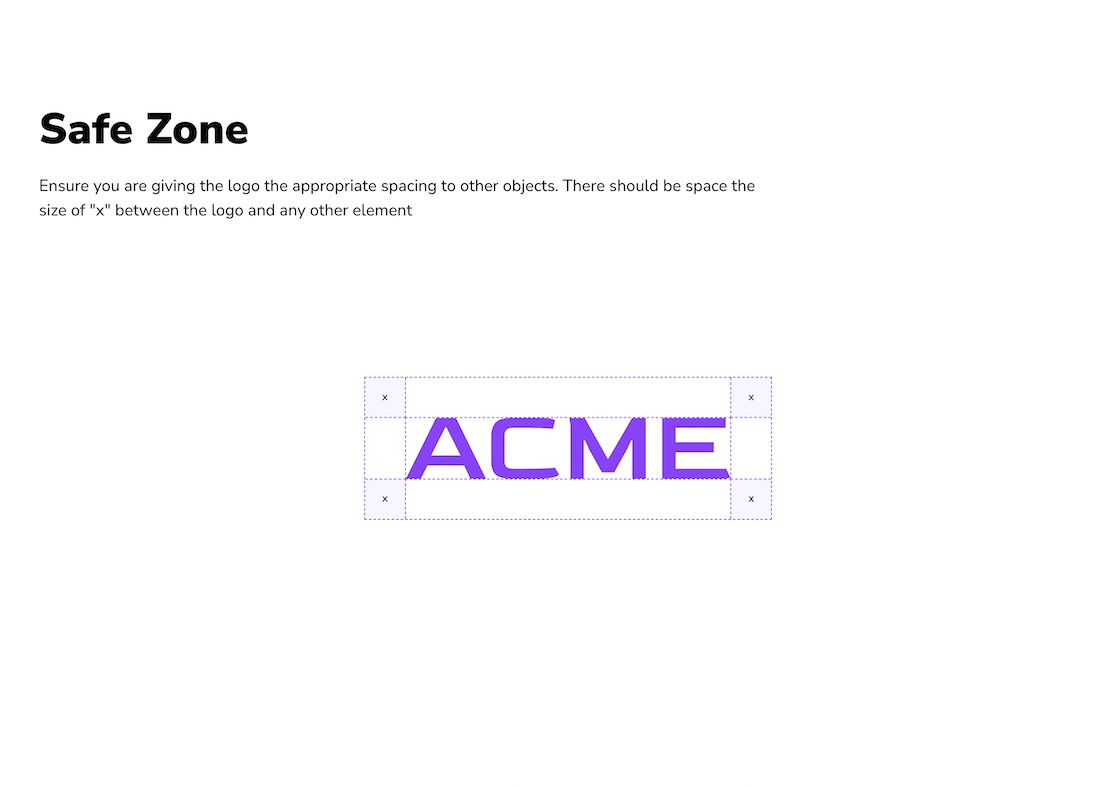
1. Logo Files
Every approved logo variation, in every format, at every size someone might actually need:
- Variations: primary logo, secondary/alternative lockup, icon/mark only, wordmark only
- Color versions: full color, single color, reversed (white for dark backgrounds), black
- File formats: PNG (transparent background for screen), SVG (vector for scalability), EPS or AI (for print/design work), JPEG (fallback for low-tech contexts)
The goal is to remove the "which file do I use?" question entirely. If a freelancer has to ask, the kit is incomplete.
2. Color Palette
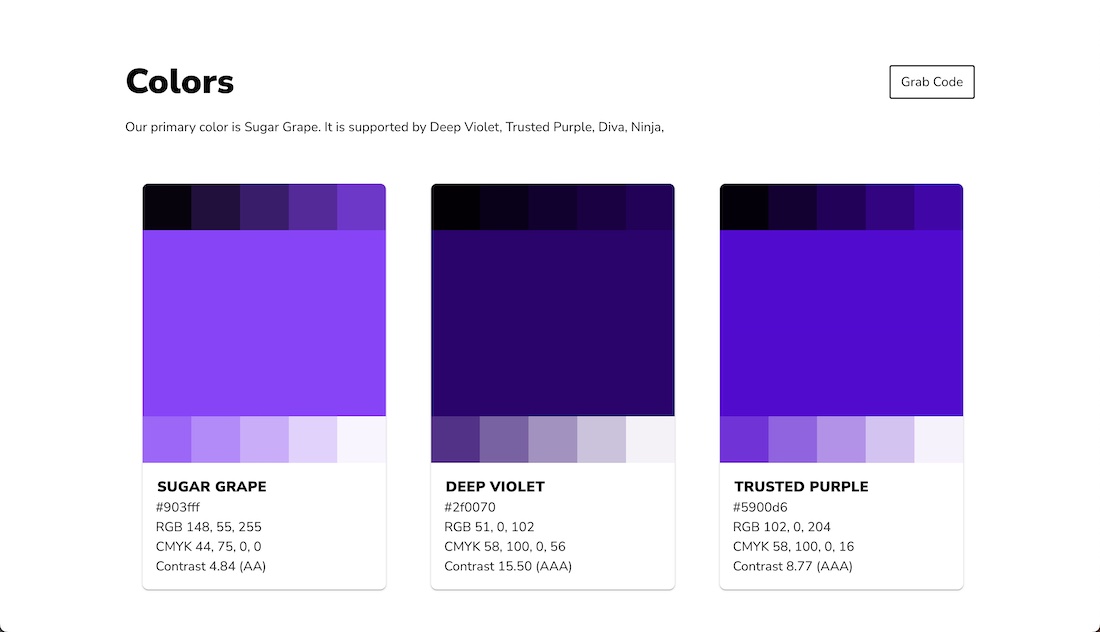
Primary and secondary brand colors, with exact values in every format a downstream tool requires:
- Hex — for web and digital design
- RGB — for screen-based applications
- CMYK — for print
- Pantone (PMS) — for physical materials where exact color matching matters
Include pairing guidance: which colors work together, which are dominant vs. accent, and any explicit don'ts (e.g., don't put this background color behind that text color).
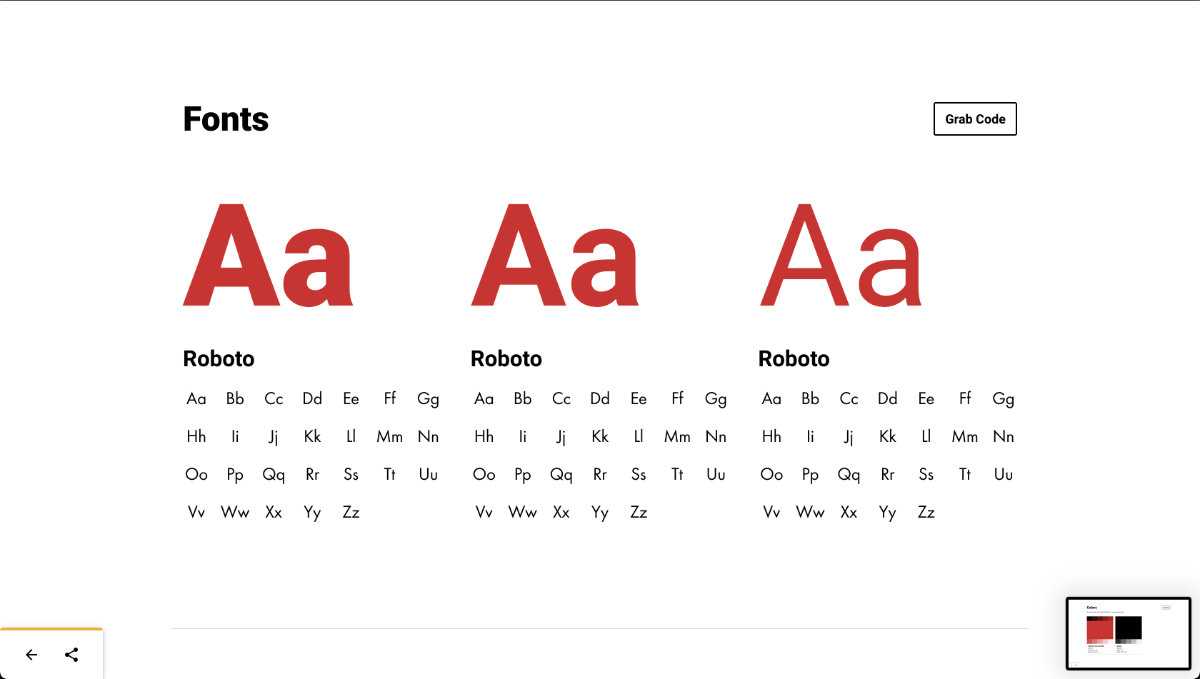
3. Typography
The fonts the brand uses and how to use them:
- Primary typeface for headlines
- Secondary typeface for body copy
- Approved weights and sizes for each context (heading levels, captions, UI copy)
- Fallback fonts for contexts where the primary font isn't available (emails, Google Slides, etc.)
- Actual font files or links to where they're licensed from
4. Templates
Ready-made files that apply all of the above so people can produce on-brand materials without building from scratch:
- Social media post templates (by platform and size)
- Presentation deck template
- Email signature
- Document/letterhead
- Business card
Templates are often the highest-leverage part of a brand kit because they compress "how do I make this on-brand?" into "use this file." In Baseline, templates can be stored alongside your other brand assets so collaborators download them from the same shared link, no separate Canva or Figma account required.
5. Photography and Imagery Guidelines
The brand's visual style for photography, illustration, and graphics:
- Color grading and mood
- Composition preferences (close-up vs. wide, person-focused vs. environment)
- Styles and subjects to avoid
- Any curated stock photo libraries or approved sources
Even a brief note here prevents the "is this photo too corporate/too casual/wrong vibe?" conversation from happening every time someone needs an image.
6. Icons and Visual Elements
If the brand uses a recurring icon set, pattern, texture, or graphic language:
- The icon library in SVG format
- Any brand-specific patterns or backgrounds
- Illustration style references
This section is optional for smaller brands but essential if the brand has a distinctive visual language beyond the logo.
Brand Kit Examples
The best brand kits aren't comprehensive — they're findable. Here are three that get that right:
Spotify makes every logo variation immediately obvious: here's the green version, here's the white version, here's when each applies. They explicitly show the wrong uses (no recoloring the logo, no placing the green icon on a light background), so vendors can't plead ignorance. No guessing, no back-and-forth.
Slack publishes its brand kit publicly, which is a signal in itself. Logo files in every format, color codes, typography, and usage guidance in one navigable page. An external developer or partner can find the right asset without a walkthrough or a Slack message to the brand team.
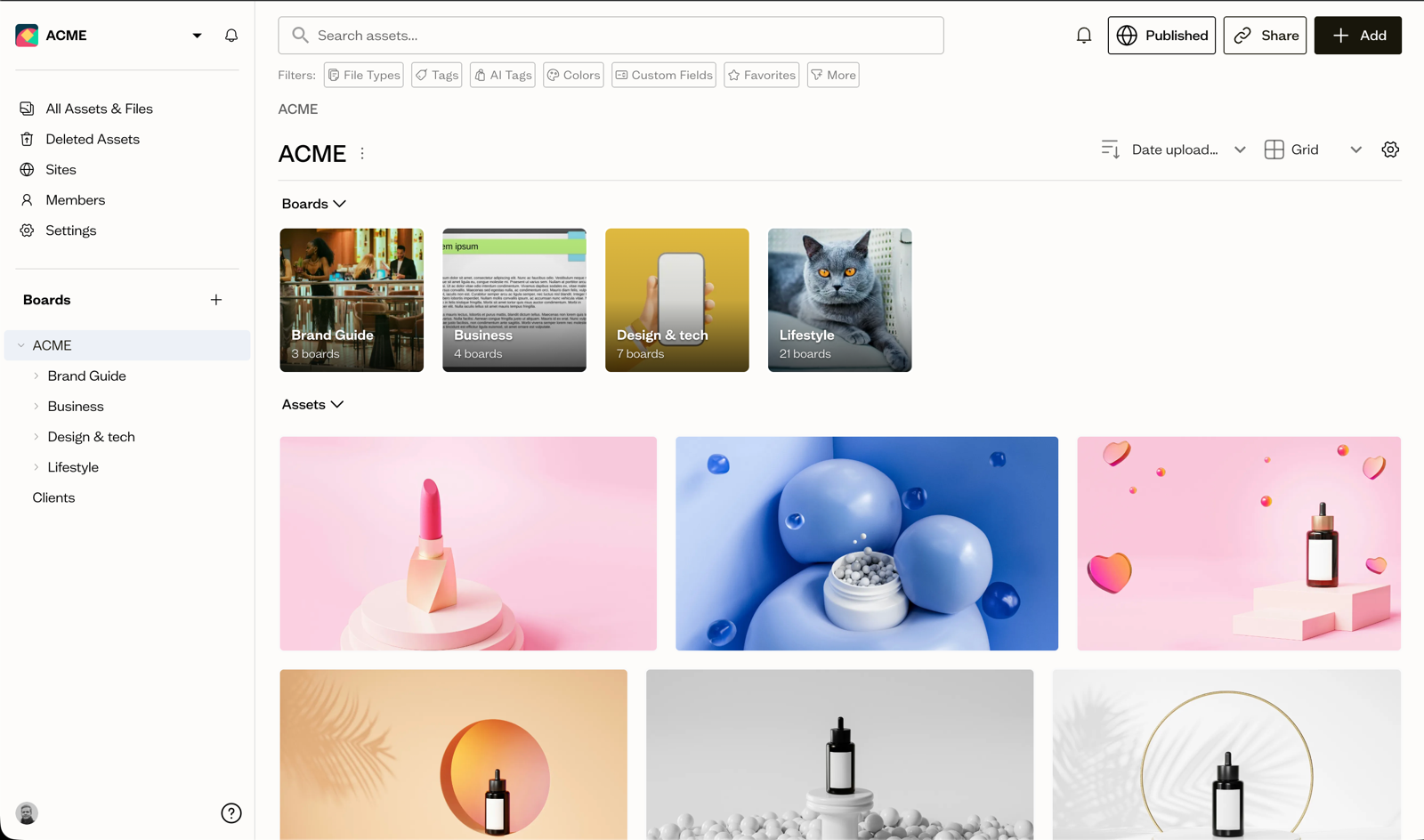
Baseline brand portals work the same way for agencies and in-house teams: a permanent URL that hosts the live brand kit, always current, accessible without a login. When the logo is updated, every shared link immediately reflects it. No zip files, no version numbers, no "which one is final?"
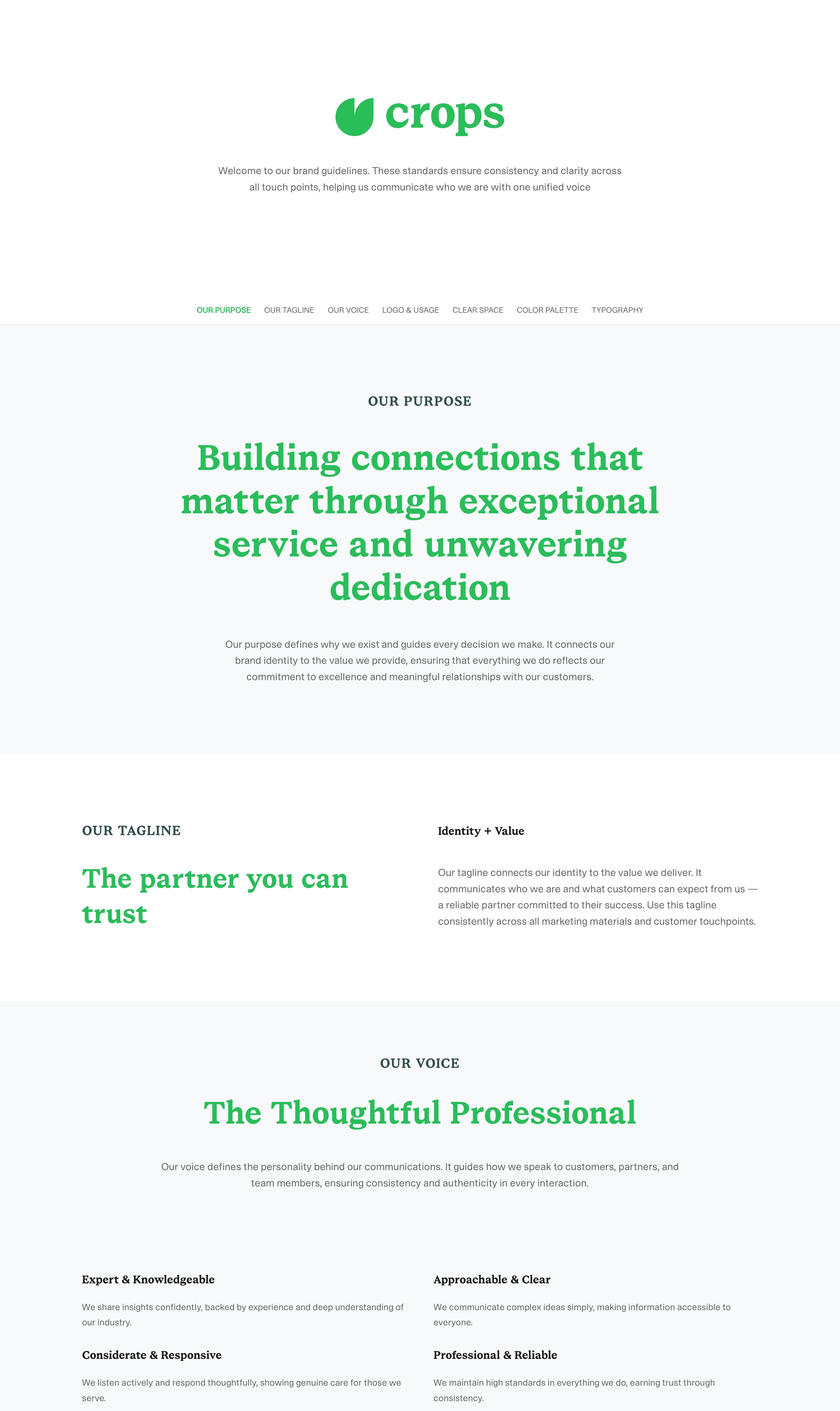
The common thread across all three: the kit answers "what file do I use?" before anyone has to ask.
How to Create a Brand Kit
Step 1: Gather what already exists
Before building anything new, collect every brand asset currently in use: logo files from the original design files, color codes from the website CSS or past marketing materials, font names from existing collateral. Most teams discover multiple conflicting versions at this stage. That's normal and it's exactly what you're here to fix.
Step 2: Define the canonical versions
For each asset type, decide what's official:
- Which logo file is the current master?
- What are the exact color codes (not "the blue" — the hex)?
- Which fonts are licensed and available to the whole team?
If there are gaps (e.g., nobody has the original vector logo files), this is the moment to address them, not after the kit is distributed.
Step 3: Organize by asset type
Structure the kit so it's scannable without explanation:
Brand Kit/
├── Logos/
│   ├── Primary/
│   ├── Secondary/
│   └── Icon/
├── Colors/
├── Fonts/
├── Templates/
└── Photography/
The person using the kit shouldn't need to ask which folder to look in.
Step 4: Document the basics inline
For each asset section, include just enough context to answer the obvious questions:
- Logos: which version for which background
- Colors: hex/RGB/CMYK for each, and any pairing rules
- Fonts: where to download/purchase the license, fallback options
Full guidelines belong in the brand book. The kit just needs enough information to prevent the most common mistakes.
Step 5: Put it somewhere people can actually find it
This is where most brand kits fail. A zip file in a shared drive is not a brand kit people use. It's one that sits untouched until someone digs it up for a project. By then it's outdated.
A brand kit that works is stored somewhere:
- Always current — the file is updated in place, not versioned as "Brand Kit v4 FINAL (1).zip"
- Easy to share — a link you can send to a freelancer or new employee without attaching anything
- Accessible without a login — partners and vendors shouldn't need to create an account to get a logo
This is what a brand portal solves: a permanent URL where your brand kit lives and anyone you share it with can access the current version of every asset, without asking.
The Problem With Treating a Brand Kit as a Zip File
A zip file is a snapshot. The moment you create it, it starts going stale.
Six months after you distribute it:
- The color system got updated, but the zip file still has the old swatches.
- The logo got a small refinement, but vendors are still using the version from the attachment they received in January.
- A new employee onboards using a kit linked in an old email that predates the rebrand.
None of this happens because people are careless. It happens because a static file has no way of communicating that it's outdated. Nobody gets notified. There's no single URL that's always current, just files and forwarded attachments.
This is the same problem that affects brand books and brand compliance in general: the guidelines can be excellent, but if the copy someone's working from is out of date, the kit is actively working against the consistency it's supposed to protect.
The fix is the same: store the brand kit in a system that makes the current version the only accessible version. Not a folder of files, but a managed asset library where an update to the master logo instantly becomes what everyone accesses from the link you shared.
That's what Baseline does: your brand kit lives at a permanent URL, always current, no login required for collaborators. When you update the logo, every shared link reflects it immediately. Start free →
Frequently Asked Questions
What is the difference between a brand kit and brand guidelines?
A brand kit is a collection of files: logos, color codes, fonts, templates. Brand guidelines are the rules for how those assets should be used. Both serve different purposes: the kit is what people use to build materials, and the guidelines tell them what's allowed. You need both; one without the other either creates inconsistency (assets without rules) or paralysis (rules without files).
What should a brand kit include?
At minimum: logo files in all variants and formats, color palette with hex/RGB/CMYK values, typography with font files or download links, and at least a few templates for common use cases (social posts, presentations). More complete kits also include photography guidelines, icon sets, and brand patterns.
What is a brand identity kit?
A brand identity kit is another name for a brand kit, with a slight emphasis on the visual identity elements specifically (logo, colors, and typography) rather than operational assets like templates. The terms are used interchangeably.
How often should you update a brand kit?
Any time a core asset changes: logo refresh, new color added to the palette, font licensing change, new template created. The practical answer is that it should be updated continuously rather than in batches, which is exactly why platforms like Baseline store your kit as a live portal rather than a downloadable file. Updates happen once, in one place, and every shared link is immediately current.
What file formats should logos be in?
At minimum: PNG (with transparent background) for digital use, SVG for scalable web/design use, and EPS or AI for print. JPEG is useful as a fallback but shouldn't be the primary format. The logo should be available in all approved color variations (full color, reversed, black, white) in each of these formats.
What's the difference between a brand kit and a media kit?
A brand kit is for internal teams and external collaborators who are creating brand materials. A media kit (or press kit) is for journalists and press contacts who need information about the brand: company overview, key stats, executive bios, and press-ready assets. A media kit often includes brand assets from the brand kit, but serves a different audience.
If your brand kit still lives in a zip file on Google Drive, it's already out of date. Baseline gives you a permanent, always-current brand portal: upload your assets once and share a single link with your whole team, agencies, and partners. Try Baseline free →
A brand kit is one piece of the bigger picture. For the full process, agencies especially, see brand asset management: a practical framework.