
Your design team spent three months perfecting your brand guidelines. Your logo files, color codes, approved typography, photography library — all organized and documented. Then a partner emails asking for "the logo." A sales rep presents at a conference using a version from two years ago. A regional office launches a campaign with the wrong shade of blue.
None of this happens because people don't care about your brand. It happens because they can't find what they need when they need it.
A brand portal solves this by giving everyone — your internal team, external partners, clients, and agencies — a single place to access approved brand assets and guidelines on demand.
What Is a Brand Portal?
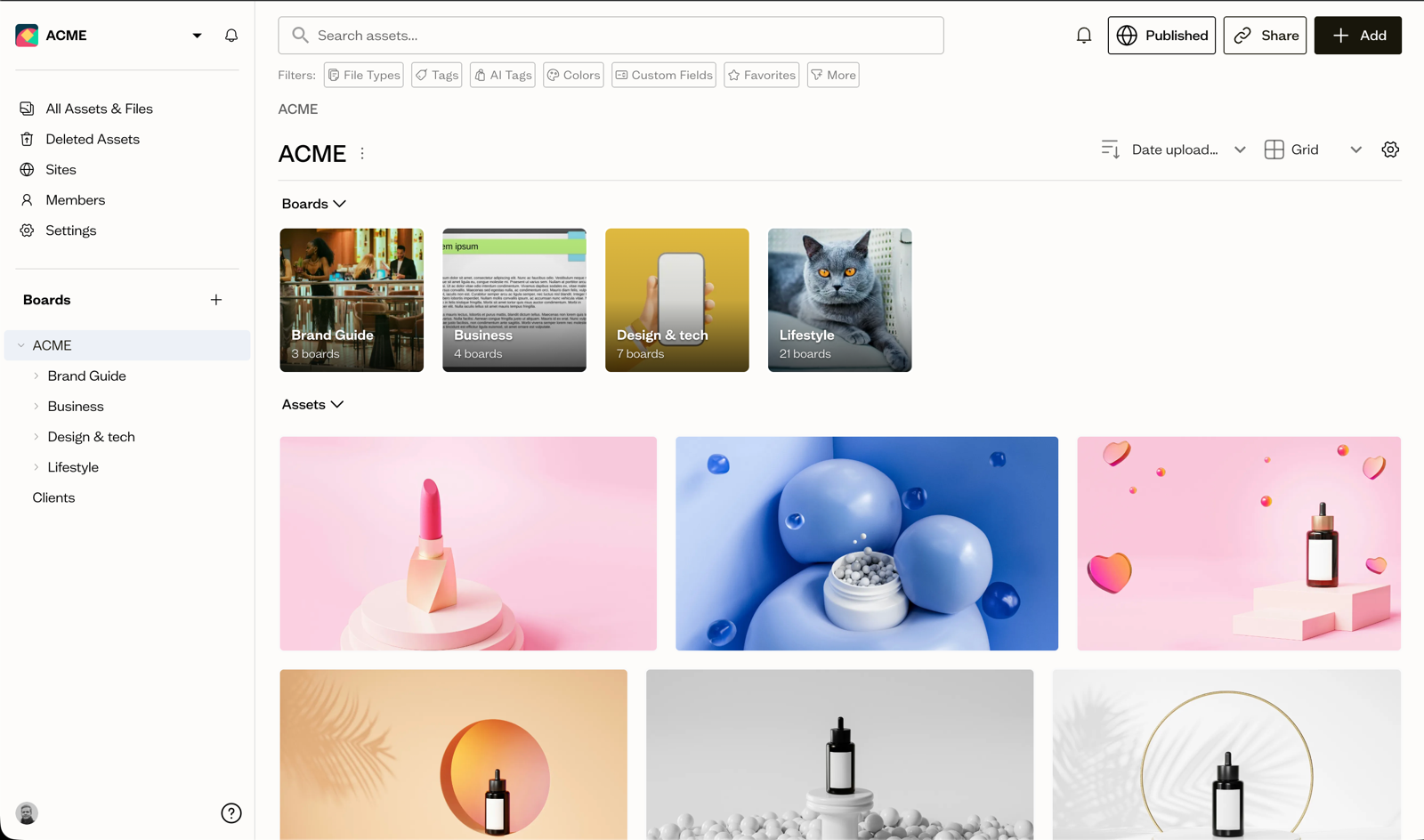
A brand portal is a centralized, web-based platform where organizations store and share their brand assets, guidelines, and resources with internal teams and external stakeholders.
Think of it as a self-service library for your brand. Instead of hunting through email threads, asking the design team for files, or guessing which logo version is current, anyone who needs brand materials opens the portal and finds exactly what they need — logos in every format, color codes, typography specs, approved photography, templates, and full brand guidelines.
Brand portals go by several names: brand hub, brand resource center, brand asset portal, or brand toolkit. They all describe the same core concept: a dedicated home for your brand that keeps everyone aligned.
Brand Portal vs. Brand Guide vs. DAM
These three tools often get confused because they overlap — but they serve distinct purposes:
| Tool | Primary Purpose | Who Uses It |
|---|---|---|
| Brand Portal | Self-service access to brand assets and guidelines | Anyone who needs brand materials |
| Brand Guide | Documents brand standards and rules | New team members, agencies, partners learning your brand |
| DAM (Digital Asset Management) | Stores, organizes, and manages all digital assets | Creative teams, marketers, asset managers |
In practice, a modern brand portal combines elements of all three. It doesn't just document guidelines like a static brand guide — it connects live to your asset library so users can download current files. And unlike a DAM built primarily for internal teams, a brand portal is designed for broad, self-service access including external partners who shouldn't navigate your entire file system.
Baseline's digital asset management platform takes this integration further: your brand portal, brand guides, and asset library are all connected. When you update a logo in your library, it automatically refreshes everywhere it's published — including your live brand portal.
Key Features of a Brand Portal
Not all brand portals are equal. Here are the core features that separate a functional portal from one that actually gets adopted.
Asset Access and Download
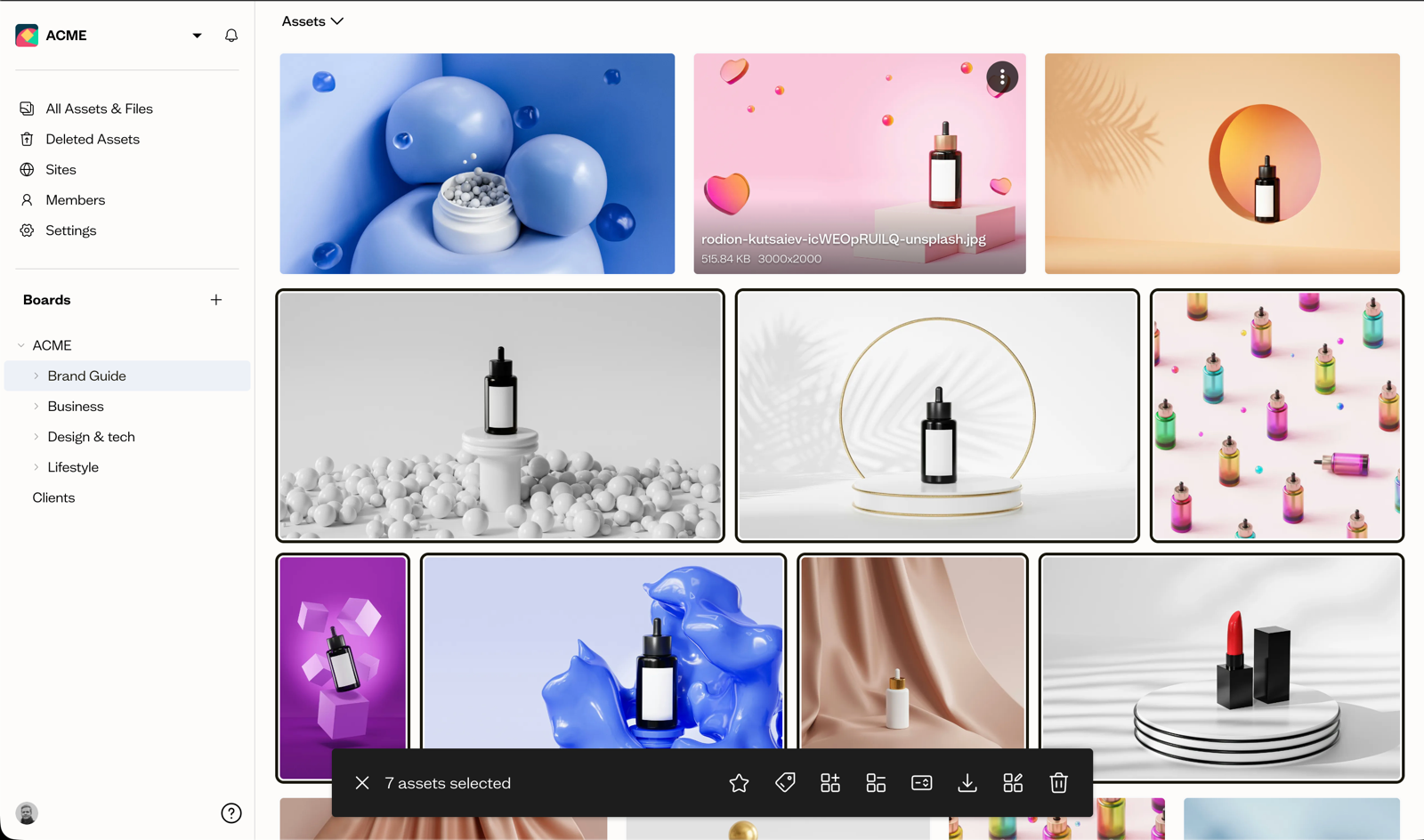
The foundation of any brand portal is making it easy to find and download approved files. This means:
- Organized collections by asset type (logos, photography, icons, templates)
- Multiple file format options (PNG, SVG, PDF, EPS) in one download
- Search functionality to find specific assets quickly
- Preview before downloading
Brand Guidelines Integration
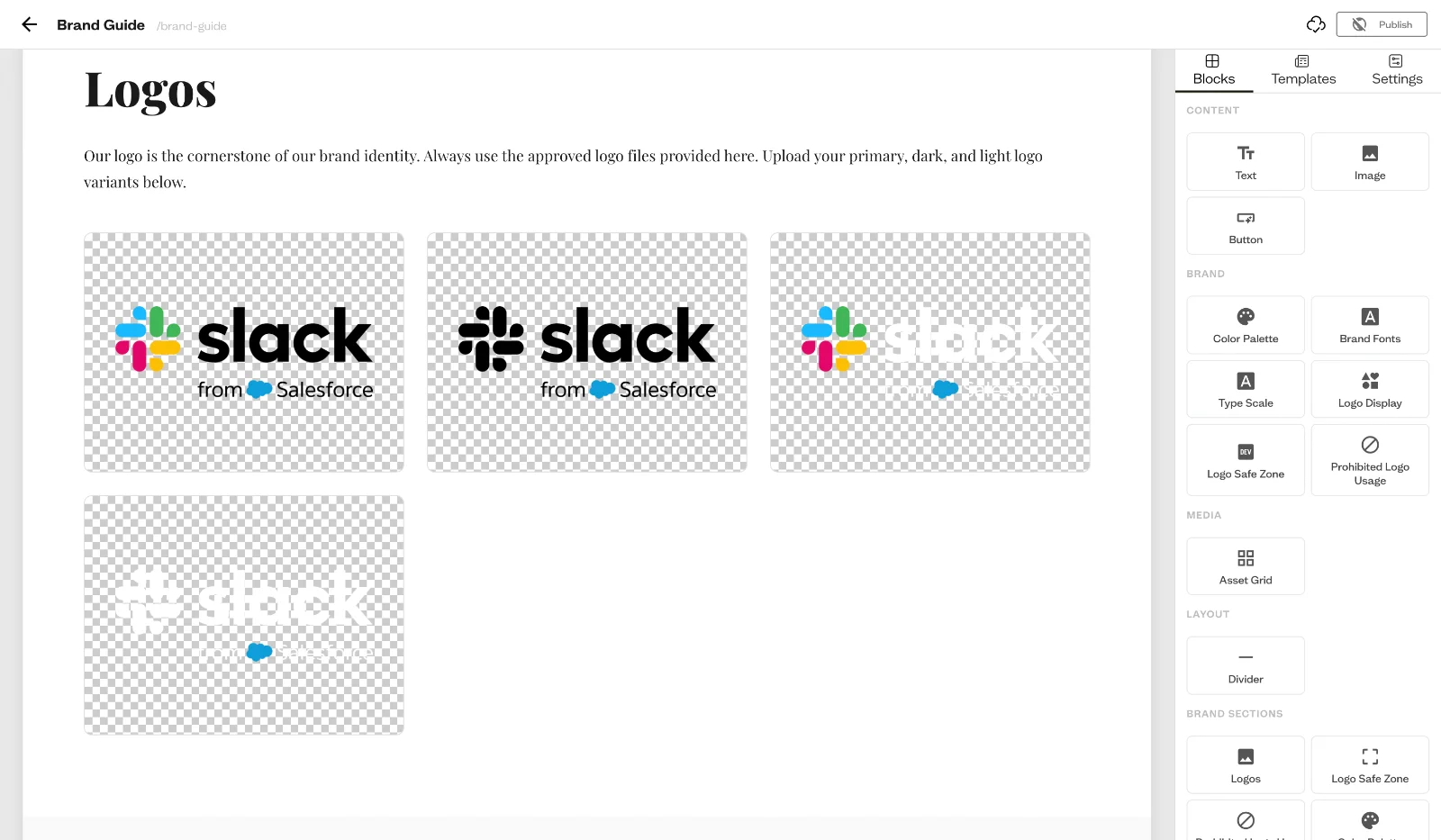
Assets without context create confusion. A strong brand portal includes your brand guidelines alongside your assets — color codes, typography specifications, logo usage rules, spacing guides, and tone of voice. Users get the asset and the instructions for using it correctly.
Granular Access Controls
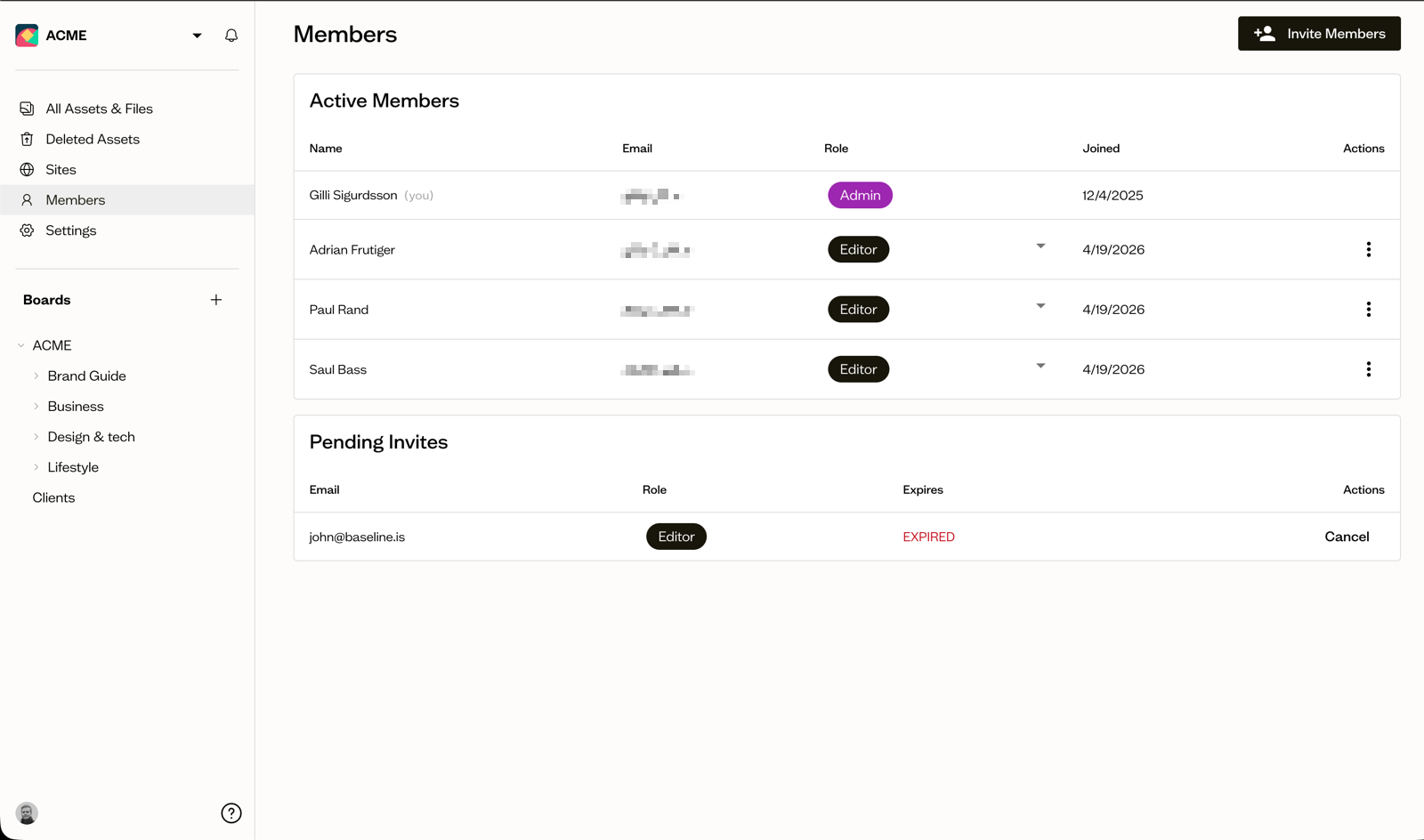
Not everyone should access everything. A robust brand portal lets you set permissions at multiple levels:
- Public access — anyone with the link can browse and download
- Password protected — shared with specific audiences like press or event attendees
- User accounts — different permissions for employees, agencies, and partners
- Collection-level permissions — share specific asset sets without exposing your entire library
Branded, Professional Presentation
A brand portal is itself a brand touchpoint. It should reflect your visual identity — custom domain, your colors, your logo — not generic file-sharing software. When a partner opens your brand portal, the experience should feel consistent with your brand.
Real-Time Updates
This is what separates a brand portal from a static folder share. When assets are connected to a live library, updates propagate automatically. Replace an outdated logo in your DAM, and every portal that references it shows the new version immediately — no manual updating, no stale assets reaching your partners.
Analytics and Usage Tracking
Knowing how your portal gets used informs both asset strategy and brand governance. Which assets get downloaded most? Which partners are actively engaged? Which files never get touched? Analytics answer these questions.
Who Uses Brand Portals?
Brand portals serve a wide range of organizations and teams — the common thread is anyone managing a brand across multiple people, teams, or external parties.
Marketing and Brand Teams
Internal teams use brand portals to ensure consistent asset usage across departments. Sales uses the right presentation template. HR references the correct employer branding. Social media grabs approved photography. Everyone self-serves without creating bottlenecks for the design team.
Agencies Managing Multiple Clients
Agencies benefit in two directions. First, creating portals for their clients — giving each client a professional, organized home for their brand assets that the agency manages. Second, giving clients access to approved assets so they're not calling the agency every time they need a logo.
Baseline for agencies is built for exactly this use case: agencies create client-specific portals within their account, each with its own branding, assets, and permissions. Clients access their portal independently; the agency controls what's available.
Enterprise Brand Teams
Large organizations managing multiple brands, regions, or sub-brands need portals that can handle complexity. A global brand might run a master portal for global assets alongside regional portals with localized content — all maintaining the parent brand's visual standards.
Businesses with Partner Networks
Dealers, distributors, franchisees, and resellers all need brand materials but shouldn't have direct access to your internal file systems. A brand portal gives them self-service access to current materials — product imagery, marketing collateral, co-branded templates — without coordination overhead.
Public Relations and Media
Press portals are a specific brand portal use case: a curated library of press photos, executive headshots, logos, and company information that journalists and media can access and download at any time. This reduces PR team workload and ensures media coverage uses your best, most current materials.
5 Benefits of a Brand Portal
1. Brand Consistency Across Every Touchpoint
The most direct benefit is eliminating off-brand materials. When there's one authoritative source for approved assets, teams stop guessing, recreating, or using outdated versions. The logo that appears in a partner's sales deck, on your website, and in a regional campaign is the same correct file.
This consistency builds recognition. Audiences experience your brand the same way wherever they encounter it, which compounds over time into stronger brand equity.
2. Self-Service Frees Your Design Team
Without a brand portal, every asset request flows through your design team. Someone needs the logo. Someone else needs a high-resolution photo. A partner wants the brand color codes. These requests aren't complex, but they're constant — and they pull designers away from actual creative work.
A brand portal eliminates this bottleneck entirely. Team members and partners find what they need themselves. The design team stops being a human search engine.
3. Faster Onboarding for Teams and Partners
New employees, new agency partners, new regional offices — everyone who joins your brand ecosystem needs to get up to speed on your brand standards. A well-organized brand portal becomes the first stop for onboarding: brand guidelines, asset downloads, and usage examples all in one place.
Instead of a two-hour brand orientation meeting, you send a link.
4. Secure Distribution Without Complexity
Sharing assets with external parties used to mean email attachments, WeTransfer links, or giving partners access to your internal Drive — all with security trade-offs. A brand portal solves this with structured access control.
Partners get access to exactly what they need. Files don't get forwarded beyond intended recipients. Access can expire. And you maintain a record of who downloaded what.
5. Always-Current Assets
Static brand portals — PDFs, zip files, shared folders — go stale the moment you update something. A connected brand portal tied to your asset library means updates are instant and automatic. When your brand evolves, your portal evolves with it. Partners and teams never reference outdated materials without you knowing.
Brand Portal Use Cases
Partner and Reseller Enablement
B2B companies with distributor networks need to arm partners with current product imagery, logos, and co-branded templates. A brand portal eliminates the coordination overhead while ensuring partners always have compliant materials for their markets.
Press and Media Portals
Journalists on deadline don't wait for a PR team to respond to asset requests. A public press portal with high-resolution photos, executive headshots, logos, and company background enables coverage without friction — and ensures the coverage uses your best materials.
Event Asset Distribution
Post-event, attendees, sponsors, and media need photos, recordings, and recap materials. A time-limited portal lets you distribute event content to specific audiences without managing individual requests.
Client Brand Management
Agencies use brand portals to deliver organized brand asset libraries to clients — a professional, branded home for everything the agency has created. Clients access their assets independently; the agency maintains control and keeps materials current.
Internal Brand Governance
Larger organizations create internal brand portals for HR, sales, regional offices, and business units — reducing design team requests and ensuring consistent brand usage across departments that may rarely interact with each other.
How to Set Up a Brand Portal
Setting up a brand portal doesn't have to be complex. Here's a practical approach:
1. Audit Your Brand Assets
Before building the portal, inventory what exists: logos (all formats and variations), color systems, typography files, photography, icons, templates, and guidelines documents. Identify what's current and approved versus what's outdated.
2. Organize by User Need, Not Internal Structure
Organize your portal the way users will look for things — not how you internally organize files. A partner looking for your logo wants a "Logos" section, not "Brand Identity System v3 > Primary Marks > Digital."
Common portal sections:
- Logos and brand marks
- Colors and typography
- Photography and imagery
- Templates and presentations
- Brand guidelines
- Product assets (for product companies)
3. Set Access Permissions
Decide who gets access to what. A public press portal has different permissions than an internal employee portal or a specific client portal. Set these up before sharing any links.
4. Connect to Your Asset Library
If your portal is built on a digital asset management platform, your portal pulls directly from your asset library. Upload to one place; the portal stays current automatically. This is the difference between a portal you maintain and one that maintains itself.
5. Share and Communicate
Send the link to the right audiences with clear context: what's in the portal, how to navigate it, and who to contact with questions. Track early usage to understand whether the organization matches how people actually look for assets.
What to Look for in Brand Portal Software
| Feature | Why It Matters |
|---|---|
| Connected asset library | Updates propagate automatically — no manual syncing |
| Custom branding and domain | The portal reflects your brand, not generic software |
| Flexible permissions | Public, password-protected, and user-level access |
| Multiple download formats | Users get the file type they need |
| Brand guidelines integration | Assets and usage instructions in one place |
| Analytics | Understand adoption and asset usage patterns |
| No-login access option | External users don't need to create accounts for basic access |
Baseline as a Brand Portal
Baseline's publishing platform was built for exactly this use case. It combines digital asset management with direct publishing — meaning your brand portal doesn't just link to files, it's powered by a live asset library.
Key capabilities for brand portals:
- Create multiple portals for different audiences (clients, press, partners, employees)
- Password protection and public sharing
- Galleries and collections with organized asset presentation
- Brand guidelines that reference live assets from your library
- Automatic updates when assets change
- White-labeled with your branding
For agencies, this means each client gets their own portal within a single account — organized, professional, and independent from other clients. For brand teams, it means one update in the library refreshes every portal simultaneously.
Frequently Asked Questions
What is the difference between a brand portal and a DAM?
A DAM (digital asset management system) is primarily an internal tool for storing, organizing, and managing all your digital assets — designed for the team that manages files. A brand portal is designed for broad, self-service access including external stakeholders who need brand materials but shouldn't navigate your internal systems. Modern platforms like Baseline's DAM combine both: a DAM for your team and publishing capabilities for brand portals and brand guides.
Do I need brand portal software or can I use Google Drive?
Shared folders work for small teams with simple needs, but they break down quickly. They don't support branded presentation, fine-grained permissions, automatic format conversion, or real-time connection to an asset library. When you need external parties to access materials, or when you need to control access at a granular level, dedicated brand portal software is worth the investment.
What's the difference between a brand portal and a brand guide?
A brand guide documents your brand standards — it's a reference for how to apply your brand. A brand portal provides access to the actual assets to apply those standards — logo files, photography, templates. A strong brand portal includes both: the guidelines and the downloadable assets in one place.
How much does brand portal software cost?
Pricing ranges significantly based on features and scale. Enterprise platforms like Frontify or Bynder run thousands per month. Mid-market options like Baseline start at $49/month and include brand portals as part of the core platform, making it accessible for agencies and growing brand teams without enterprise budgets.
Can I use a brand portal for external sharing with partners?
Yes — this is one of the primary use cases. You can create a portal with specific collections of partner-relevant materials, set it to password-protected access or generate shareable links, and give partners self-service access to approved marketing materials. They get what they need without you managing individual requests.
How long does it take to set up a brand portal?
With the right tool, a basic brand portal can be live in a few hours: upload your core assets, organize them into collections, add brand guidelines, set permissions, and share the link. A comprehensive portal for a complex brand with multiple audiences takes longer — typically days, not weeks — mostly because of the asset audit and organization work.
Building a Brand That's Always On-Brand
A brand portal isn't just a file-sharing improvement — it's infrastructure for brand consistency. The organizations that maintain strong, consistent brands at scale aren't doing it through stricter enforcement. They're doing it by making the right assets easier to access than the wrong ones.
When every person who touches your brand — internally or externally — can find the right logo, the right photography, and the right guidelines in seconds, brand compliance stops being a discipline and starts being a default.
Baseline's brand portal and publishing tools connect your asset library directly to live, shareable portals that update automatically. For agencies managing multiple clients, brand teams coordinating across departments, or any organization that distributes brand materials to external parties, it's the infrastructure that keeps everyone on-brand without the overhead.
For the deeper mechanics of why this beats a static PDF, see living brand guidelines.