
Hi everybody,
With the new year come new features for Baseline.
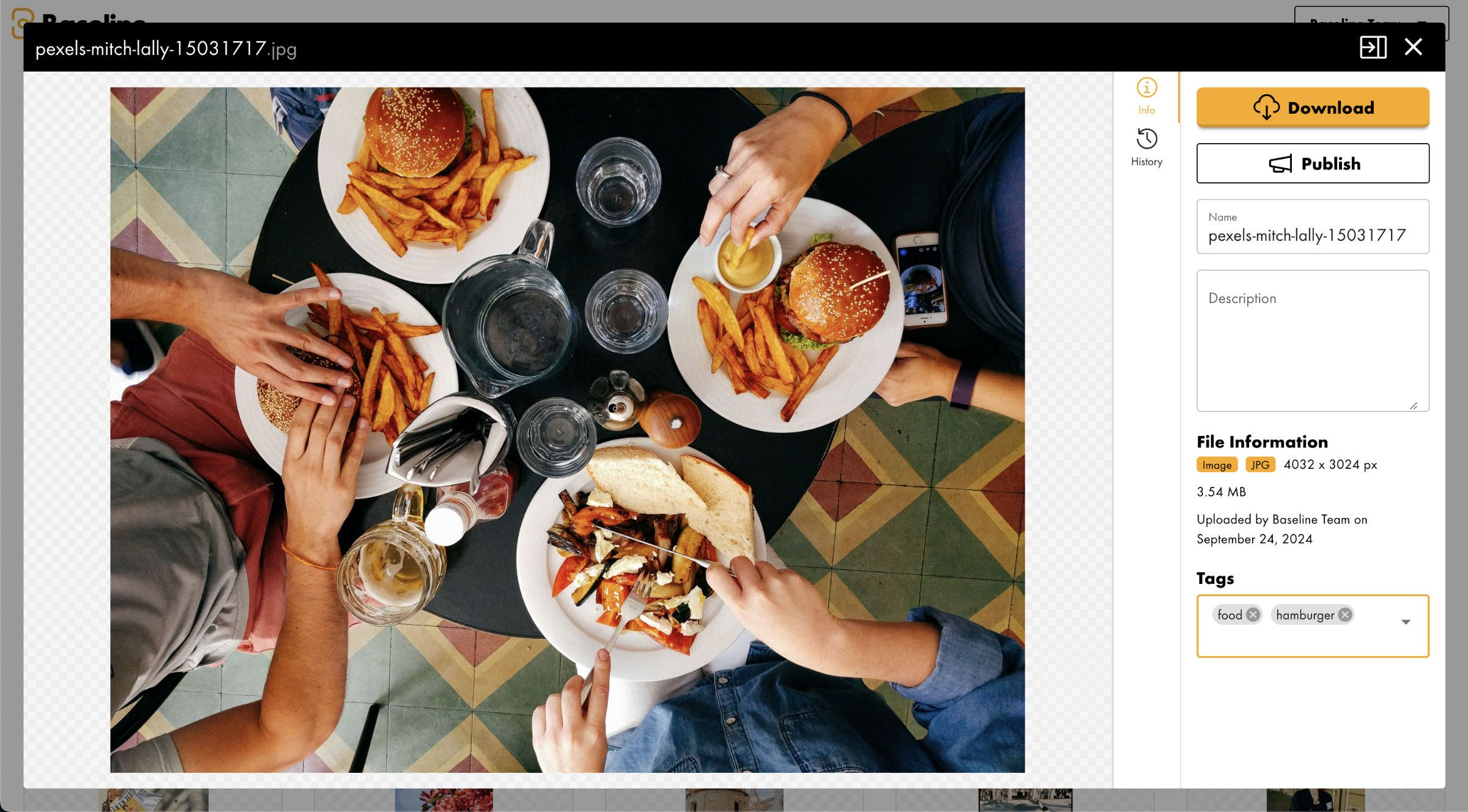
Asset Tags
Asset Tags allow you to add descriptive labels to your assets, making them easier to organize, find, and manage. Simply attach relevant tags to categorize and track your assets more effectively.
You can also use tag filtering to narrow down and find specific assets by searching for their associated tags. Filter your view to show only the assets that match your selected tag criteria, helping you quickly locate exactly what you need.
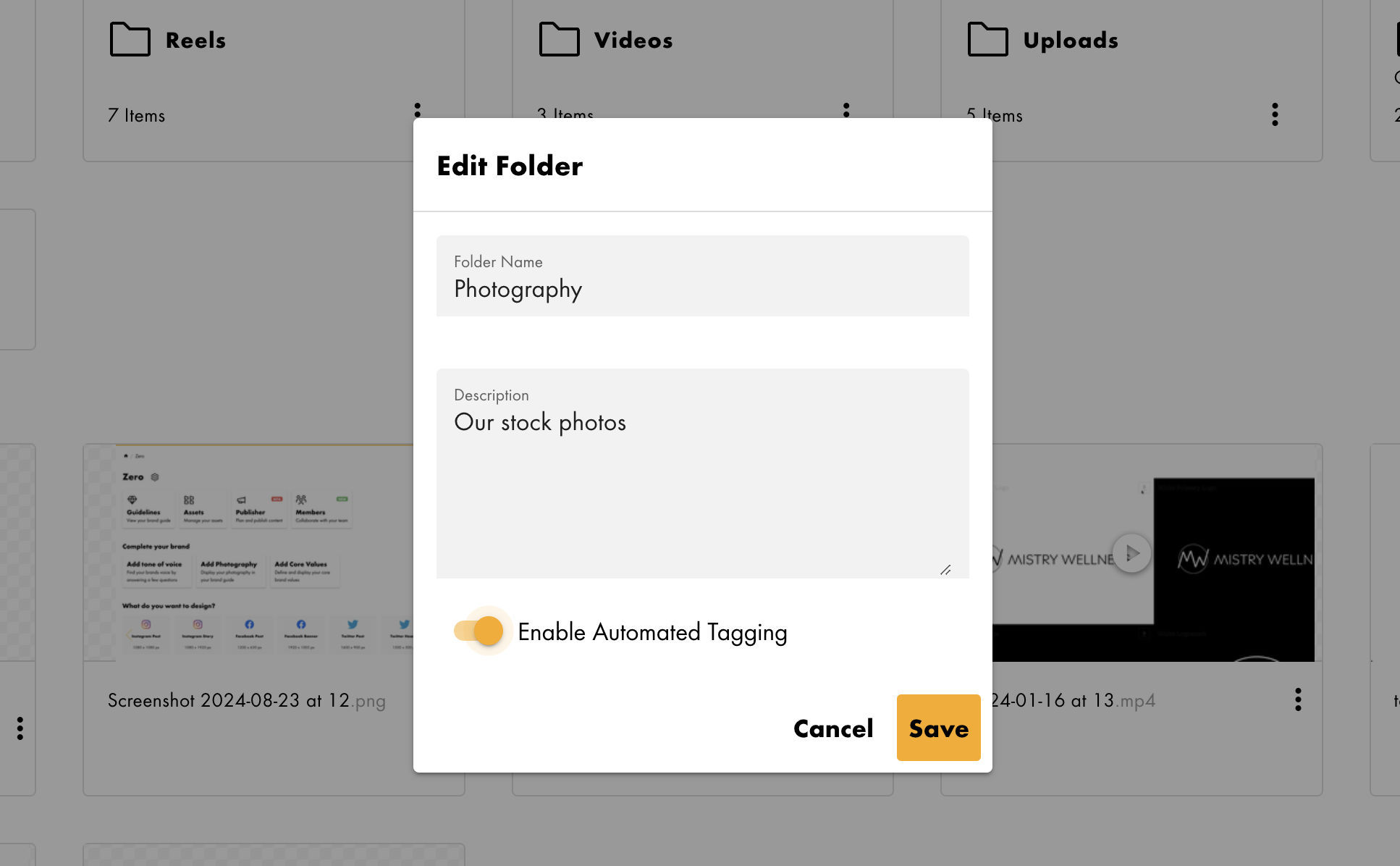
Automated Tagging
The new automated tagging feature leverages AI technology to analyze photos for enterprise users. This powerful capability automatically processes and assigns relevant tags to images, streamlining organization and improving searchability of visual content across the enterprise environment.
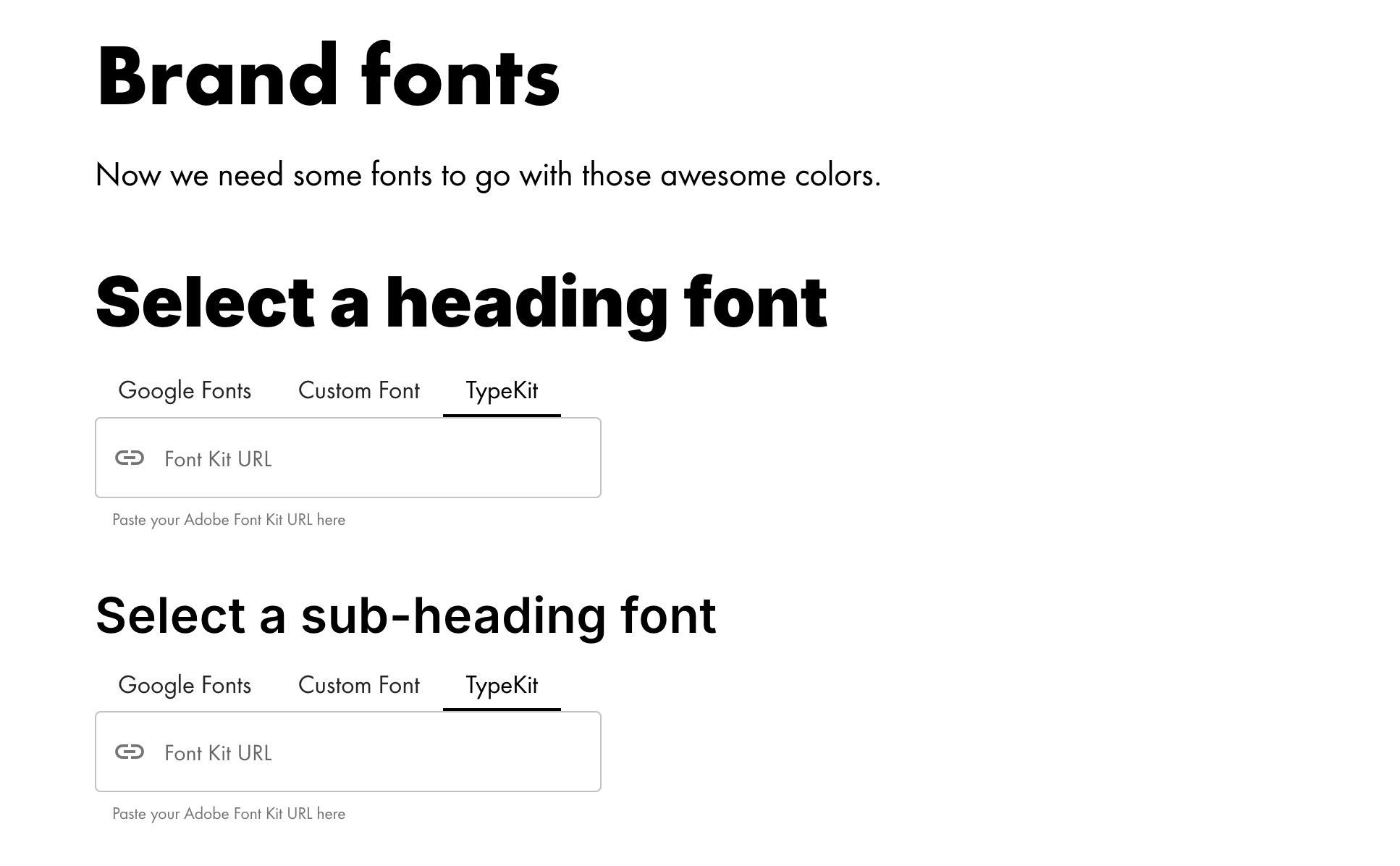
Adobe Fonts/Typekit
Adobe Typekit integration is now available for Pro subscribers and higher tiers, giving you access to thousands of premium fonts to enhance your designs with professional typography.
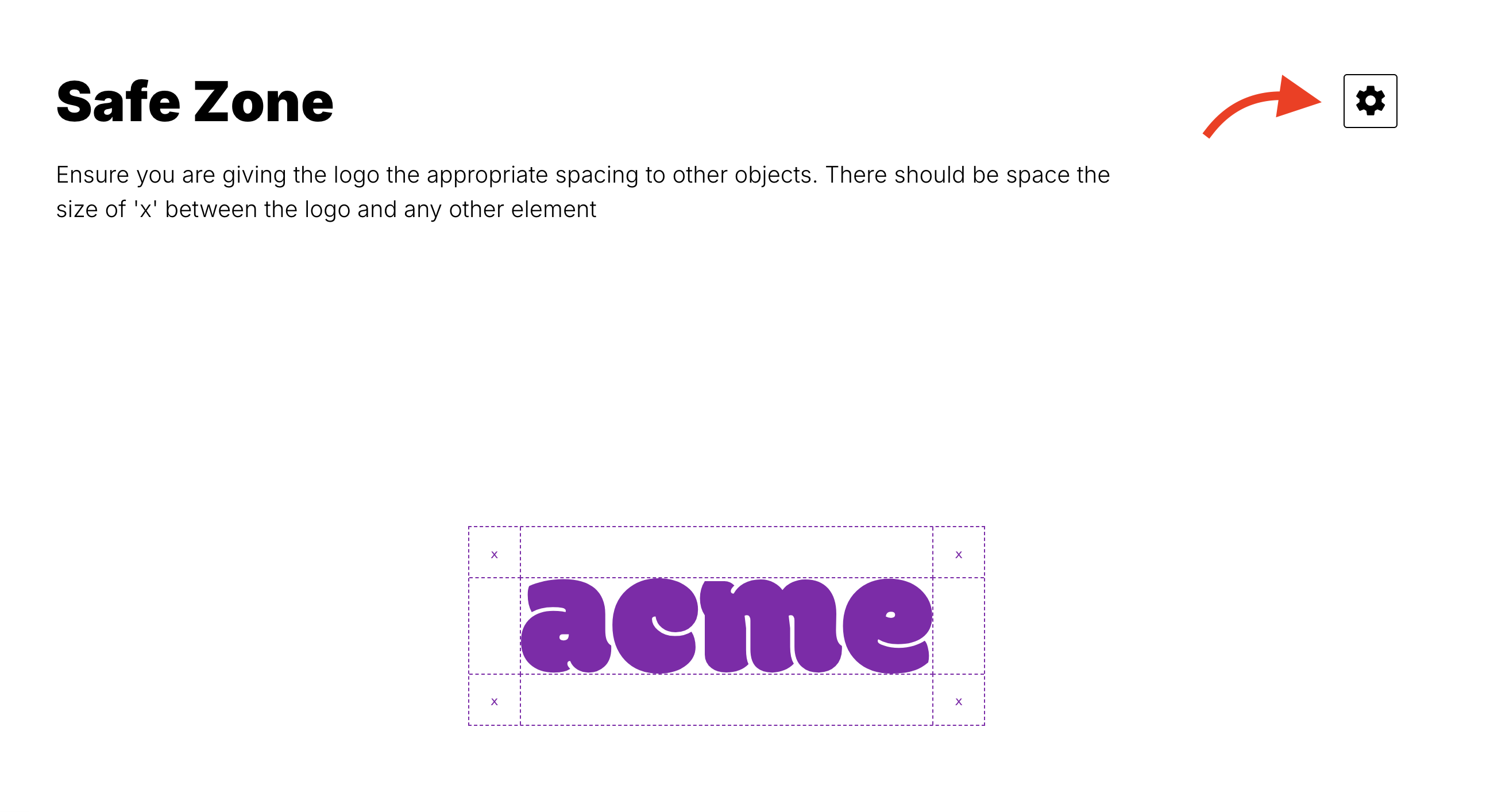
Edit links in brand guide
Edit links can now be accessed directly within the brandguide interface, allowing authorized users to make quick modifications without having to go back to the dashboard.
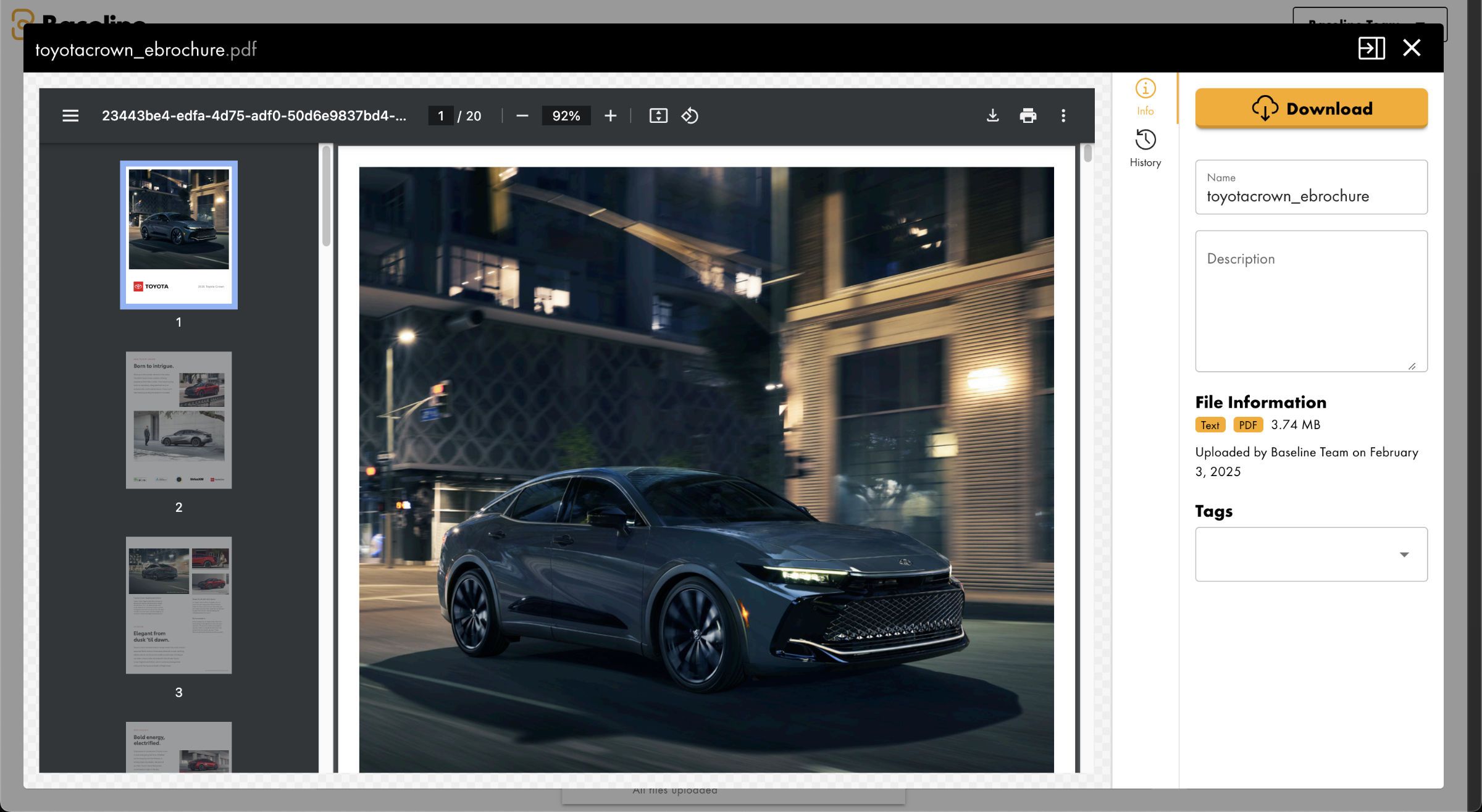
Read PDF files in the asset library
PDF files can now be viewed and read directly within the asset library, eliminating the need to download or open them in a separate application. This streamlined access makes it easier to review PDF content while working with your assets.
Other Improvements and Changes
- Folders now include number of folders in items count
- Search now searches folders as well
- Brand list loading time reduced
- Uppercase is now also available for custom fonts
Fixes
- A serious bug causing team brands to get deleted
- Mobile layout issue for gradients
- A bug causing organization templates not to show up in brand dashboards
- Renaming assets throwing an error
- Incorrect metadata causing sizing issues in designer
- Wrong aspect ratio when exporting PNG logos from brand guide
- Weight settings not working for google fonts
- Trial plans failing to stop when subscribing