
Your brand guide just got a lot more flexible. This week we shipped a set of updates that give you full control over how your brand guide looks and reads.
At a glance
You will now see a new toolbar when visiting the brand guides, if you have editing rights.
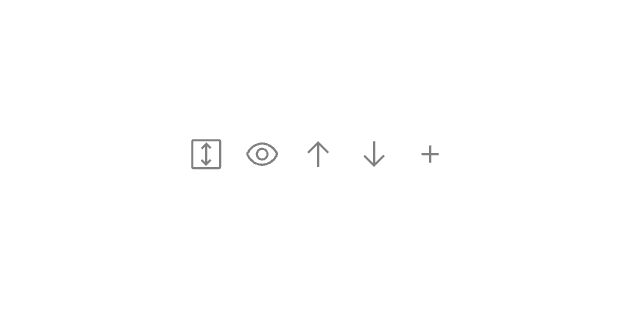
Rearrange Sections
You can now reorder every section of your brand guide with simple up and down controls. Put your most important content front and center, or organize things in whatever way makes sense for your team and collaborators.
Show & Hide Sections
Not every section is relevant for every audience. You can now hide individual sections from view without deleting any of your content. Toggle them back on whenever you're ready — your data stays right where you left it.
Section Padding
Fine-tune the spacing between sections with new top and bottom padding controls. Choose from small, medium, or large spacing to get the exact look you're going for.
Custom Text Sections
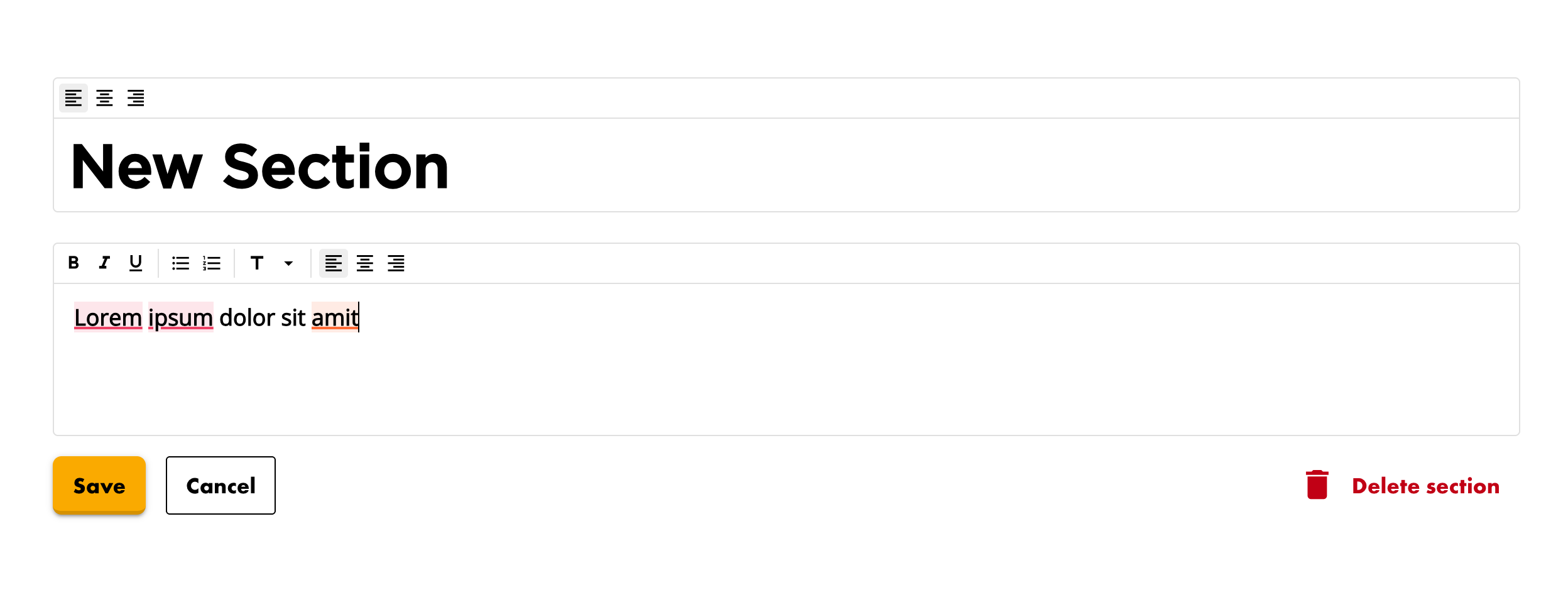
Need to add messaging guidelines, a brand story, or usage notes? You can now insert custom text sections anywhere in your brand guide. Each one comes with a rich text editor so you can format content with headings, lists, and more. Add as many as you need, edit them inline, and delete them when they've served their purpose.
Preview Mode
Preview how the brand guide will look like without any editing controls, including the settings buttons on each section. What you see is exactly what your team and clients will see when viewing your brand guide.
These updates are live now for all users. As always, if you have feedback or ideas for what we should build next, we'd love to hear from you.
Next Up
We are considering big changes and change of focus in Baseline. If you have ideas on the direction you'd love to see Baseline head in, don't be shy and get in touch!